How to Dictate Prompts Into ChatGPT on Your Desktop
ChatGPT dictation means speaking your prompt so it lands in the message box as editable text, then reading it back and fixing it before you press Enter. That is a different job from Voice Mode, which holds a spoken conversation and answers out loud. For a long, carefully worded prompt, you want text you can still change.
ChatGPT dictation and Voice Mode are two different jobs
Most pages on this topic blur the two together. Picking the wrong one is why people give up on voice input for AI chat after a day.
Voice Mode is a conversation. You talk, ChatGPT talks back in real time. Good for quick questions and thinking out loud.
Dictation is typing with your mouth. OpenAI's Voice Dictation FAQ puts it plainly: press the microphone icon, the audio is transcribed, and the text comes back for you to edit before sending. OpenAI's Using voice guide draws the same line.
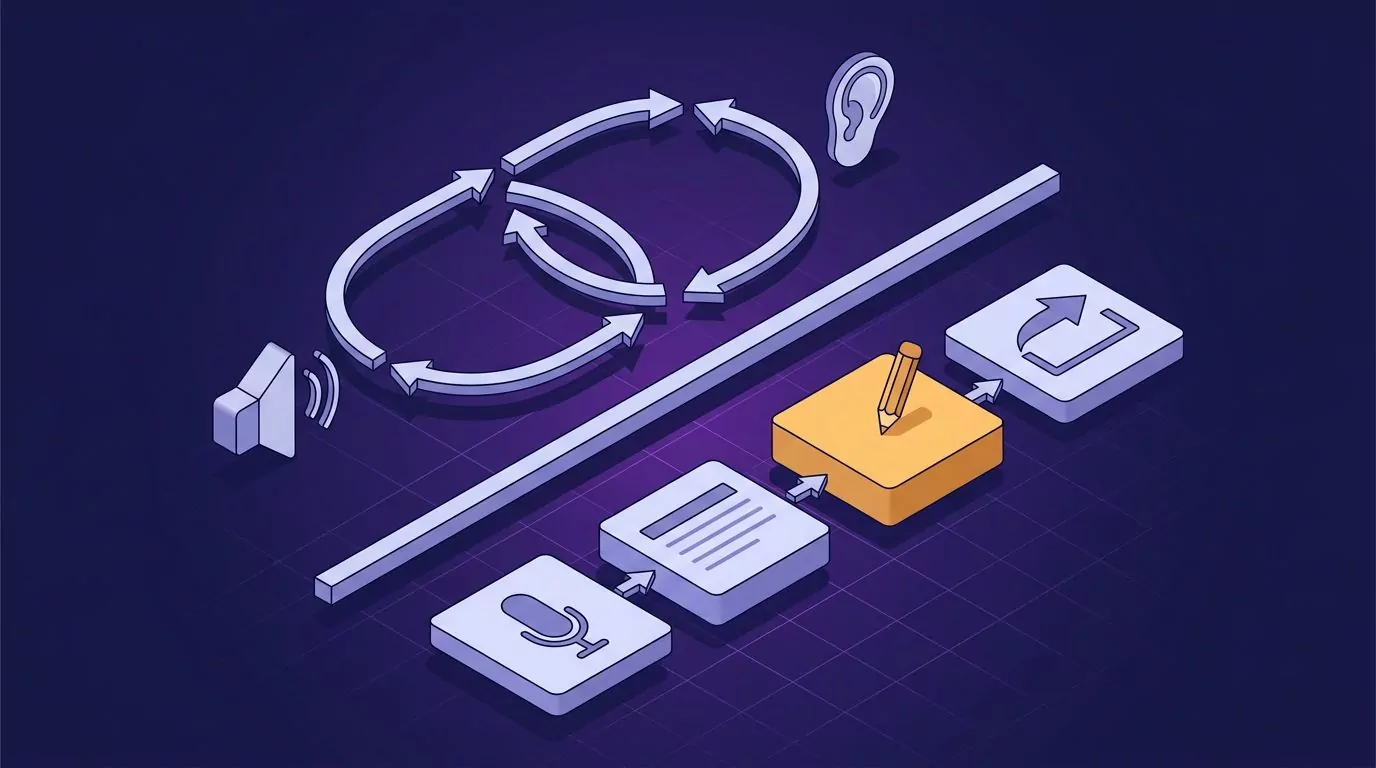
The practical split on ChatGPT Voice Mode vs dictation:
| Question | Voice Mode | Dictating into the box |
|---|---|---|
| What comes back | A spoken reply | Text, nothing sent yet |
| Edit before sending | No | Yes |
| Best for | Quick questions | Long prompts and specs |
| Mix in typed context | Awkward | Yes |
If you write 300 word prompts with constraints, examples, and a required output format, you want the right column.
Dictate prompts with the tools already on your Mac or PC
You do not need to install anything to try this. Both desktop systems ship dictation that types into any text box, browser tabs included. Put the cursor in the ChatGPT message box first.
Windows: press Windows key and H
Microsoft's guide to voice typing on your PC lists three requirements: an internet connection, a working microphone, and your cursor in a text box. Press Windows key + H, wait for the Listening alert, and speak. Say "stop listening" when you are done.
Turn on automatic punctuation first. Without it you say "comma" and "period" out loud, which is fine for a sentence and miserable for a page. If nothing happens, our walkthrough of the Windows dictation shortcut covers the usual causes.
macOS: use the Dictation shortcut
Apple's Use Dictation on Mac page says to press the Microphone key, use the Dictation keyboard shortcut, or choose Edit then Start Dictation. Press Escape to stop.
Two details matter. Apple says you can dictate text of any length without a timeout, and that dictation stops on its own after 30 seconds of silence.
On Apple silicon Macs, Apple says general text Dictation is processed on the device rather than sent to Siri servers. New to it? Start with how to dictate on a Mac.
Where they stop is the honest part. Built-in dictation turns speech into words and no more. It does not tidy a false start, drop the "um" you said while thinking, or guess that your pause meant a paragraph break.
For a Slack reply that is fine. For a prompt you plan to reuse, expect to edit.
The ChatGPT desktop app compared with a browser tab
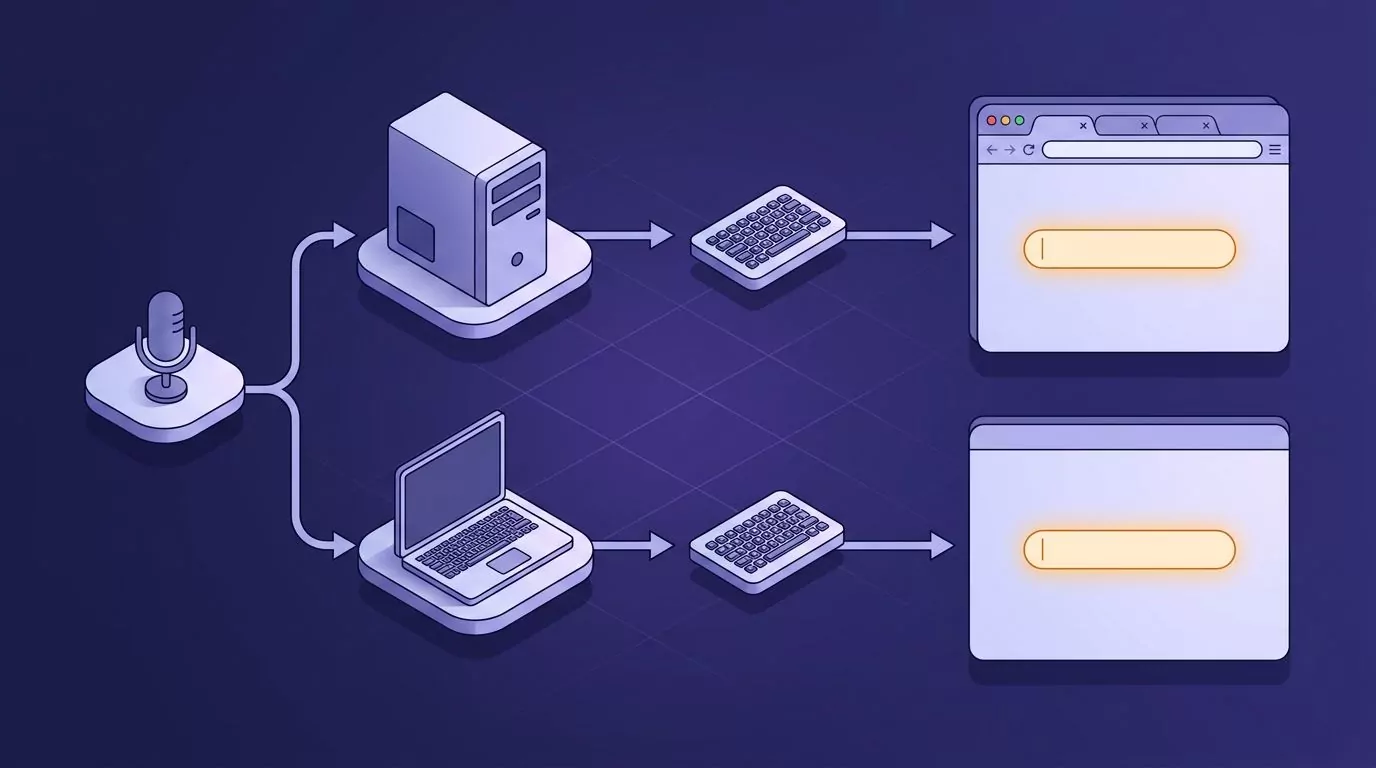
For voice input, what matters is the text box, not the wrapper around it.
In a browser tab, microphone access is a stack of three permissions: the site, the browser, and the operating system. Any one can be off, and the symptom is identical in all three cases. Nothing happens.
The desktop app needs one permission instead of three, granted once in system settings. Fewer places to break.
System-wide dictation levels this out. Windows key + H and the Mac shortcut type wherever the cursor is, so they work in the app and the tab alike. So does any tool that inserts text at the cursor rather than living inside a web page.
One caution. The usual advice here is to install a browser extension, which stops helping the moment you move to the desktop app or a terminal. Cursor-level tools do not have that gap, which is why they turn up in voice coding setups where the target might be an editor one minute and a chat box the next.
Dictate a long prompt without the microphone cutting off
You get four sentences into a detailed prompt, pause to think, and the microphone has quietly stopped. The rest goes nowhere.
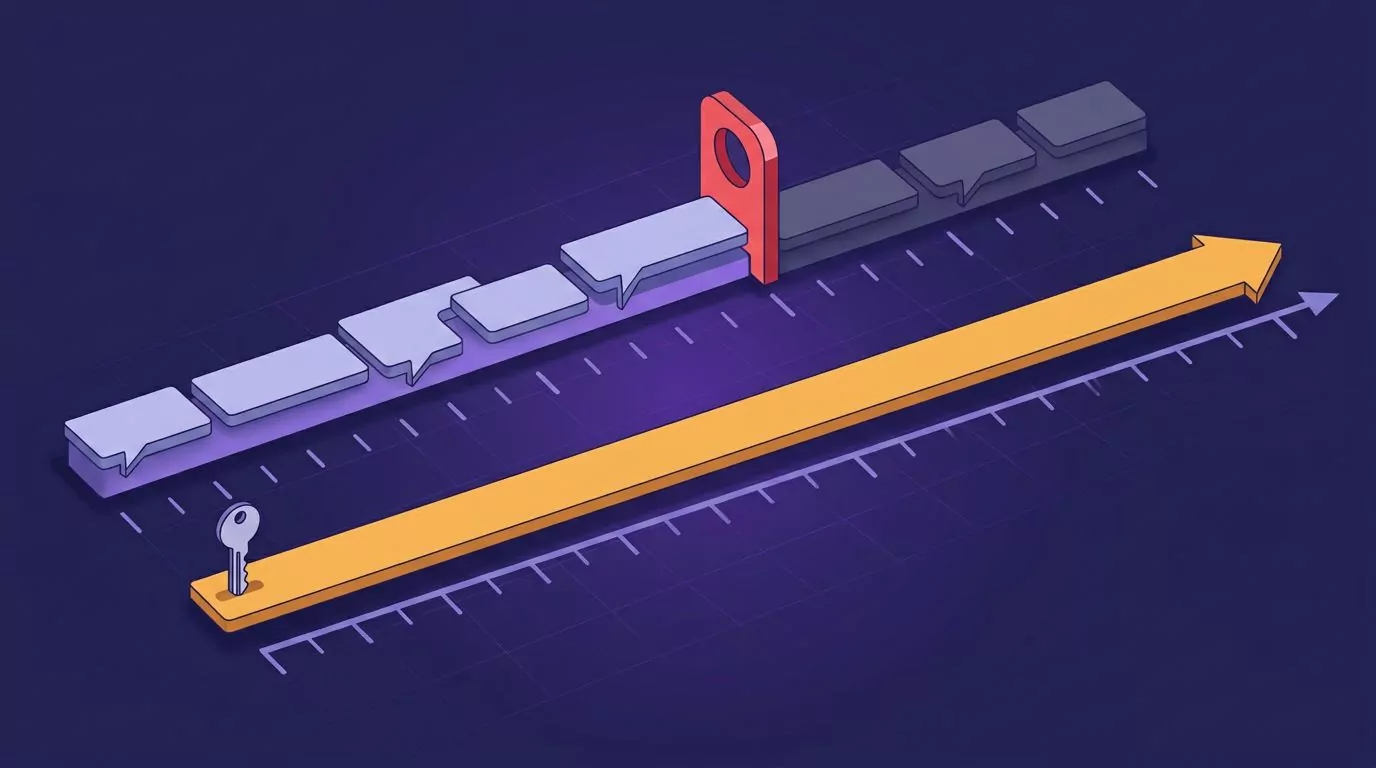
The cause is a silence timer. Most built-in dictation reads a pause as "finished" and closes the session.
Apple documents its version at 30 seconds. Windows voice typing is far less patient, and a few seconds of thinking often ends it.
Four things that help:
- Plan the shape first. Decide your task, constraints, and output format. You are reading a plan aloud, not composing from nothing.
- Speak in chunks. One paragraph per session, letting text build up in the box. OpenAI notes the dictation button stays available after you add text, so you can keep extending the same message.
- Do not go fully silent. If you need a beat, keep a low filler sound going. Silence is the trigger, not the thinking.
- Hold a key for the long ones. A shortcut you physically hold cannot time out, because you decide when it ends.
Read it before you send it, because that is the point
Speaking is fast. Most people speak far quicker than they type, and we broke the figures down in our piece on average typing speed. Speed is only half the story.
Spoken prompts drift. You start with a clear instruction, add a qualification, remember an exception, and by sentence six you are asking three overlapping things.
On the page that is obvious. Out loud it is not.
Give the draft one pass and look for three things:
- Contradictions. Two instructions that cannot both be satisfied.
- Buried constraints. The word count you mumbled halfway through, which belongs at the end where it will be seen.
- Mangled technical terms. Every speech engine garbles library and function names eventually.
Fix the mangled term in the box, not in a follow-up message. Otherwise the model anchors on the wrong word for the rest of the thread. This edit pass is why voice to text for ChatGPT beats a spoken conversation for real work, and the same habit carries across other apps in our guide to talk to text on a computer.
Keep the prompts that worked and find them again
The prompt you spent four minutes shaping now lives inside one conversation, mixed in with everything else you asked that day. Two weeks later you know you wrote a good one. You do not know which thread.

VoiceSnap Pro keeps the prompt outside the chat. You hold your chosen shortcut, speak, and release; clean punctuated text appears at the cursor, with capitalization, paragraph breaks, and filler words removed. Because the shortcut is held rather than toggled, no silence timer cuts you off.
Every dictation is also saved as a note, tagged with the app and the time. Search the library by any phrase you actually said, browse by day and app, and export as plain text or Markdown. No filenames to invent, the same reason a searchable commonplace book beats a folder of files.
On privacy: audio is transcribed to text and then discarded, with no playback and no stored recordings. That differs from the chat you are dictating into, since OpenAI says dictation audio is kept while the chat stays in your history and is deleted within 30 days of you deleting it. More on why that matters in zero data retention voice apps.
Two honest limits. It is pre-launch, so there is no download yet, only a waitlist. And it is desktop only, macOS and Windows.
Frequently Asked Questions
Can ChatGPT do voice to text?
Yes. OpenAI's Voice Dictation FAQ says pressing the microphone icon records an audio message, sends it to be transcribed, and returns the text for you to edit before sending. That is separate from Voice Mode, which speaks its answers back.
What is the difference between ChatGPT Voice Mode and dictating a prompt?
Voice Mode is a two-way spoken conversation with an audible reply. Dictation turns speech into text in the message box and stops there, so you read and revise before anything is sent. Long prompts belong in the second one.
Why does dictation cut off partway through a long prompt?
Almost always a silence timer reading your pause as the end of your turn. Apple documents a 30 second cutoff for Mac Dictation, and Windows voice typing gives up much sooner. Dictating one paragraph at a time, or holding a key down, avoids it.
Can you dictate into the ChatGPT desktop app as well as the browser?
Yes. System dictation types wherever the cursor is, so Windows key + H and the Mac shortcut work in both. The app needs microphone permission once, while a browser tab needs it at the site, browser, and system levels.
Is dictating a prompt private?
It depends on the tool. Apple says general text Dictation runs on device on Apple silicon Macs, while Windows voice typing uses online speech recognition, so audio leaves your PC. OpenAI keeps dictation audio while the chat is in your history.
Start with the tools you already have
Open ChatGPT, put the cursor in the message box, and press your platform's dictation shortcut. Speak one paragraph, read it, fix it, send. That habit is most of the benefit and costs nothing today.
If you end up fighting the silence timeout, or wishing the good prompts were easier to find later, holding one key is the version that scales. You can join the VoiceSnap Pro waitlist for early access at $39 one-time and get notified when it ships. If speaking your way into a first draft appeals more broadly, our guide to a brain dump by talking is the natural next read.