Free Writing: How the Timed Method Works, 12 Prompts, and Why Talking It Out Can Be Faster
Free writing (freewriting) is a timed drafting exercise. You set a timer for 10 to 20 minutes, write without stopping, and do not edit, delete or judge anything until the time is up. Peter Elbow made it popular in 1973 as a way past writer's block. You read the result afterwards and keep the few useful lines.
Below: the rules, the looping trick, 12 free writing prompts for real work, and a spoken version for days when typing stalls.
What free writing is (and what it is not)
Free writing is writing in full sentences, fast, with the inner editor switched off. Peter Elbow described it in Writing Without Teachers. Free writing and freewriting mean the same thing.
Here is how it differs from its close neighbors:
| Method | What you produce | Timer? | Main job |
|---|---|---|---|
| Free writing | Full sentences, no stopping | Yes, 5 to 20 minutes | Get raw material and find the point |
| Brainstorming | A list of words or short ideas | Sometimes | Collect as many options as you can |
| Journaling | Reflection on your day or feelings | Usually not | Process what happened |
| Stream of consciousness writing | A literary style that copies the flow of thought | No | Finished fiction, as in Woolf or Joyce |
Stream of consciousness writing is a style a novelist polishes for readers. Free writing is a private exercise nobody else needs to see.

The rules of timed free writing
Each rule exists to stop you from editing too early.
- Pick a time. Start with 10 minutes.
- Keep your hand moving. No pauses for the perfect word.
- Do not delete or cross out. If you change your mind, write the new version next to the old one.
- Ignore spelling and grammar. You will fix what matters later.
- When stuck, write anything. Repeat the last word, or write "I don't know what to say next" until something comes.
- Stop when the timer rings. Then read what you wrote.
Drafting and editing are two different jobs, and doing both at once makes each one slower. The timer gives you permission to write badly for a set time, which is often all you need to get going. The MIT guide to freewriting says the same: write it all down, judge later.
Focused free writing and looping
Focused free writing
Focused free writing follows the same rules, but you start from one question or topic. This is the version most working writers use, because it points the session at a real task.
Looping
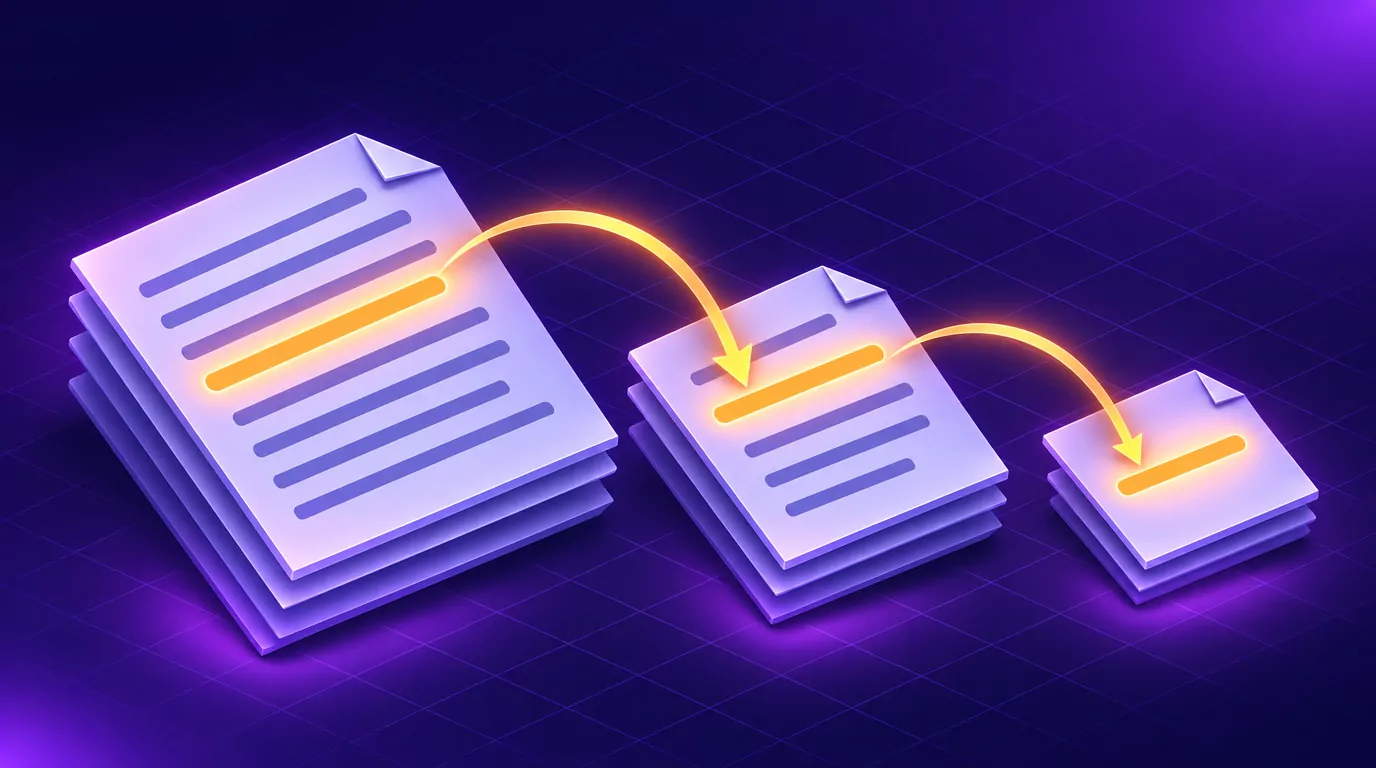
Looping is Elbow's own refinement. You free write, read it back, and pick the sentence with the most energy, which Elbow called the center of gravity. Then you free write again, starting from that sentence.
Two or three loops often turn up the real point of a piece. For example, a consultant needs an intro for a proposal and starts with "Clients think they need a new CRM." The first loop wanders through tools and budgets, but one line stands out: "every deal we lost, nobody called back." The second loop starts there and lands on the actual thesis: "The real problem is that nobody owns the follow-up."
What free writing is good for (and when it is the wrong tool)
Free writing helps when the problem is getting started or getting clear:
- Starting a first draft of a post, report or essay
- Finding the thesis when you have notes but no point
- Unsticking one stuck section of a bigger project
- Getting ideas out before a meeting, a pitch or a video script
It is the wrong tool for final copy, or for text that must be precise on the first pass, such as a contract clause. If you already know what to say, just outline and write.
How to use free writing to get past writer's block
Many writers find that the urge to stop and fix is the block itself. That is why the no-delete rule matters so much. If you want to know how to overcome writer's block with free writing, try these four steps:
- Lower the bar. Set a 5 minute timer. Anyone can write badly for five minutes.
- Write about the block. Start with "The reason this intro is hard is..." and keep going.
- Free write the part you are avoiding. Draft the exact paragraph you keep skipping, in the worst words you like.
- Loop once. Pick the best sentence and run one more short session from it.
You rarely end with a finished paragraph, but you have something to edit, which beats an empty page.
12 free writing prompts for drafting and thinking
These free writing prompts are built for work and real writing projects, not daily reflection. For reflection, try these journal prompts instead.
Prompts to start a draft
- "The thing I actually want the reader to do is..."
- "If I had one paragraph to explain this, I would say..."
- "The question everyone asks me about this is..."
- "The first time I noticed this problem was..."
Prompts to find your argument
- "Most people get this wrong because..."
- "The strongest objection to my idea is..."
- "What I believe about this that my peers do not is..."
- "If this project fails, the reason will be..."
Prompts to get unstuck mid-project
- "The part I keep avoiding is..."
- "Explain this section to a friend who has never heard of it."
- "What would I cut if this had to be half as long?"
- "The next sentence I am scared to write is..."
Morning pages: the daily version
Morning pages come from Julia Cameron's book The Artist's Way. You write three pages by hand each morning, and nobody reads them (see Cameron's guide to morning pages).
Unlike timed free writing, you count pages instead of minutes, you do it daily, and longhand is part of the method. Speaking them is your own variation, not morning pages as Cameron teaches them.
Talking it out: spoken free writing
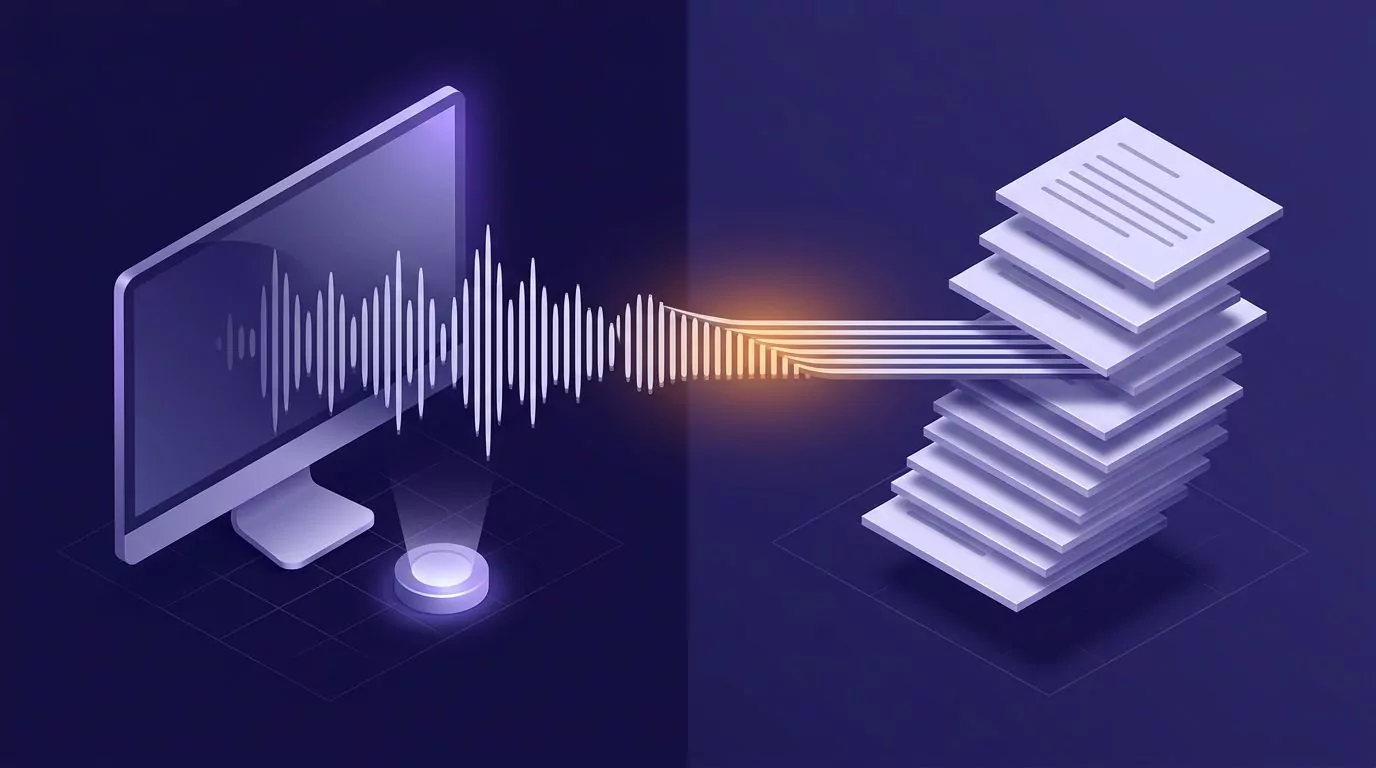
Free writing has only one real rule: do not stop. For many people, speaking is the form of output least likely to stop. Typing invites the backspace key, and talking does not.
Speed helps too. The figures below are general research, not VoiceSnap Pro benchmarks.
A Stanford study of speech input found speaking was about three times faster than typing on a phone keyboard. People speak roughly 120 to 150 words a minute, while the average typing speed on a computer keyboard is about 52 words a minute. A speech time calculator shows what 10 minutes of talk adds up to.
New to dictation? Start with talk to text on a computer. Here is a spoken free write with VoiceSnap Pro:
- Open a blank document in your usual editor, such as Google Docs or Word.
- Start a 10 minute timer.
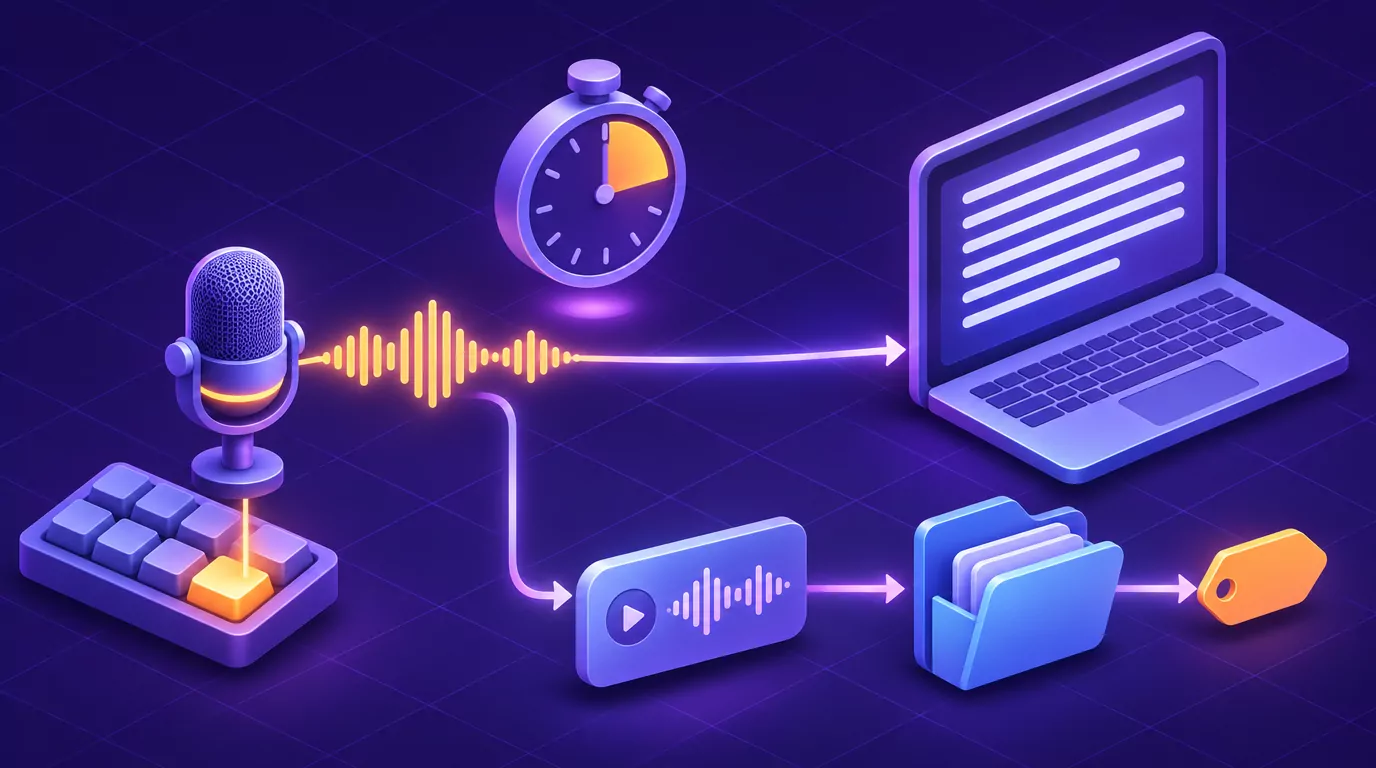
- Hold the dictation shortcut (Right Option on Mac, Right Alt on Windows) and talk. Release when you pause for breath, then hold it again. The punctuated text is typed at your cursor. You can change the key.
- Do not read back while the timer runs.
- When it rings, loop: find the best sentence and talk again from there.
On a walk, or when there is no document yet, use a voice note instead.
Hold Right Command on Mac or Right Ctrl on Windows, or press Control+Option+N or Ctrl+Alt+N to record hands-free. By default the note keeps the recording for playback next to the text (the Keep recordings setting controls this). File it in a folder, tag it "freewrite", search it or export it as Markdown.
Transcription needs an internet connection. For how audio and notes are handled, see the FAQ.
A spoken draft is still a draft. It reads like talk, runs long, circles back to the same ideas and needs real editing, which is the point of free writing anyway. Spoken free writing works best for generating material and worst for precise wording.
If a long voice note needs a summary or a bullet list, you can run an AI action on it when you choose one.
From free write to first draft
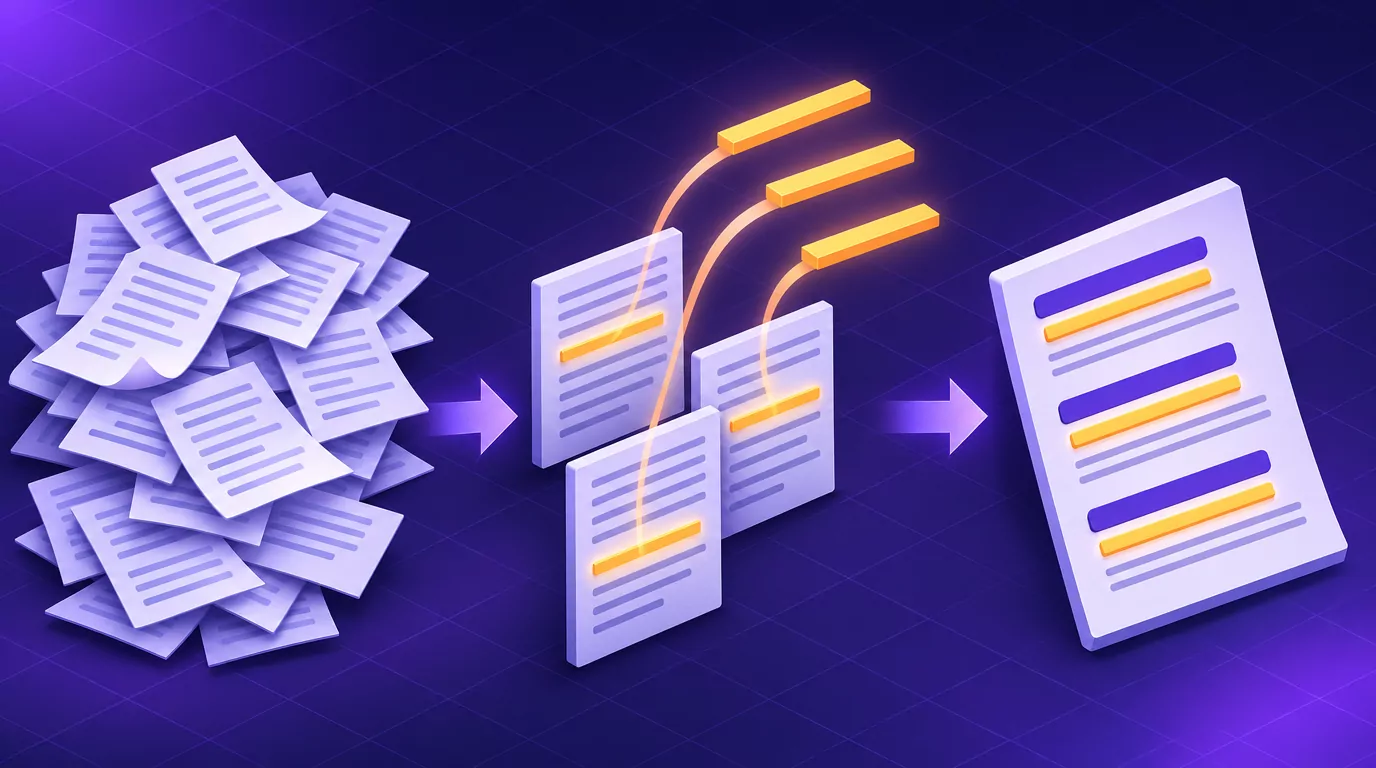
Highlight the lines worth keeping, paste them under rough headings, then write the real draft from that skeleton.
Keep raw free writes somewhere searchable, such as a searchable commonplace book. Free writing is for drafting, a different job from a brain dump by talking, which clears tasks out of your head.
Frequently Asked Questions
What is the free writing technique?
Free writing is a timed exercise where you write without stopping, editing or judging until the timer ends. It is also spelled freewriting, and one session is a freewrite. Related forms are focused freewriting and looping.
Is there a free writing program?
You need no special software. A blank document, a sheet of paper and a timer are enough. Some people speak their free writes with dictation instead.
How long should a free writing session be?
Start with 5 minutes if you are new to it. Most sessions run 10 to 20 minutes, and MIT suggests 15 to 20.
What is an example of free writing?
Here is a short, deliberately messy sample about a team newsletter:
okay the newsletter. nobody reads it, I think? or they read the first line and stop. why. because it starts with dates and housekeeping. what if it started with one win from last week. a real one, with a name. I don't know what to say next. I don't know. the wins. people like seeing their name. maybe the whole thing is just three wins and one ask. that's it. that might be it.
The keeper is the last idea: three wins and one ask.
Try a 10 minute spoken free write today
Pick one prompt, set a timer and talk instead of typing. To have the words land in your document, VoiceSnap Pro runs on Macs with Apple silicon (macOS 13 or later) and on Windows 10 21H2 or Windows 11. Download free: it is free to start, with no card.