How to Write a Video Script: Outline the Beats, Say the Draft, Cut It to Time
To write a video script, decide who it is for and the one thing they should do afterwards, then outline four beats: hook, promise, body, call to action. Speak each beat aloud into your script document, edit the transcript into short spoken lines, time it at about 150 words per minute, cut to length, and rehearse.
A video script is meant to be heard, so this guide on how to write a video script has you draft it out loud. You also get a template, a word budget for each length, a two column script and a worked example.
How to write a video script in seven steps
- Pick one viewer and one outcome.
- Set a word budget: about 150 words per minute of video.
- Outline the beats: hook, promise, body, call to action.
- Say the draft under each beat heading.
- Edit on the page into short spoken lines.
- Time it and cut whole beats first.
- Rehearse and record.
Why typed scripts sound read
In script writing for video, typed drafts drift toward written English: long sentences and words like "furthermore". Viewers hear that as reading.
Most guides on how to make a video script fix this at the end. Cornell's library guide to script writing, for example, says to read it aloud before recording. By then, every sentence's shape is set.
Move that step to the start and speak the first draft. As general figures, people speak around 150 words per minute and type around 52, so average typing speed is about a third of talking pace.
Before you write: one viewer, one outcome, one word budget
Who is watching and what should they do next
Describe one viewer you can picture, such as "a freelancer who has never set up a recurring invoice".
Then write the one thing they should do when it ends: subscribe, try the steps or watch part two. Stuck for ideas? Do a brain dump by talking first and keep the best two or three.
Match the video type to a word budget
At a natural pace of about 150 words per minute (a general figure), each minute holds about 150 spoken words.
| Video type | Length | Rough word budget at 150 wpm | Beats that fit | Script format |
|---|---|---|---|---|
| Short (Shorts, Reels, TikTok) | 15 sec | 35 to 40 | Hook and one point; ask in the caption | Single column |
| Short or ad | 30 sec | 75 | Hook, one point, call to action | Single column, [B-roll] cues |
| Short or channel trailer | 60 sec | 150 | Hook, promise, up to 3 short points, call to action | Single column |
| Product explainer | 90 sec | 225 | Hook, problem, 2 or 3 steps, call to action | Two column A/V |
| Tutorial or training module | 3 min | 450 or fewer | Hook, promise, 3 to 5 steps, recap, call to action | Two column A/V |
| YouTube explainer | 5 min | 750 | Hook, promise, 3 chapters, call to action | Single column, B-roll cues |
| Deep dive | 10 min | 1,500 | Hook, promise, 4 to 6 chapters, call to action | Single column or two column A/V |

Tutorials need fewer words than the clock suggests, because viewers watch as well as listen. For other lengths, work out the word budget for any length.
Outline the beats on the page first
Type four headings in your doc: Hook, Promise, Body, Call to action. Add a one line note under each.
Hook (the first 5 to 10 seconds)
Name a problem, a result or a surprise the viewer cares about. Start with them, not with "welcome back to my channel".
Promise (what they get for staying)
Tell them what they'll have by the end, such as "a script you can film tonight". It's their reason to stay.
Body (three points at most, one idea per beat)
Deliver the promise in three points or steps at most, each in its own beat. A point that needs sub-points probably needs its own video.
Call to action (one ask only)
End with one ask: subscribe, grab the checklist or watch the next video. Two asks split attention.
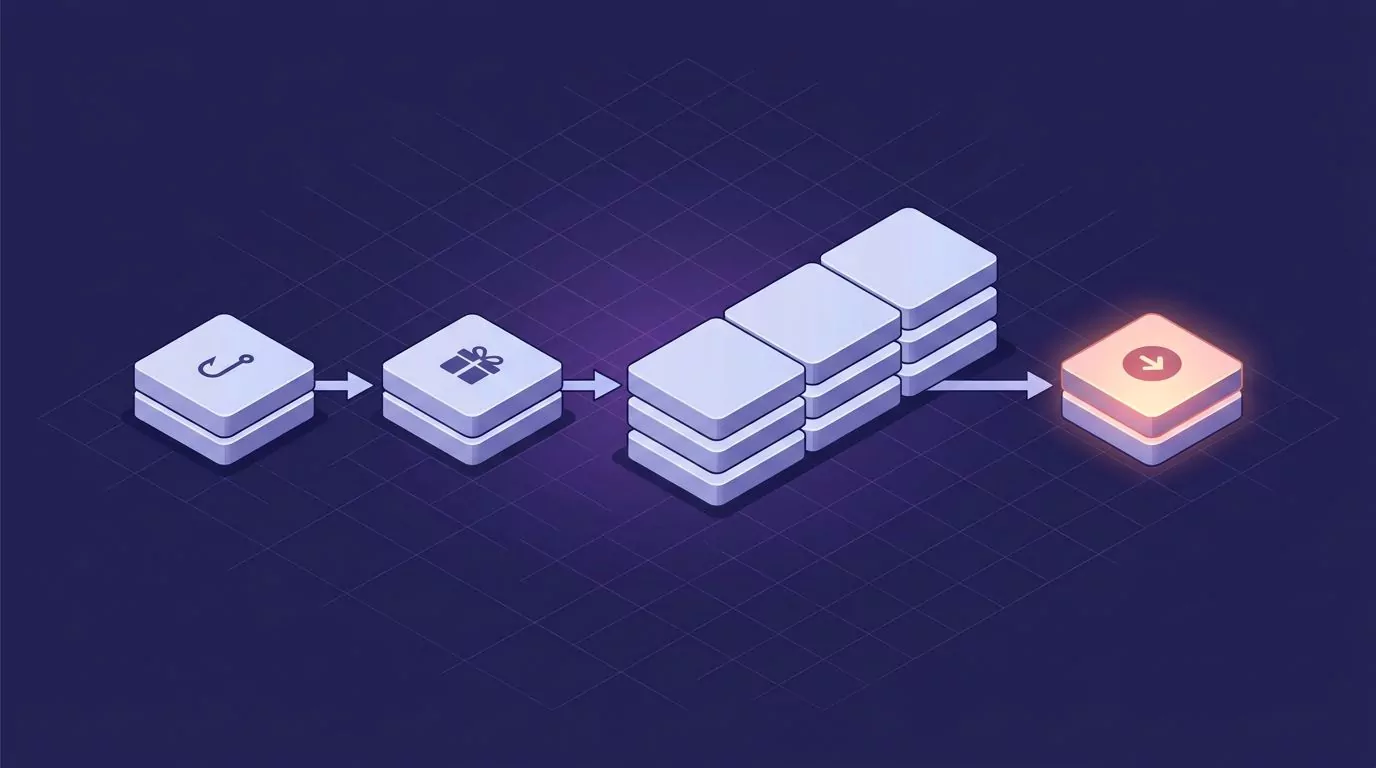
Other formulas, like TechSmith's attention, agitation, activity, action, or CopyPosse's hook, juicy idea, call to action, fit this same skeleton.
Copy this video script template
Here's a blank video script template for a 60 second video. Copy it and fill in the brackets.
- Title: [working title]
- Who is watching: [one specific viewer]
- Next action: [the one thing they should do]
- Hook (15 to 20 words): [problem or result, starting with the viewer]
- Promise (15 to 20 words): [what they will have by the end]
- Body point 1 (30 to 35 words): [first point or step]
- Body point 2 (30 to 35 words): [second point or step]
- Body point 3 (30 to 35 words): [third point or step]
- Call to action (15 words): [one ask]
- Total: about 150 words (60 seconds)
For other lengths, scale with the table above. With an editor or B-roll, use this two column video script format:
| Beat | VIDEO | AUDIO |
|---|---|---|
| Hook | [shot or screen] | [narration line] |
| Promise | [shot or screen] | [narration line] |
| Step 1 | [shot or screen] | [narration line] |
| Step 2 | [shot or screen] | [narration line] |
| Call to action | [shot or screen] | [narration line] |
Draft each beat out loud
Put the cursor under the beat and talk to one person
Click under the Hook heading and say the line to one imagined viewer, like a friend new to the topic.
This works in Google Docs, Word, Notion or any editor. A hold to talk dictation app such as VoiceSnap Pro types your words there when you let go of the key; see talk to text on a computer for the basics. One beat per take, 20 to 60 seconds.
Do two or three takes of the hook
Say the hook two or three ways and keep every version. Pick the best one later.
Leave fillers and restarts for the edit
You'll say "um" and start sentences over. Leave them. Fixing them mid take pulls you back into writing mode.
No dictation app? Two fallbacks
First, use the dictation you already have:
- Mac: dictation on your Mac (Apple's guide).
- Windows: the Win+H dictation shortcut (Microsoft's guide).
- Google Docs: Google Docs voice typing in the Tools menu.
- Word: the Dictate button in Word.
Second, record a ramble through the outline. Turn it into text with the audio to text converter, then strip the fillers with the text cleaner.
Edit the spoken draft into a script
Now edit on the page, one beat at a time:
- Cut fillers, restarts and throat clearing.
- Keep contractions. "You'll" sounds like a person.
- Give each sentence one idea.
- Swap any word you'd never say out loud.
- Drop things that only work on paper: parentheses, "the former", "as shown above".
- Write numbers as you'll say them: "about two thousand", not "1,950".
- Use line breaks to mark pauses.
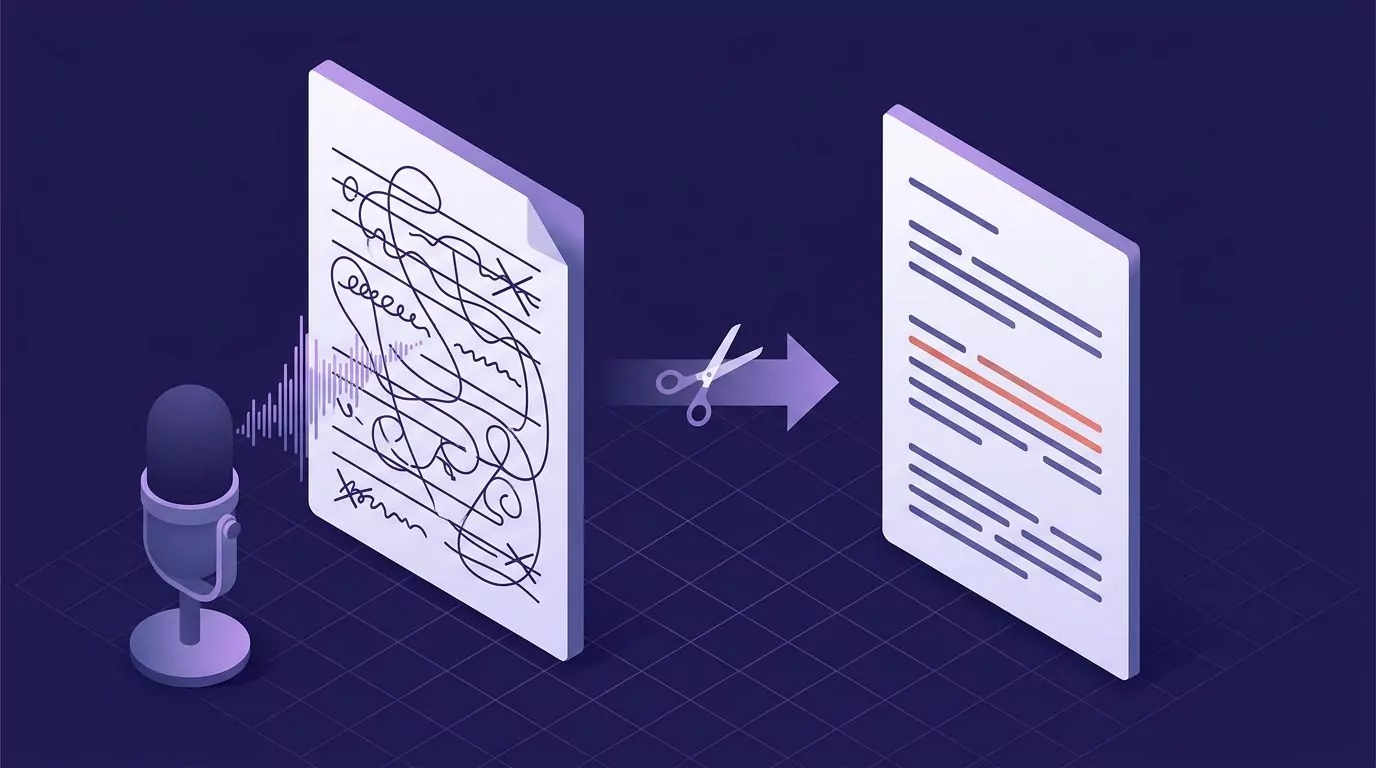
Then read it aloud once as a check. Fix only the lines you stumble on.
Add the visuals: the two column A/V format
A two column script, also called an audio visual (A/V) script, puts what viewers see on the left and what they hear on the right, one row per moment. Here's a filled one for a 60 second software tutorial. The same layout works as a marketing video script example.
| Beat | VIDEO | AUDIO |
|---|---|---|
| Hook | Close up: overdue invoices in red | "Sending the same invoice every month? That's one job, twelve times a year." |
| Promise | On screen text: "Set it once" | "Let's set it up once, so it sends itself." |
| Step 1 | Screen: open an old invoice, zoom on Repeat | "Start from any invoice you've already sent, and choose Repeat." |
| Step 2 | Screen: pick Monthly and a start date | "Choose how often it goes out and when it starts." |
| Step 3 | Screen: turn on auto email, click Save | "Turn on automatic email if you'd rather never think about it again." |
| Call to action | End screen with next video | "Next up: payment reminders. That video is on screen now." |
The audio never says "now I click Save". The screen shows what; the words explain why.
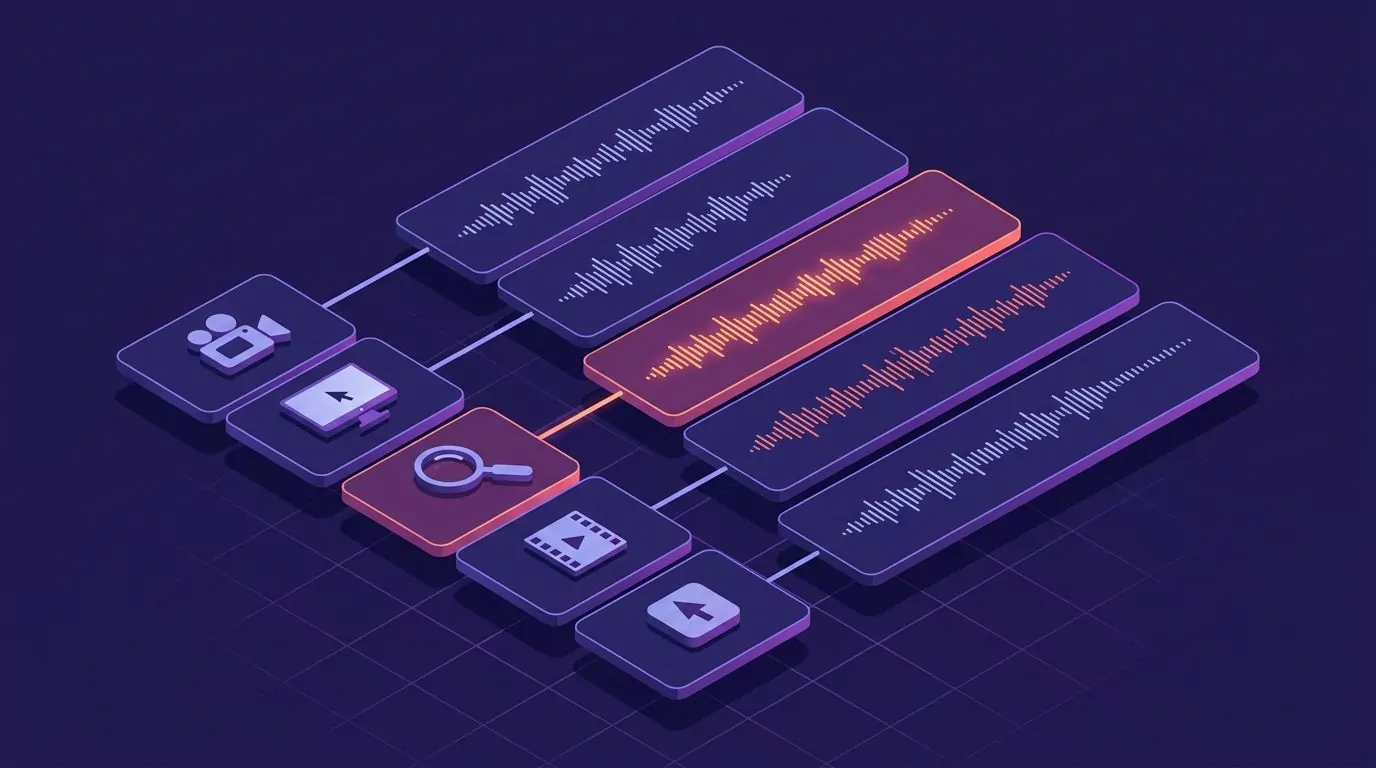
Use two columns for tutorials, explainers, training videos and anything an editor touches. A talking head short only needs inline [B-roll] cues. Two columns are also common in class and documentary script assignments.
Time it and cut to length
Time the draft with the speech time calculator or a stopwatch, and leave some slack for the faster pace most people hit on camera. The word counter keeps a live count as you cut.
Running long? Cut whole beats before you trim words. One dropped beat can save 20 seconds.
Then strike narration the screen already shows. If every beat is still essential, make it two videos.
Writing a talk instead of a video? The same speak first drafting works; get the word budget for your slot from the speech time calculator.
Rehearse and record
Word for word or bullet points
Script the hook and call to action word for word, because they must land.
On a talking head video, viewers watch your face, so the body can run from bullet points. In a screen recording, the words must match the screen. Read the narration word for word, or record it after the capture, because a paraphrase that drifts out of sync means a re-record.
Read from a teleprompter
A teleprompter keeps your eyes near the lens. Set its speed in words per minute and scroll the script at the pace you timed. If you don't know your pace, measure your speaking speed first.
Worked example: a 45 second channel trailer, from beats to final
Sam, a made up creator, films quick weeknight dinners. A 45 second trailer allows about 110 words.
The four beat outline
- Hook: the empty fridge at seven.
- Promise: a 15 minute dinner from food on hand.
- Body: one pan, real time steps, swaps.
- Call to action: subscribe.
The raw spoken hook
"So, um, okay, you know when you get home and it's, like, it's seven and you're... no, wait, let me start again. You get home at seven, you're tired, and you open the fridge and there's, um, basically nothing in it, right?"
That's 42 words around one good idea. The edit keeps it in 16 words.
The edited script
Hook: "You get home at seven. You're tired. You open the fridge, and there's nothing in it."
Promise: "This channel fixes that night. Every video is one dinner, in about fifteen minutes, from food you already have. No shopping trip needed."
Body: "No special gear. One pan, one knife, one board. I film every step at normal speed, so you can cook along in real time."
"Missing something? I'll give you a swap that works: rice instead of pasta, beans instead of chicken. Whatever's in your cupboard, we can make it work."
Call to action: "So if your weeknights look like mine, hit subscribe. A new dinner goes up every Thursday. See you in the kitchen."
That's 110 words, or about 44 seconds at 150 words per minute.
Drafting your script by voice with VoiceSnap Pro
VoiceSnap Pro is a dictation app for Apple silicon Macs (macOS 13 or later) and Windows 10 21H2 or 11. Put the cursor under a beat heading, hold Right Option (Mac) or Right Alt (Windows), speak and let go. Punctuated text is typed at the cursor in Google Docs, Microsoft Word or any text field; the best dictation software guide covers other tools.
Add channel and guest names to your personal vocabulary. The Clean up dictation setting, on by default, drops fillers like "um" and slips you correct out loud, but never rewords anything. The edit step handles the rest.
Hooks that arrive at odd moments can go into voice notes with a second shortcut (hold Right Command on a Mac, Right Ctrl on Windows). In a note, Cmd+J (Ctrl+J on Windows) runs an AI action like Make shorter or a custom "tighten this into a two line hook". AI actions work inside VoiceSnap Pro, not your doc, so paste the result under your Hook heading.
Dictation audio is discarded after transcription, and nothing you say trains AI models.
It is free to download and try every feature, with no card needed. You get a one-time allowance of 5,000 transcribed words across dictation and voice notes and 50 manual AI actions, with no expiry or reset. Note creation has no free-plan cap. Pro is $9 a month for unlimited transcription and AI actions, subject to fair-use limits, on up to 3 devices. The Download free page lists the Mac and Windows versions.
Frequently Asked Questions
How many words is a 1 minute video script?
A 60 second script holds about 150 words at a general pace of 150 words per minute, and a 30 second script about 75. Tutorials with lots of screen action can use fewer.
What is the format of a video script?
A single column script is the spoken lines with [B-roll] cues, good for talking head videos and shorts. A two column, or audio visual, script puts visuals left and narration right, good for tutorials and explainers.
Can ChatGPT write a YouTube script?
It can suggest a structure, but the lines won't sound like you. Speak your own draft first, then use AI only to tighten words you already said. You can also dictate prompts into ChatGPT.
How do I turn an existing video into a script?
Transcribe it with the MP4 to text converter, which runs in your browser. Then strip the timestamps with the transcript cleaner and edit the result into short spoken lines.