Voice Typing Not Working on Windows or Mac? A Desktop Only Triage Guide
Voice typing not working almost always comes down to one of two faults. Either nothing appears when you speak, or the wrong words appear. The first is a broken signal path: a permission, a missing language pack, or a wrong input device. The second is an audio quality problem. You fix them in completely different places.
This guide stays on the desktop: Windows, macOS, and Chrome on a computer. A phone keyboard fix will not help here. If your setup works and you just want a better talk to text workflow at your desk, start there instead.
Start here: voice typing not working has two very different faults
Microsoft splits its own troubleshooting page along this line, and it is the right line. One branch is "no text arrives". The other is "text arrives, but it is wrong". Nobody follows the split through, so people try mic fixes on permission bugs.
Decide which one you have before you change a single setting. Speak a short test sentence into a plain text box, then read the table below.
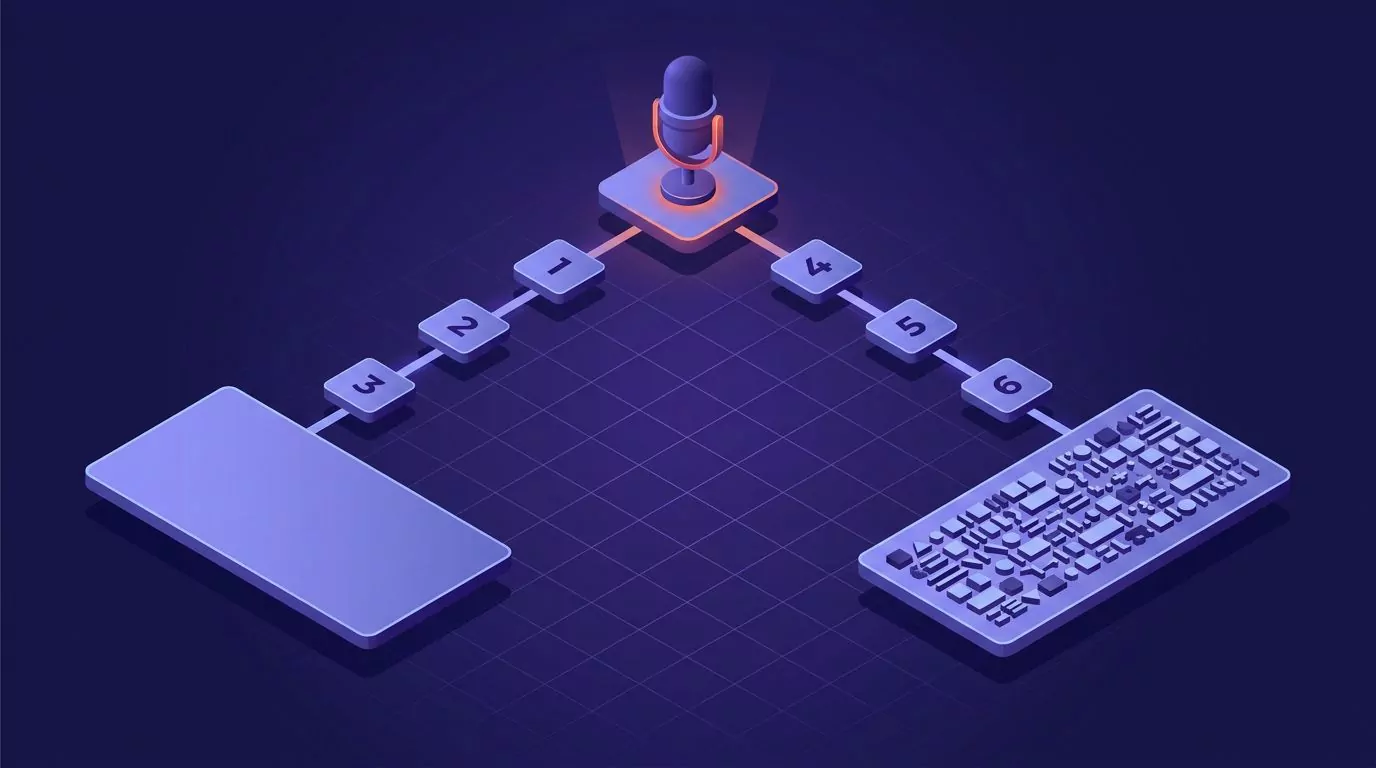
The triage split: one microphone symptom branches into three checks for an empty field, and three different checks for garbled words.
What you see |
Where to look |
Likely cause |
|---|---|---|
Nothing at all after you speak |
System privacy settings |
The mic is blocked for that app |
The listening panel never opens |
Language and speech settings |
The speech pack is not downloaded |
Text lands in the wrong place |
The window you clicked last |
The text field lost focus |
Words appear, but they are wrong |
Sound input settings |
Input level too low, or wrong device |
Accuracy drops when you wear a headset |
Bluetooth device settings |
The headset switched to its call profile |
Works in one app, fails in the next |
Per app mic permission |
That one app is not on the allowed list |
Nothing appears at all
Nothing appearing is a gate problem. Your voice clears four gates to become text: the hardware, the privacy permission, the language pack, and the cursor. Shut one gate and you get silence and an empty field.
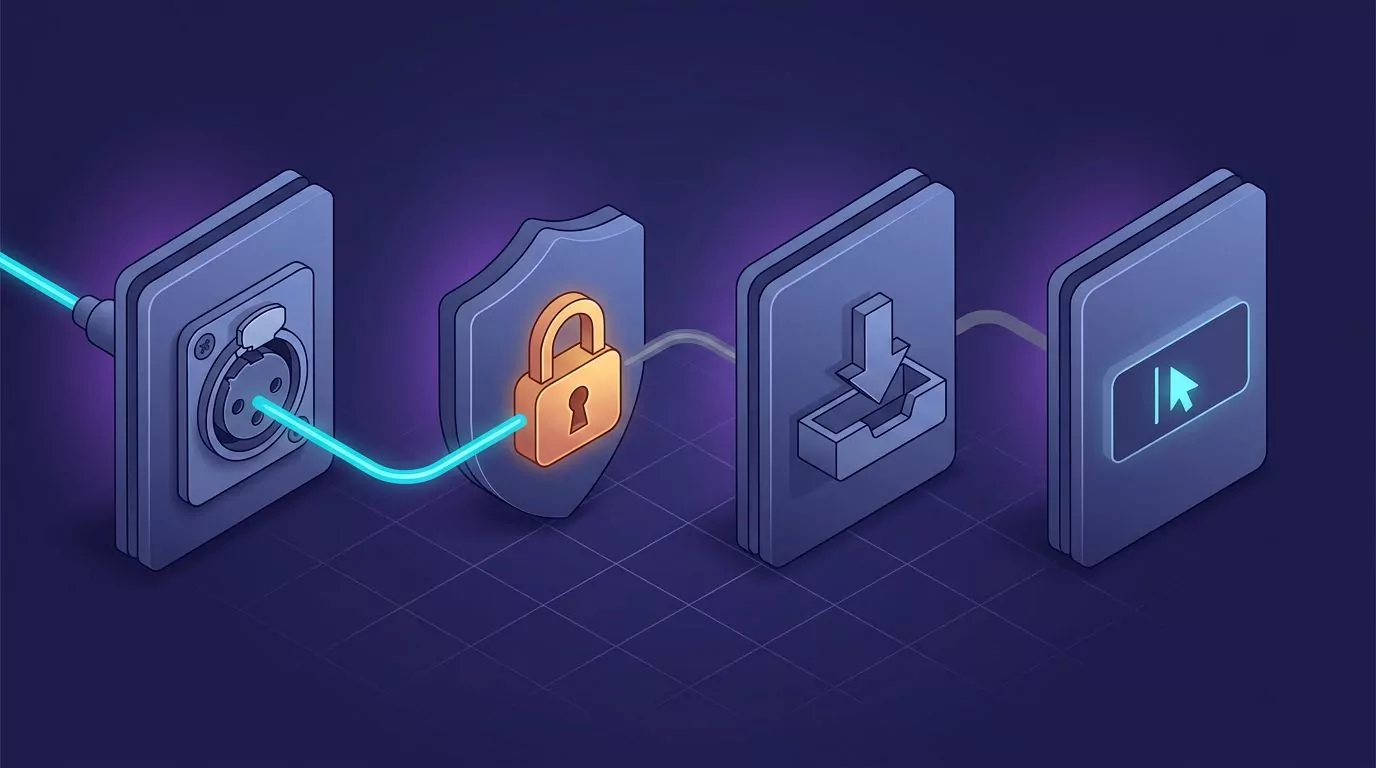
The four gates a voice signal passes through. The chain dies at the first shut gate, and every gate after it goes dark.
Windows: Win+H, the language pack, and the default input
Windows dictation runs on Win+H. If the panel never opens, the shortcut is not your problem. The speech feature is.
Check three things in order. Open Settings, then Privacy and security, then Microphone, and switch microphone access on. Next, open Settings, then System, then Sound, and confirm the Input device is the mic you actually speak into. Then check the speech language.
That third one traps the most people. Windows voice typing needs a downloaded speech pack for your language, and a display language alone does not give you one. Microsoft explains the install path in its guide to adding a language for Windows, where speech recognition is a separate optional feature you tick during setup. It also keeps a short page on voice typing that is not working in Windows and one on how voice typing works on your PC.
Two more notes. Voice typing needs an internet connection, so a dropped network looks like a broken mic. And if you juggle input languages, press Win+Spacebar to confirm the right one. Our guide to the Windows dictation shortcut covers where Win+H stops.
A screen recorded walkthrough of the same Windows settings panels, useful if you would rather watch someone click through them.
macOS: the Dictation toggle and per app microphone access
On a Mac, Apple Dictation has its own on switch. Open System Settings, then Keyboard, then Dictation, and make sure it is on. Below it sits the shortcut menu. If that is set to Off, no key press will start dictation.
Then check the second gate, which recent macOS versions made stricter. Open System Settings, then Privacy and Security, then Microphone. Every app has its own toggle here. Apple documents this in its page on controlling access to your microphone, and has a dedicated page for when keyboard dictation does not work as expected.
Mac dictation not working right after an update is usually this. A major upgrade can reset the shortcut choice or clear per app mic grants. Our walkthrough on how to dictate on a Mac has the full setup path.
Chrome and Google Docs: site permission and lost focus
Google Docs voice typing is not an operating system feature. It is a web page asking Chrome for your mic. So it needs two permissions, not one: the system one above, and a site one inside Chrome.
If Docs says the mic is blocked, open Chrome settings, then Privacy and security, then Site settings, then Microphone, and remove docs.google.com from the blocked list. Google covers the flow in its help page on using your camera and microphone in Chrome.
The second Docs trap is focus. Docs voice typing stops the moment the tab loses focus, so clicking another window quietly switches it off. Browser dictation is fragile for this reason, which is part of why we wrote about dictating Gmail without a browser extension.
The headset that silently became your default input
Plug in a USB headset or connect a Bluetooth one, and your computer may move the default input to it without telling you. Now you speak at your laptop while the system listens through an earpiece on the desk.
This is a thirty second check. Open your sound input settings, speak, and watch the input level meter move. If the bar stays flat, you found it.
The wrong words appear
If text arrives but it is wrong, every permission gate is already open. Stop changing settings and look at audio quality instead. Recognition works on what the mic captured, and a weak signal gives it little to work with.
Input level and distance
Start with gain. In the same sound input panel, watch the level meter while you talk normally. You want steady movement in the middle of the range, not tiny flickers at the bottom.
Distance matters more than most people expect. A laptop mic two feet away picks up your keyboard, your fan, and the room. The same words spoken into a boom mic land far cleaner. Only the signal changed.
Why a Bluetooth headset can wreck recognition
This case catches people who bought a good headset to fix accuracy. Bluetooth headsets run in two modes. One is a high quality mode used for music. The other is a call mode that opens the microphone.
Those modes are not equal. Call mode carries far less audio detail, because it was built for phone calls, not for voice recognition. The moment an app asks for your mic, the headset drops out of music mode into call mode. Your music audibly degrades at the same instant, which is the tell.
So a headset can make dictation worse than the laptop mic it replaced. If accuracy falls apart only when the headset is connected, test with a wired mic or the built in one.
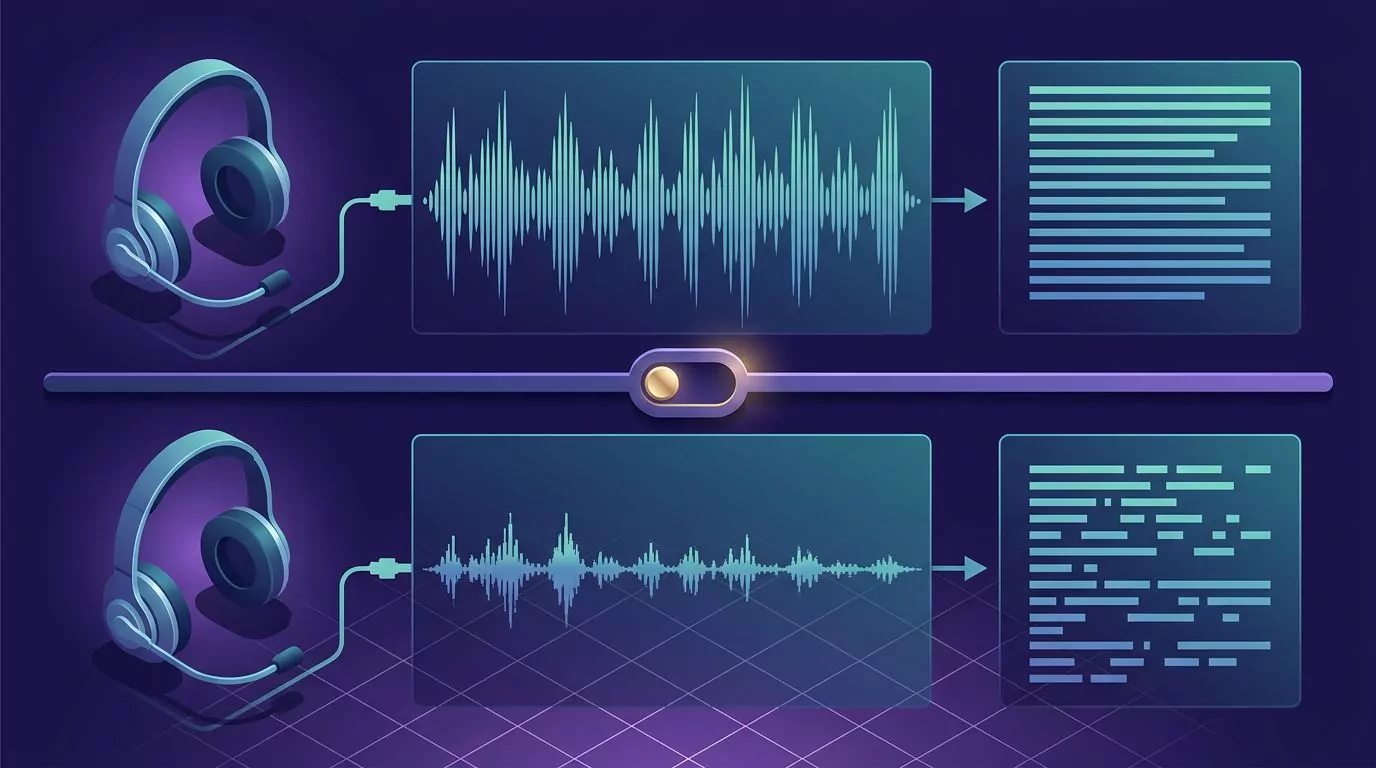
The same headset in two modes. The rich waveform on top yields clean text, while the thin call mode signal below yields broken words.
Names, jargon, and what the built ins cannot learn
Some errors are not faults at all. Built in dictation is trained on general speech. Feed it a colleague's surname, a product code, or your team's private jargon, and it will guess a common word instead.
Accents work the same way, and no setting on your machine fixes that. Speaking in longer, natural phrases helps a little, because the engine uses surrounding words as context.
Why dictation works in one app and fails in the next
This is the strangest symptom, and it has a dull answer. Microphone permission on both platforms is granted per app, not once for the whole machine. Your browser can be allowed while your notes app is not.
There is a second layer. Some apps do not accept inserted text the way a normal text box does. Terminals, some editors, and remote desktop windows are the usual offenders. We looked at that gap in our piece on what actually works for voice coding.
The test is quick. Open a plain text box you know behaves, speak, and see what happens. If the text lands there, the problem is the other app, not your microphone.

Each app reaches the OS voice stack through its own gate, so two gates can be shut while two stay open. A separate shortcut route sits outside the hub.
When the problem is the OS stack itself
Be honest about what a third party app can fix. Most failures above are operating system problems, and no other tool repairs them. A blocked mic is still blocked. A missing language pack is still missing.
One thing does change, though. Everything on this page depends on a specific OS voice stack: Win+H on Windows, Apple Dictation on the Mac, the Docs feature inside Chrome. An app with its own hold to dictate shortcut uses none of them. It listens on its own and drops text at your cursor, so a fault in those paths does not reach it.
VoiceSnap Pro works this way on macOS and Windows. You hold your chosen key, speak, and release, and punctuated text appears at your cursor. It still needs microphone permission, like anything that listens, so it routes around one OS failure rather than curing a dead mic. It is also pre-launch today, at $39 one time through the waitlist, so it is not a fix you can install this afternoon.
On privacy, the model is simple: audio becomes text and is then discarded, with no recordings kept. If you want to know what that claim should mean before trusting any listening app, we unpacked it in what zero data retention actually means.
Frequently Asked Questions
Why is my voice to text not working on Windows 11?
Usually one of three things. Microphone access is off under Privacy and security, the speech pack for your language was never downloaded, or the default input is a headset you are not speaking into. It also needs an internet connection.
Why did Mac dictation stop working after a macOS update?
Major updates can reset the Dictation shortcut to Off, or clear per app microphone grants. Open System Settings, then Keyboard, then Dictation, and turn it back on. Then check that app under Privacy and Security, then Microphone.
Why does Google Docs voice typing say the microphone is blocked?
Because Docs needs a Chrome site permission on top of your system one. Open Chrome site settings, find Microphone, and remove docs.google.com from the blocked list. Reload the tab afterwards.
Why does dictation work in one app but not another?
Microphone permission is granted per app on both Windows and macOS, so one app can be allowed while another is denied. Separately, some apps like terminals and remote desktop windows do not accept inserted text at all.
Does a Bluetooth headset make dictation less accurate?
It can. When an app opens the mic, the headset switches from music mode into a call mode that carries much less audio detail. If accuracy only falls apart with the headset on, test with a wired mic to confirm it.
Fix the gate, then fix the signal
Work in that order and most of these faults fall in minutes. An empty field means a shut gate: permission, language pack, device, or focus. Wrong words mean a weak signal: gain, distance, or a headset in call mode. If you also lean on keyboard first habits, that pairs well with dictation.
If holding one key and speaking into any text field sounds better than fighting Win+H again, you can join the VoiceSnap Pro waitlist for early access at $39 one time.