The Zeigarnik Effect: Why Unfinished Tasks Keep Nagging You, and the One Step That Quiets Them
You were halfway through a reply when the meeting started. An hour later, that reply is still tugging at you. Psychology has a name for that tug.
The Zeigarnik effect is the tendency, first reported by psychologist Bluma Zeigarnik in 1927, to remember interrupted or unfinished tasks better than finished ones, which is why a half-done task keeps coming back to mind. One caveat: the memory part has not held up well in later studies. The urge to go back to the task has.
The useful part: the research does not say you must finish a task to stop thinking about it. It says the nagging eases once the task has a specific plan: the next physical step, plus when you will do it.
That plan is one sentence, and with talk to text you can say it the moment you are interrupted.
What the Zeigarnik effect is, and where it came from
The waiter story and the 1927 experiments
Most sources credit the famous story to Kurt Lewin, Zeigarnik's teacher in Berlin. He noticed that a waiter recalled every detail of unpaid orders, then forgot them once the bill was settled. It is a good anecdote, not evidence.
In her 1927 paper in Psychologische Forschung, Zeigarnik gave people 18 to 22 short tasks, such as shaping an animal from clay, a long multiplication or a puzzle. Half were stopped before the end. When she later asked people to list the tasks they had done, the interrupted ones tended to come up more often.
How the effect is supposed to work
Lewin's explanation was a kind of mental tension. Starting a task creates a need to finish it, and while that need is on, the task stays easy to recall. Finish it and the tension drops, so the details fade.
Productivity writers now call an unfinished task an open loop. Modern researchers describe it less as tension and more as an intention that stays active in the background.
Is the Zeigarnik effect real? What replications actually show
Later researchers struggled to get the same result. Several attempts, including Annie Van Bergen's 1968 work on task interruption, found no clear memory gap between finished and unfinished tasks. Colin MacLeod's 2020 paper in Memory and Cognition retells its history.
The clearest answer so far came in 2025. Romain Ghibellini and Beat Meier pooled decades of interruption studies in a meta-analysis of the Zeigarnik and Ovsiankina effects. They found no memory advantage for unfinished tasks overall, but they did find a general tendency to go back to them.
The authors suggest the original effect may have depended on the setting: a strict experimenter, high demands, and people deeply absorbed in the task. Those conditions were more common in 1920s labs than today.
In plain words: "you remember unfinished things better" is shaky, while "unfinished things pull you back" holds up. That pull is what costs you focus at work.
The Ovsiankina effect: the part that holds up
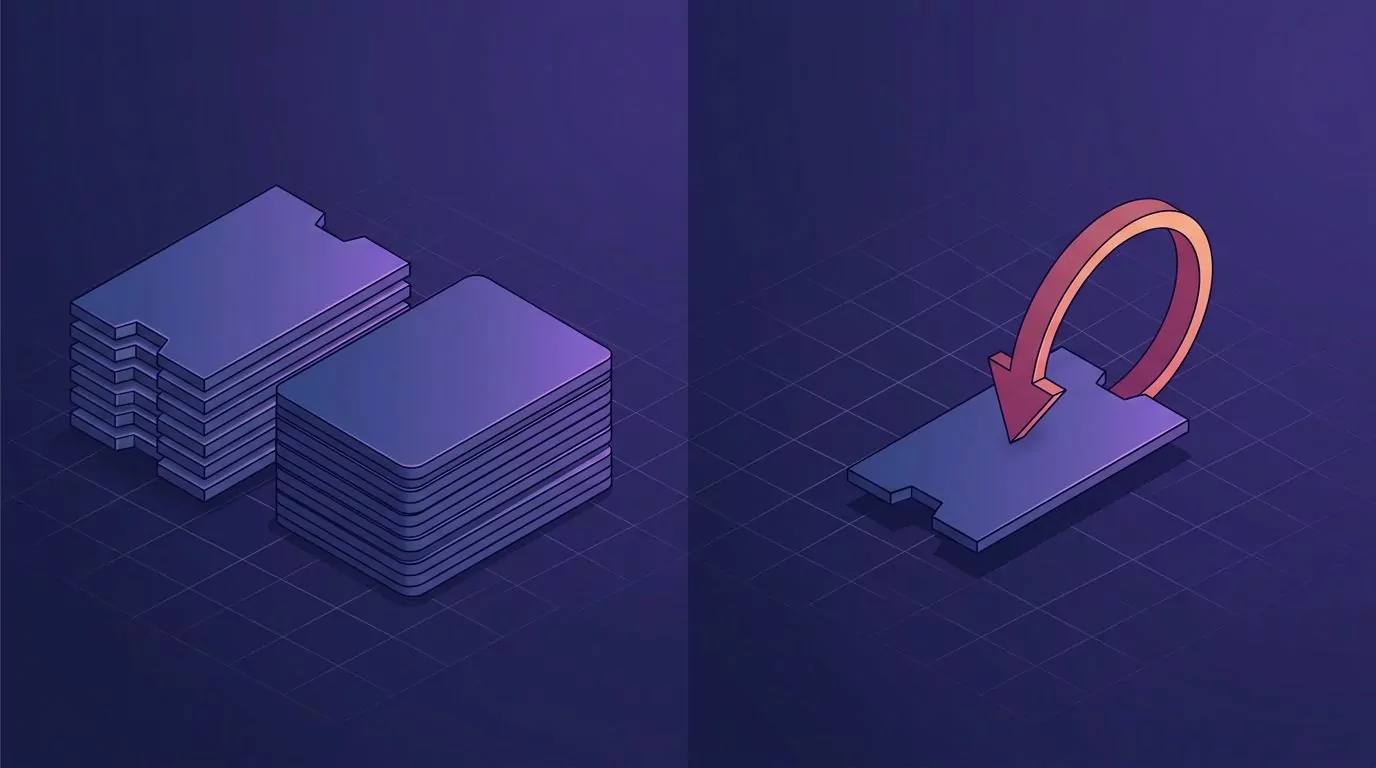
Maria Ovsiankina worked in the same Berlin lab. In 1928 she interrupted people mid-task and then gave them a free moment. Many picked the task back up without being asked.
That is the Ovsiankina effect, the one the 2025 meta-analysis backs.
| Zeigarnik effect | Ovsiankina effect | |
|---|---|---|
| What it claims | Interrupted tasks are remembered better. | People tend to resume interrupted tasks. |
| First reported | Bluma Zeigarnik, 1927. | Maria Ovsiankina, 1928. |
| How well it replicates | Poorly. No memory advantage overall in 2025. | Well. A general tendency to resume in 2025. |
| What it means at your desk | Do not count on remembering where you stopped. | Expect a half-done task to pull at you until it has a plan. |
What an unfinished task costs you while you do something else
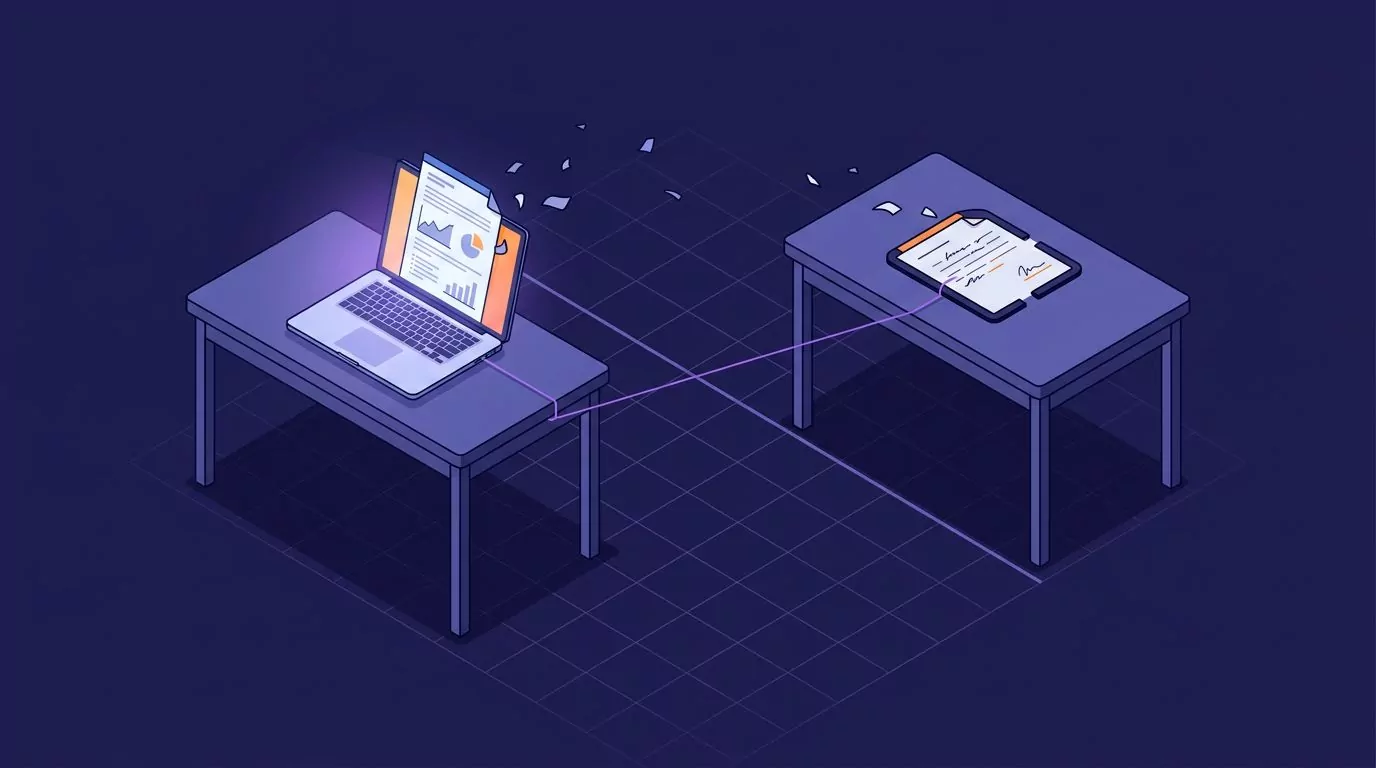
The pull is more than a feeling. In 2011, psychologists Masicampo and Baumeister published a set of studies called "Consider it done!". In the first one, students wrote about two important tasks they had to finish in the next few days, then read a long passage from a mystery novel.
Compared with students who wrote about tasks they had already finished, they reported more stray thoughts about their tasks while reading, and they understood less of the story. Another study in the paper found that unfinished goals also hurt scores on an unrelated anagram task.
Work is full of these:
- The reply you left when a meeting started, still drafting itself in your head.
- The bug you were three lines from fixing when a chat ping pulled you into a call.
- The doc you left mid-paragraph, rereading itself while someone else presents.
In each case the new task gets less of you. The old task does not move forward either.
Why a plan quiets the loop, and what counts as a plan
Here is the twist. Other students wrote about their unfinished tasks, then planned each one in detail: how, when and where they would do it. They had no more stray thoughts than the students who wrote about finished tasks, and their reading did not suffer.
None of them had done the tasks yet. The authors suggest that once a plan exists, the mind treats the goal as handled for now and picks it up at the planned time.
So what counts as a plan? Three parts, and only the first two come from the studies.
| Plan part | What the studies tested | Example |
|---|---|---|
| The next physical action you could start cold | People spelled out how they would complete each task. | "Rewrite paragraph 2 of the annual plan section." |
| When: a time or an if-then cue | People said when and where. Implementation intentions tie an action to a cue. | "Today at 3," or "after the 2 pm call." |
| Where you will be reminded | Not tested in these lab studies. It is the practical step that gets the "when" to you. | A reminder on the note. |
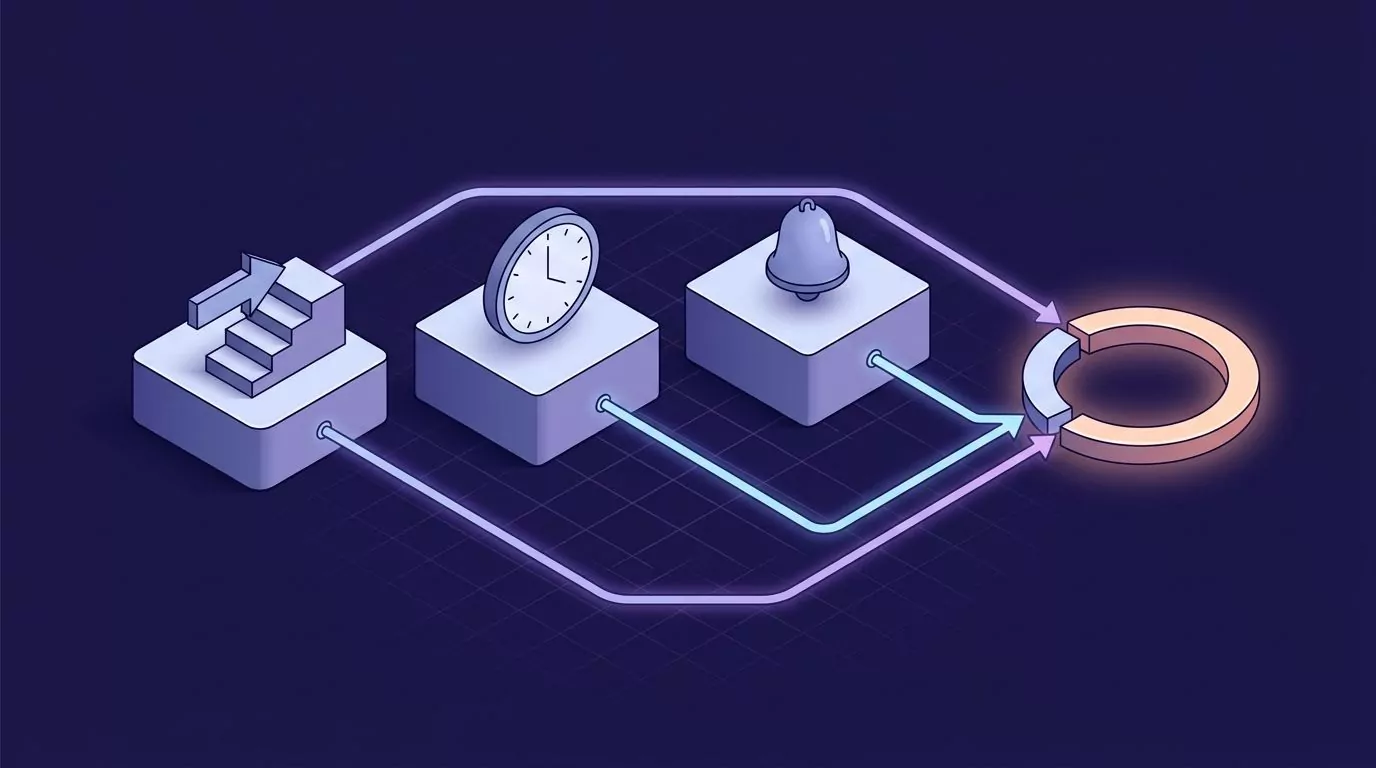
Put together, a full plan sounds like this: "Pricing doc: rewrite paragraph 2 of the annual plan section with the numbers from the Finance tab, today at 3, reminder on the note."
Implementation intentions in one paragraph
Peter Gollwitzer's work on implementation intentions gave this a simple shape: "If X happens, then I will do Y." The cue does the remembering for you, as in "When the 2 pm call ends, I open the pricing doc."
One honest caveat: these are lab studies, mostly with students, so the findings are promising, not settled.
The ready-to-resume plan: what to do the moment you are interrupted
A second line of research looks at the task you switch to. In four 2018 studies, Sophie Leroy and Theresa Glomb found that people expecting to return to their work under time pressure struggled to shift their attention (measured as attention residue) and did worse on the interrupting task.
A short ready-to-resume plan, where people briefly thought through and planned their return, reduced that leftover attention. Their work on the interrupting task no longer suffered.
Put the two papers side by side. Masicampo and Baumeister suggest a plan quiets the task you left, and Leroy and Glomb suggest it also protects the task you switch to. Same caveat as before: promising, not settled.
Here is the routine:
- Do not switch yet. Give the old task a few more seconds.
- Say one sentence. Name the next physical action you could start cold, and when you will do it, using this template: "Next on [task]: [action], [time]." A clear action shows where you stopped, so there is no need to describe what you did.
- Put it where it will come back. A reminder with a time beats a list you have to remember to check.
- Switch, and let it go. The plan is holding the task now, not you.
- On return, do the step. Open the reminder, do the action, and mark it done.
The result is one plan per task. It becomes a reminder and leaves your head; it is not a log entry. If you want a line at every task switch, that is interstitial journaling, a different habit.
Two good places to leave it:
- A breadcrumb in the work itself. Type a TODO line at the cursor in the doc, ticket or code comment. Best when you will surely return to that same file.
- A separate note with a timed reminder. Best when the return time matters, or the work lives in several places.
Paper or a text file works too. The research is about the plan, not the tool. A tool only removes the friction of switching apps at the worst possible moment, the same friction that using your computer without a mouse tries to cut.
Doing it by voice without leaving the app you are in
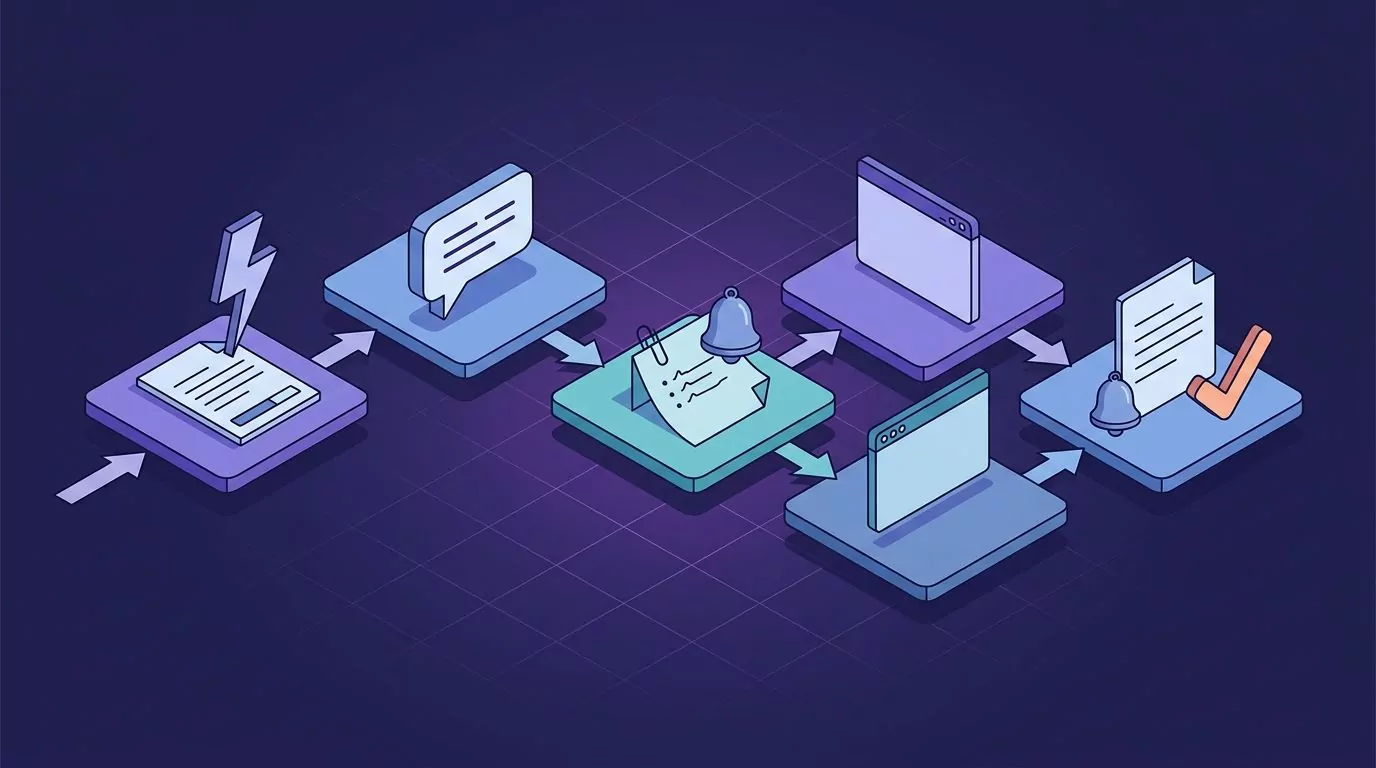
Saying the sentence keeps your hands and eyes where they are, and for most people speech beats typing for speed (see the general figures in average typing speed). VoiceSnap Pro, a dictation app for Mac and Windows, covers both kinds of plan.
For a breadcrumb, put the cursor in the doc, ticket or code comment, hold the dictation key (Right Option on Mac, Right Alt on Windows) and say the next step. Punctuated text is typed right there, and voice coding covers the code comment case.
For a note with a reminder, hold Right Command (Right Ctrl on Windows), say the plan and release. It becomes a note in your account, not text in your window, so you never leave the app you were in.
With Reminders from your voice on (Settings, AI), end the note with "remind me today at 3" and the reminder is set on that note (or set it by hand from the bell in the note header). When it is due, click the notification to open the note. The Reminders view lists Overdue, Today, Upcoming and Done, synced across your computers.
A few honest limits:
- Reminders arrive while the app is running; missed ones wait under Overdue. Check that Focus on a Mac or Do Not Disturb on Windows lets them through.
- To read the time, only the sentences around your request go through VoiceSnap's server to OpenAI, and it does not count as an AI action. Turn Reminders from your voice off and nothing is sent; you set the time by hand (see privacy and data).
- Voice notes keep their recordings unless you set Keep recordings to 30 days or Don't keep.
When leaving a task unfinished helps: the Hemingway effect
There is a flip side. Hemingway liked to stop writing for the day while he still knew what came next. In 2018, Oyama, Manalo and Nakatani tested a version of this, the Hemingway effect.
Students stopped close to the end of a copying task reported more drive to finish than those stopped further away, or even those who had finished. In a second study, this held only for a structured writing task, where people could tell what was left. And it measured self-reported motivation, not how fast anyone restarted.
At the end of the day, stop just short of a natural break, at a point where the next step is obvious. Then say that step into a note with a time.
When this is not the fix
- Many loops at once. At the end of a chaotic week, a dozen half-done things need a brain dump by talking first, not twelve separate plans.
- The pull is a decision, not a step. If you keep circling because you have not decided something, the plan is the decision: "Decide by Thursday. First I need the Q3 numbers."
- The thoughts are persistent and upsetting. That is not a productivity problem. Talk to a doctor or another qualified professional.
Frequently Asked Questions
How do you pronounce Zeigarnik?
The common English way is zy-GAR-nik, with the stress on the second syllable, just as in the Russian.
What is the difference between the Zeigarnik effect and the Ovsiankina effect?
The Zeigarnik effect is about memory, the claim that you recall interrupted tasks better. The Ovsiankina effect is the urge to go back and finish them. The 2025 meta-analysis supports the second, not the first.
What are some examples of the Zeigarnik effect at work?
A reply left mid-sentence or a bug you were about to fix, pulling at you through the next meeting. Apps and marketers use the same pull with progress bars like "profile 64% complete", cliffhangers and abandoned cart emails.
How do you stop thinking about unfinished tasks after work?
For a single task, stop one step early, say that step, and give it a time, such as "finish the second half of the draft, tomorrow at 10." Then let the reminder hold it. If it is a dozen things, do a spoken brain dump instead.
Does writing a to-do list stop the Zeigarnik effect?
A list helps less than you might expect. What helped in the plan-making studies was a specific next step plus a time. "Pricing doc" on a list only says the task exists, while "rewrite paragraph 2 today at 3" is a plan.
Close the loop without finishing the task
You do not have to finish everything to get your focus back. You need a next step, a time, and somewhere it will come back to you. If you want to try saying the next step instead of typing it, VoiceSnap Pro is free to start, with no card: Download free.