Action Items: How to Write Ones That Get Done, and How to Pull Them Out of Your Own Voice Notes
An action item is a single, specific next step that one named person has agreed to do by a stated time, written so anyone can tell when it is done. Most action items come out of meetings, but calls, emails and your own thinking produce them too.
That is the whole point of one: an action item turns a discussion into a commitment someone can be held to. Every action item that gets done has four parts:
- Owner: one named person who will do it. Never "the team" and never "we".
- Verb: a concrete action word, such as send, book, draft or call.
- Date: a real day on the calendar, not "soon" or "next week".
- Done-when: the visible finish line, so anyone can check that it happened.
Most action items die for dull reasons: vague wording, no owner, no date. Or they get written down hours later from memory, after the details have slipped.
Below: the four parts, eight weak items rewritten, the items others owe you, and a 60 second spoken debrief that pulls action items out of your own voice. It is a cousin of the brain dump by talking, aimed at one call.
What an action item is, and what it is not
An action item sits between talk and work. Mix it up with a goal, a task or a decision, and a meeting ends with "great chat" and no change.
Action item vs task vs goal vs decision
| Term | What it is | Example |
|---|---|---|
| Goal | An outcome you want, usually over weeks or months | "Cut client onboarding time in half this quarter." |
| Decision | A choice the group made. Nothing happens until someone acts on it | "We go with vendor B for the new laptops." |
| Task | A piece of work, often with no owner or date | "Laptop order." |
| Action item | One owner, one verb, one date, one finish line | "Sam emails vendor B the signed order by Friday, done when vendor B confirms it." |
The difference between an action item and a task is commitment: an action item is a task one person has agreed to finish by a date. A decision usually creates at least one, since "we go with vendor B" changes nothing until Sam sends the order. David Allen's Getting Things Done method uses a close idea, the "next action".
Types of action items
Most action items fall into one of four types:
- One-off tasks: send, book, draft, file.
- Decisions to share: "tell the client we picked option two."
- Follow-ups: a check-in on an item that someone else owns.
- Research items: "find out whether the venue holds 40."
The type changes the verb, not the rules: all four still need an owner, a verb, a date and a done-when.
Other names for action items
You will hear next steps, to-dos, takeaways, follow-ups or just AIs. The action items meaning stays the same: a promise to do something by a certain day. Strictly, though, a follow-up is a check-in on someone else's item, which the section on action items owed to you covers below.
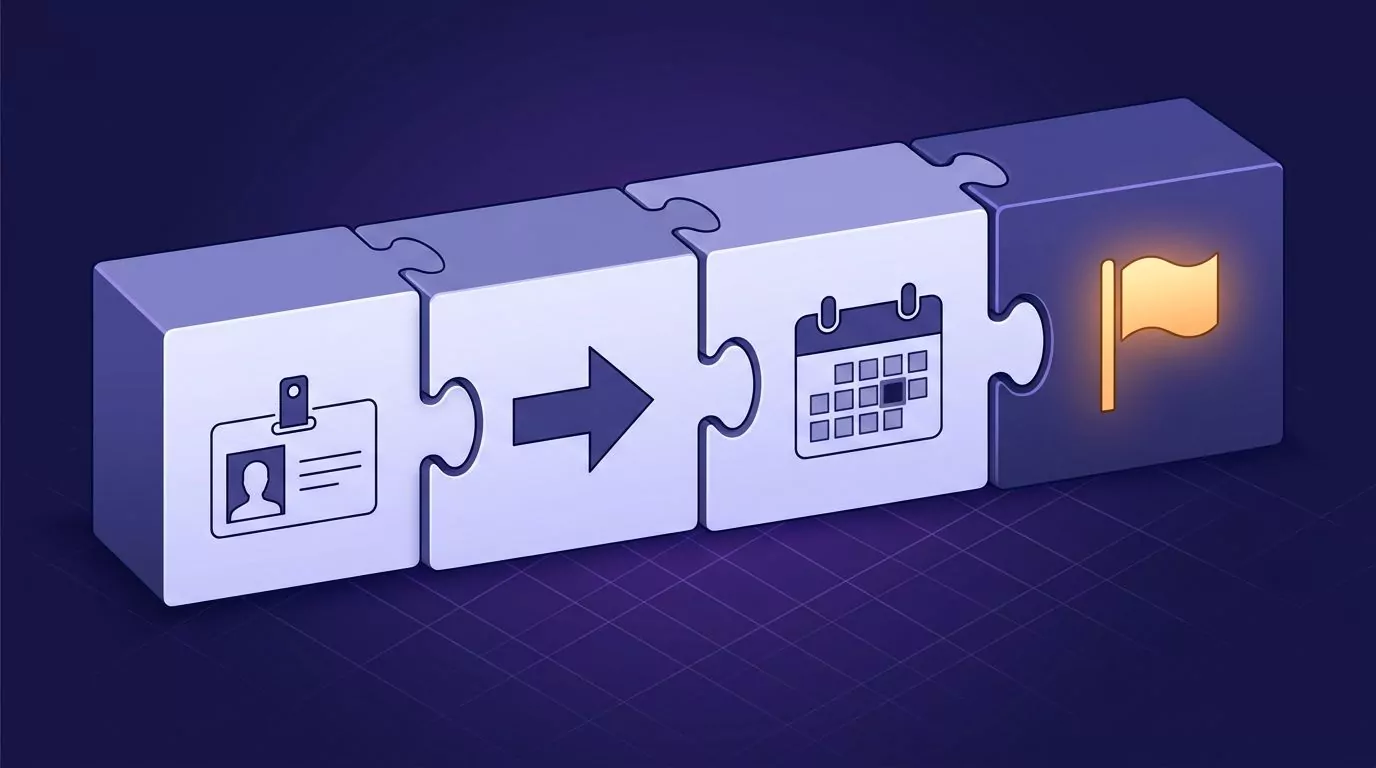
The anatomy of an action item that gets done: owner, verb, date, done-when
The four parts are not paperwork. Each one closes a gap that lets an item slide.
Owner: one named person
An action item has one owner, by name. Not "the team", not "marketing", and never "we". When two people own something, each one assumes the other has it.
The owner does not have to do all the work, only make sure it happens. If nobody will put their name on it, it is a discussion point for the next agenda, not an action item.
Verb: start with a concrete action
Start with a verb you could watch someone do: send, book, draft, decide, call. A good verb tells the owner what their hands will do in the first five minutes.
Ban the fog verbs: "look into", "think about", "touch base". They feel like progress, but they give no clue where to start.
Date: a real day
A date is a day on the calendar, such as "Thursday" or "May 14". "Soon" and "next week" are not dates. They are moods.
A due date is when the result must exist; a do date is when you will start, often a day or two before. For anything bigger than a quick email, put the do date on your calendar.
Done-when: the finish line
This is the part most people skip, and the one that matters most. Done-when is the result you can see that means the item is finished: "done when Dana has the PDF".
Without it, "what done looks like" is a vague wish in each person's head. "Draft the proposal" can mean an outline to you and a polished deck to your manager. With a done-when, you both check the same thing, and nothing stays "almost done" for weeks.
Put the four parts together and you get one sentence for every action item:
[Owner] will [verb + object] by [date], done when [result].
For example: "Priya will send the new quote to Acme by Wednesday, done when Acme's buyer says she has it." Anyone can read it cold a week later.
Weak vs strong action items: 8 examples rewritten
Here are eight action items as they usually get written, what each lacks, and a strong version in the template. The first three come from meetings. Several have someone else as the owner, so you track those as owed to you.
| Weak | What is missing | Strong |
|---|---|---|
| Team meeting: "Look into the launch date." | Owner, a real verb, date, done-when | "Maya will propose two launch dates by Tuesday, done when both are posted in the team channel." |
| 1:1 with your manager: "Talk about my promotion case." | A real verb, date, done-when | "I will send Jordan a one-page summary of my wins this year by Friday, done when Jordan has it before our next 1:1." |
| Client call: "Client to send feedback." | A named owner, date, done-when | "Lena at Acme will send her notes on draft 2 by Thursday, done when they are in my inbox." |
| Vendor call: "Sort out the contract." | Owner, a real verb, date, done-when | "I will email the vendor our marked-up contract by Monday noon, done when they confirm they have it." |
| Support escalation: "Follow up with engineering." | Who owns the fix, a real verb, date, done-when | "Raj will send me the root cause of ticket 4821 by Wednesday, done when I can give the customer a fix date." |
| Incident follow-up: "Make sure this never happens again." | Everything. It is a goal, not an action | "Chen will add a backup check to the runbook by the 15th, done when the step is live." |
| Content deadline: "Blog post next week." | Owner, a verb, a real date, done-when | "I will send the first draft of the pricing post to Sam by Thursday at 5pm, done when Sam has the link." |
| Personal admin: "Taxes." | A verb, date, done-when | "I will upload last year's receipts to my accountant by Sunday, done when the upload is confirmed." |
The weak versions are notes to self that only make sense in the moment. The strong ones still make sense a week later, to someone who was not in the room.
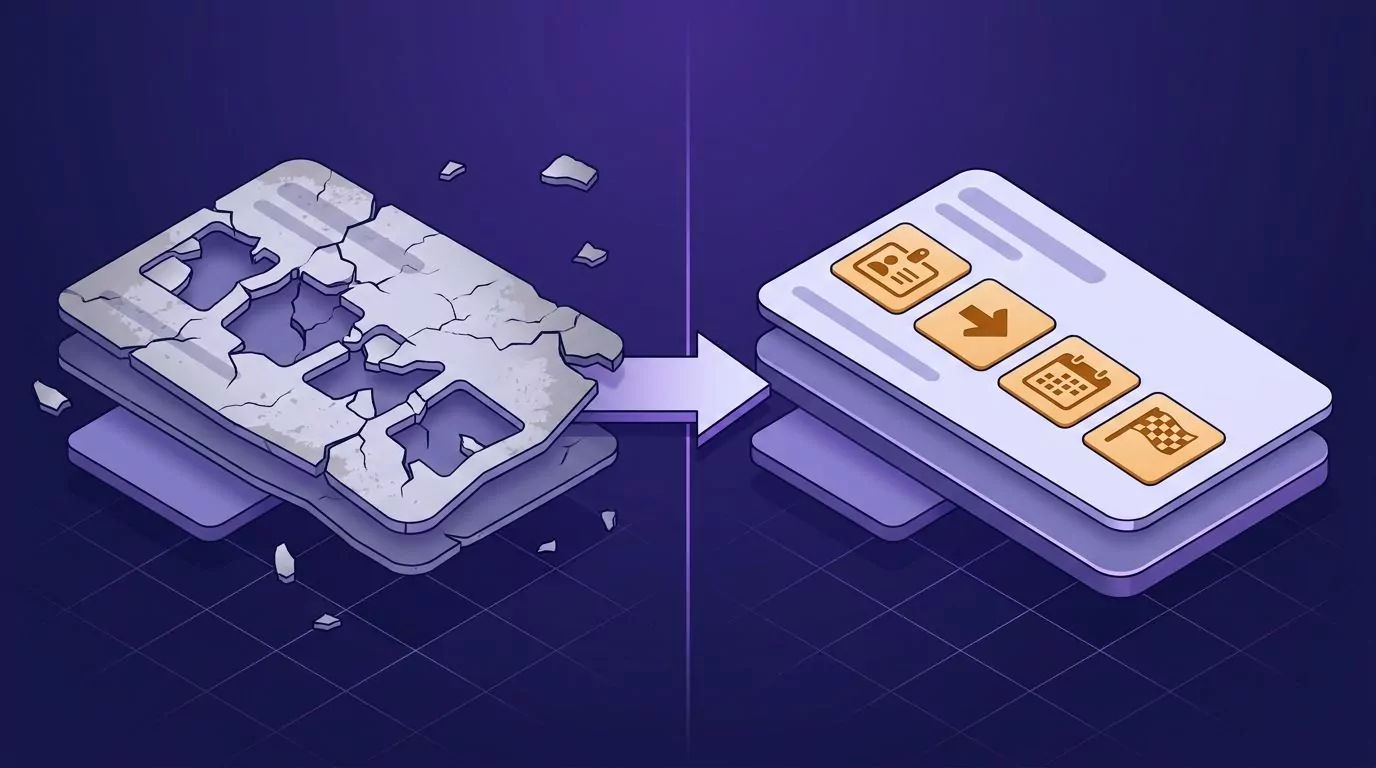
Action items you owe vs action items owed to you
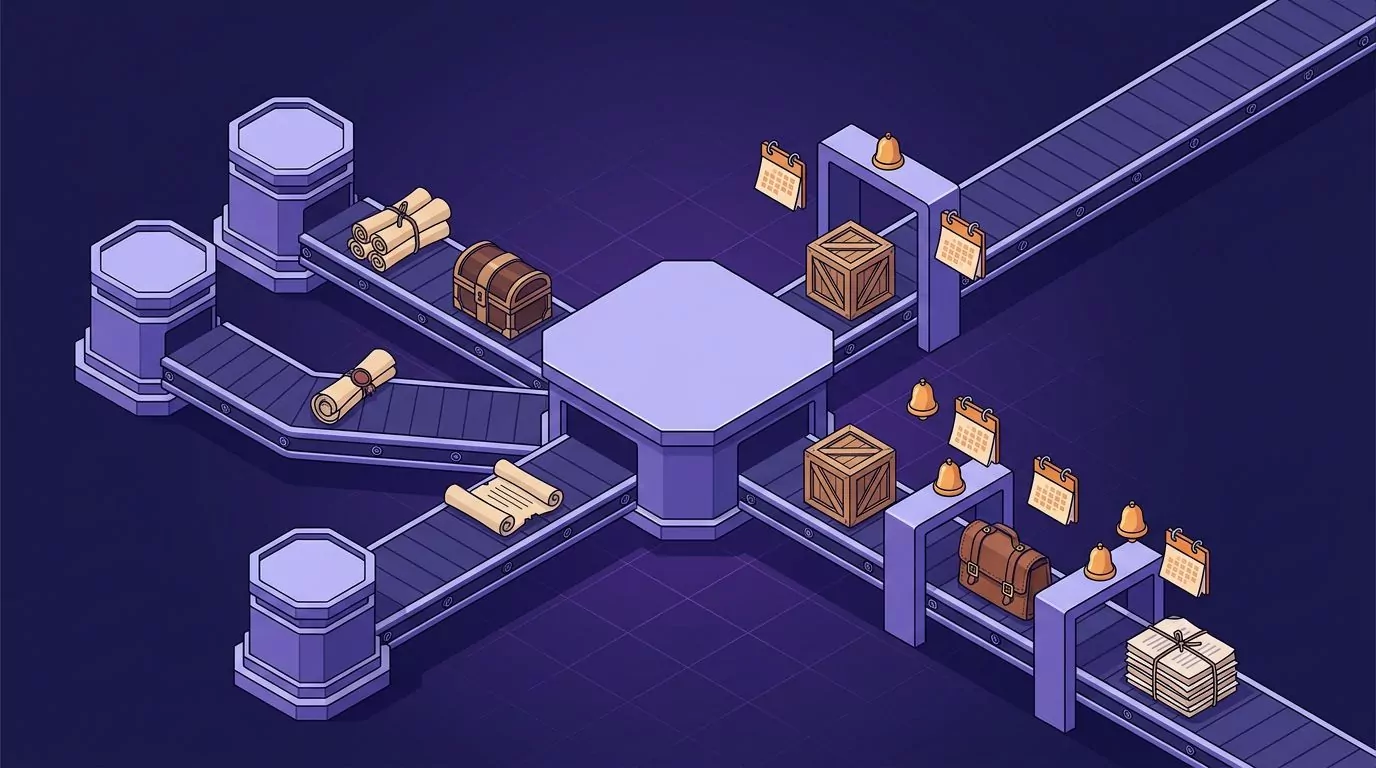
After most meetings you leave with two lists: what you promised, and what others promised you, like the signed contract or the numbers.
The second list is where things quietly die. Nothing reminds you, because the work is not yours. Then you find out you are blocked.
The fix: when someone else owns an item, your own action item is the check-in. Write it in the same template:
"I will ask Priya for the signed statement of work on Thursday if it has not arrived, done when I have it or a new date from her."
This is often called a "waiting for" list. Set each check-in for the day after the date they gave you, then close the item or ask for a new date.
Action items in a meeting: the last two minutes
Most meeting action items are lost in the last two minutes, when people are already standing up. Before anyone leaves, read each item back aloud with its owner, date and done-when, and get a clear yes from the owner.
Every item gets one named owner. An item nobody claims is parked as a discussion point, not written down with a blank owner.
If you take minutes, write each item into them in the same one-line template. That is the simplest answer to how to write action items in meeting minutes.
That works when someone takes notes for the room. In a 1:1 or a client call, you are often the only note taker, and you were busy talking. The next two sections are for that.
Where action items die: the hour after the call
The call ends, and the next one starts four minutes later. By the time you look at your notes, it is late in the day.
The first details to go are the owners and the dates. You remember that someone was sending something "soon", but not who, or which day. An unfinished promise also tends to tug at your attention until it is written down somewhere you trust.
So capture commitments within a minute or two of hanging up, not at the end of the day.
The 60 second spoken debrief: pull action items out of your own voice
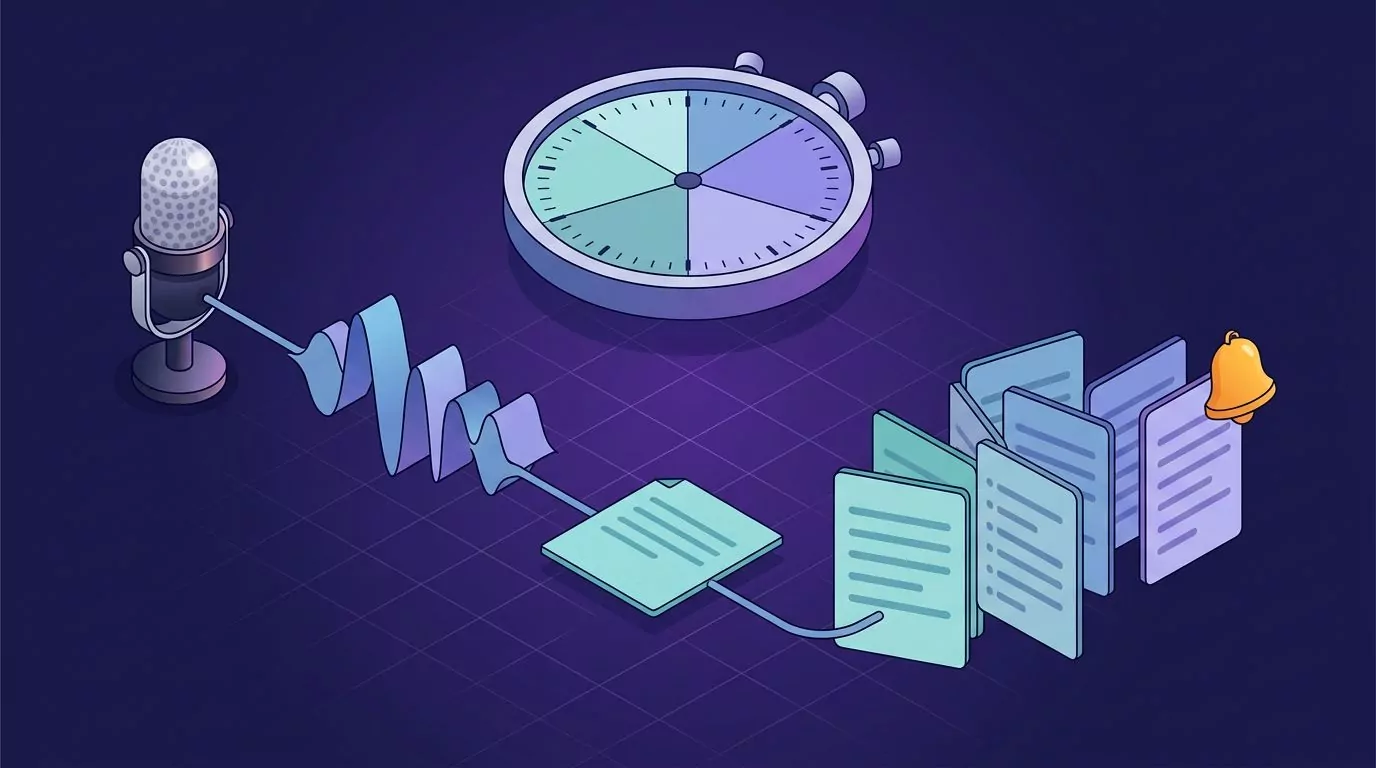
A meeting debrief, here, is a short recap you say out loud right after a call. It captures commitments and nothing else: what was decided, what you owe, what you are owed, and when you will check in. This is not a journal entry or a time log; if you want that, see interstitial journaling.
Why say it? General research puts talking well ahead of typing for most people, as this look at average typing speed shows. To empty your whole head instead, use a spoken brain dump.
The debrief script
- Context. One sentence on who was on the call and what it was about. "Call with Lena and Tom at Acme about the renewal."
- Decisions. What was decided. "We agreed on a two-year term at the current price."
- What you owe. Each commitment out loud, with owner, verb, date and done-when. "I will send Lena the new contract by Wednesday, done when she confirms she has it."
- What you are owed. Each item someone else owns, plus your check-in date. "Tom will send the purchase order number by Friday. I will check on Monday."
- Risks. Anything that needs its own item, with an owner and a date. "Legal may want to see the new term. I will ask them by Thursday."
That takes about 60 seconds, and a minute is enough for one call. Much longer, and you are retelling the meeting.
Your voice only
A debrief captures only your own voice, after you hang up: no meeting bot, and no recording of anyone else. Recording a call captures other people's voices too, which is a separate choice that involves everyone on it.
From debrief to list: a line by line check
This is not a cleanup. The brain dump guide already covers turning a rambling recording into a tidy list.
Instead, read the transcript of your voice memo line by line. For each commitment, ask: is there an owner, a verb, a date and a done-when?
If a part is missing, fix the line while you still remember. If you do not know the answer, turn the gap into a question for the other person: "Tom, which day works for the purchase order number?"
Doing it in VoiceSnap Pro
Any voice recorder will do for this debrief. VoiceSnap Pro voice notes, for Mac and Windows, make two steps shorter: pulling the items out, and setting the check-in.
Capture the debrief
Right after the call, hold the Voice notes shortcut (Right Command on Mac, Right Ctrl on Windows) and say your debrief. Or go hands-free with Control-Option-N (Ctrl+Alt+N on Windows), and press it again to stop. It becomes a voice note in your account.
Extract action items with one AI action
Next, run the built-in AI action Extract action items: right-click the note, or press Cmd+J (Ctrl+J on Windows) and pick it. It adds the to-dos below your note text, with who and when if you said them.
The lesson: it can only report an owner or a date that is in your words, so say names and dates out loud. Say "I'll send it later" and the list will say "later" too.
You can also add this guide's template as your own action. In Settings, AI actions, New action takes a name, a prompt, and where the result goes: replace the text, insert below, or save as a new note. Try this prompt:
Rewrite each to-do as "[Owner] will [verb] by [date], done when [result]". Flag any part that is missing.
An account can have up to 30 actions of its own. Forgot something? Open the note and press Add by voice, and the new part is added at the end after a blank line.
Set the check-in reminder while you talk
With Reminders from your voice switched on (Settings, AI), say "remind me Thursday at 9" inside the debrief, and the reminder is set on that note. The bell on the note, or Shift+Cmd+R (Ctrl+Shift+R on Windows), works too.
When it is due, you get a notification: on Mac with Mark as done and Snooze, on Windows one that stays until you deal with it. The Reminders view shows Overdue, Today, Upcoming and Done.
Two honest limits. A note carries one reminder, so set it for the earliest check-in or put a later follow-up in its own note. And reminders arrive while the app is running; missed ones wait under Overdue.
A Focus on Mac or Do not disturb on Windows can also silence a reminder, so check those settings if one goes missing.
Find it, follow up, and move it on
To find an old debrief, search for an exact phrase in double quotes, such as a client's name. To write the follow-up email after a meeting, put your cursor in Gmail or Outlook, hold Right Option (Mac) or Right Alt (Windows), and speak; punctuated text is typed at the cursor. See Gmail dictation without an extension and talk to text on a computer.
Voice notes keep their recordings (Keep recordings: Forever by default, 30 days, or Don't keep). Notes export as Markdown files, one per note, on any plan, so you can move items into whatever task manager you use. The notes library guide has the details.
VoiceSnap Pro is not a task manager, and it has no team features or integrations.
Where your debrief goes
The recording goes through VoiceSnap Pro's server to OpenAI to be transcribed. For a debrief of up to about five minutes, with Clean up dictation on (the default), the server sends the transcript, never the audio, to OpenAI a second time to remove filler words and slips you corrected. The note's text and recordings are then stored encrypted in your account on VoiceSnap Pro's servers so they sync, and the server holds the keys that decrypt them.
Keep recordings controls how long the audio stays. With AI titles on (the default), the note's text also goes to OpenAI to write a title. With AI tags on (also the default), it goes to OpenAI with your tag names, to pick from tags you made, once you have made at least one.
Nothing is sent for an AI action until you choose one. Then the text goes through VoiceSnap Pro's server to OpenAI, and that server keeps none of it, only a count of actions. Voice-set reminders send only the sentences around the request.
Each of these has its own switch in Settings, AI, and nothing you say is used to train AI models. A dictation, like that follow-up email, is different: its audio is discarded after transcription. See the privacy and data page for details, and this guide to zero data retention in voice apps for what retention terms mean in general.
What it costs
Every new account can try every feature free with 5,000 transcribed words and 50 manual AI actions, given once with no expiry and no card required. Creating, editing and organizing notes has no free-plan cap. Pro is $9 a month for unlimited transcription and manual AI actions, subject to fair use, on up to 3 devices. Download free for Mac or Windows. Automatic AI titles, tags and reminders set by voice do not count as manual AI actions.
Keeping the list alive: a 10 minute weekly review
A rolling action item list is one running list of your open commitments, carried from week to week instead of restarted after every meeting. Give it 10 minutes once a week.
Go through every open item and do one of four things:
- Close it if the done-when has happened.
- Carry it forward if it is still on track.
- Renegotiate it if the date will slip, and tell the other person the new date now.
- Delete it if it no longer matters, and tell anyone who was expecting it.
Check your owed-to-you items the same way. You do not need a whole second-brain system to keep promises, just one list and a weekly look.

Frequently Asked Questions
What is meant by action items?
Action items are specific next steps that one named person has agreed to do by a stated date. They usually come out of meetings, but calls, emails and your own planning create them too. A good one says who, what, when and what done looks like, in one line.
What is another word for action items?
Common synonyms are next steps, to-dos, takeaways, follow-ups and AIs. Strictly, a follow-up is a check-in on someone else's item.
What are action items in a meeting?
Meeting action items are the commitments people make during a meeting, each with one owner, a date and a clear finish line. Confirm them in the last two minutes by reading each one back to its owner, as the meeting section above explains.
What are examples of action items?
Here are three in the one-line template:
- Ana will book the venue for the June offsite by Friday, done when the booking email arrives.
- I will send Marco the Q2 numbers by Tuesday noon, done when he replies that he has them.
- Kim will decide on the new support hours by the 20th, done when they are posted on the help page.
Can AI pull action items out of my notes without recording the meeting?
Yes, if your notes contain them. An AI action such as Extract action items can only report owners and dates that are in the text, so say them aloud in your debrief. If you want a meeting recorder for the whole room instead, see these Otter alternatives.
Turn your next call into action items that get done
Action items get done when they have an owner, a verb, a date and a done-when, and when you capture them before the details fade. Say yours out loud in the minute after the call.
If you would like to try the 60 second debrief with voice notes and reminders, VoiceSnap Pro is free to start, with no card. Download free.