How to Build a Second Brain: The CODE Method, From a 10 Second Note to a Finished Draft
Most people who try to build a second brain end up with a big pile of notes and very little to show for it. The notes go in, and nothing comes out. This guide is about the part that comes out.
A second brain is an outside, searchable system for the ideas, notes and decisions you want to reuse, so your head does not have to hold them. The term comes from Tiago Forte, whose CODE method gives it four steps: Capture, Organize, Distill and Express. The payoff comes at the end, when notes turn into finished work.
The plan here is simple. Let the tool do the clerical steps, like titles, tags and summaries, under rules you set. Spend your own time on the two steps that make a note worth keeping: Distill and Express.
To keep it concrete, this guide follows one note from a ten second thought to a finished email draft. It is an illustration, not a real person's notes. The tool shown is VoiceSnap Pro, a dictation and voice notes app for Mac and Windows, but the method works in any notes app that can search, tag and summarize.
What a second brain is, in one table
Tiago Forte made the idea popular through his course and his 2022 book, Building a Second Brain. His introductory guide on Forte Labs describes it as a central digital home for the things you learn and the sources they come from. The method for using it is CODE.
The idea is older than any app. Writers kept commonplace books for centuries, copying out passages they wanted to use again, and there is a whole practice around keeping a commonplace book you can actually search. What changed is that software can now do some of the filing for you, and the table shows where that line sits.
| CODE step | What Forte means | What the system can do under your rules | What stays your job |
|---|---|---|---|
| Capture | Keep what resonates, in one trusted place | Save a spoken thought as a note with one shortcut, and keep its recording | Deciding a thought is worth ten seconds |
| Organize | Organize for action, by where a note will be used | Write a short title; pick tags only from the ones you made | Choosing the tags, the folders and what to pin |
| Distill | Progressive summarization: find the essence in layers | Turn a ramble into bullets; summarize a long note when you ask | One line on top, in your own words |
| Express | Turn notes into output, one small packet at a time | Open notes beside the draft; type what you say at the cursor | The argument, the draft and the decision |
Read the last two columns as the core of this guide. The clerical part moves to the tool. The judgment stays with you, and that is where the value is.
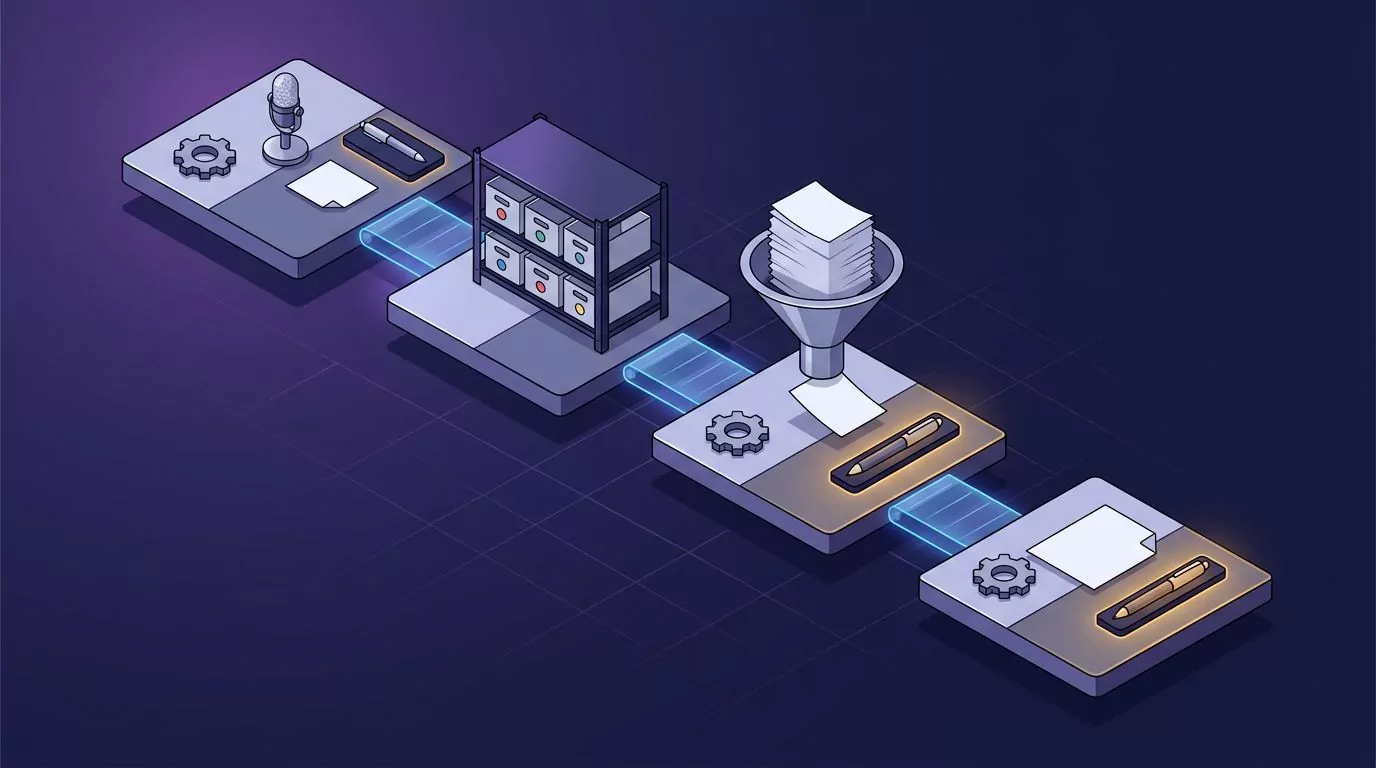
Capture: make it cost less than the thought is worth
Capture has to cost less than the thought is worth, and the cost is decisions, not keystrokes: which app, which page, what title, which tags. Speaking a thought into a voice note skips most of them, and the Organize step below takes the title and tags off your plate too. For long spoken sessions, see how to do a brain dump by talking; for the typing side, see what average typing speed costs you.
What to capture at work
Forte's rule for capture is to keep what resonates. If something strikes you as surprising, useful or personal, save it, and let the rest go. At work, that test points at a short list:
- A decision and why. The reason fades long before the decision does.
- A client's exact words. A quote beats your paraphrase when you write the proposal.
- A fix you will need again. The command, the setting, or the name of the person who knew.
- An idea for a doc. One line about what the next update, spec or email should say.
Here is the note this guide follows. On a Tuesday, in the middle of a support ticket, you notice that new trials keep stalling at the same place. You hold the voice note key and say, in about ten seconds: "The onboarding email should lead with the import step; half of trials stall there."
Then you go back to the ticket. You did not pick an app, a page, a title or a tag. That is the whole point of the capture step.
Keep the recording, at least at first
A modern speech model is good, but it still gets a surname or a product name wrong now and then. The reasons are covered in the guide to how AI speech to text works today. If a voice note keeps its recording, you can replay the exact words when the text looks off.
In VoiceSnap Pro, voice notes have their own shortcut (hold Right Command on a Mac or Right Ctrl on Windows, or press Control-Option-N or Ctrl+Alt+N to go hands-free), and Keep recordings is set to Forever by default, with 30 days and Don't keep as the other choices. Start with the default. You can shorten it later, once you trust the text.
Organize: let the system file, on your terms
Organizing is where many second brains quietly stall. Every note needs a title, a place and some tags, and each of those is a small chore that piles up. The fix is not to skip organizing; it is to hand the clerical part to the tool and keep the rules for yourself.
Titles you never write
With AI titles on, a new voice note gets a short title written by AI, a few words long and in the note's own language. The Tuesday note might come back titled something like "Onboarding email: lead with import." You never typed it.
Typed notes work a little differently. A typed note keeps its first sentence as its title until you rename it or choose Regenerate title. Once you write a title yourself, AI never replaces it.
That last rule matters more than it sounds. The system can help, but it cannot overrule you. A second brain you cannot trust to leave your words alone is one you will stop opening.
Titles also matter more for scanning than for search. When you open the list on Friday, a column of clear titles tells you at a glance which notes are about onboarding and which are about hiring.
Tags you make, AI only picks
Tags are where a second brain fails slowly. Every new tag feels useful on the day you make it. A year later you have "client", "clients", "customer" and "accounts", and none of them finds anything.
VoiceSnap Pro handles this with a strict rule: you create every tag yourself. With AI tags on, a new note gets up to three of your existing tags, picked from what the note says. It may pick none, it never invents a tag, and it leaves alone any note that already has tags, which stops tag sprawl before it starts.
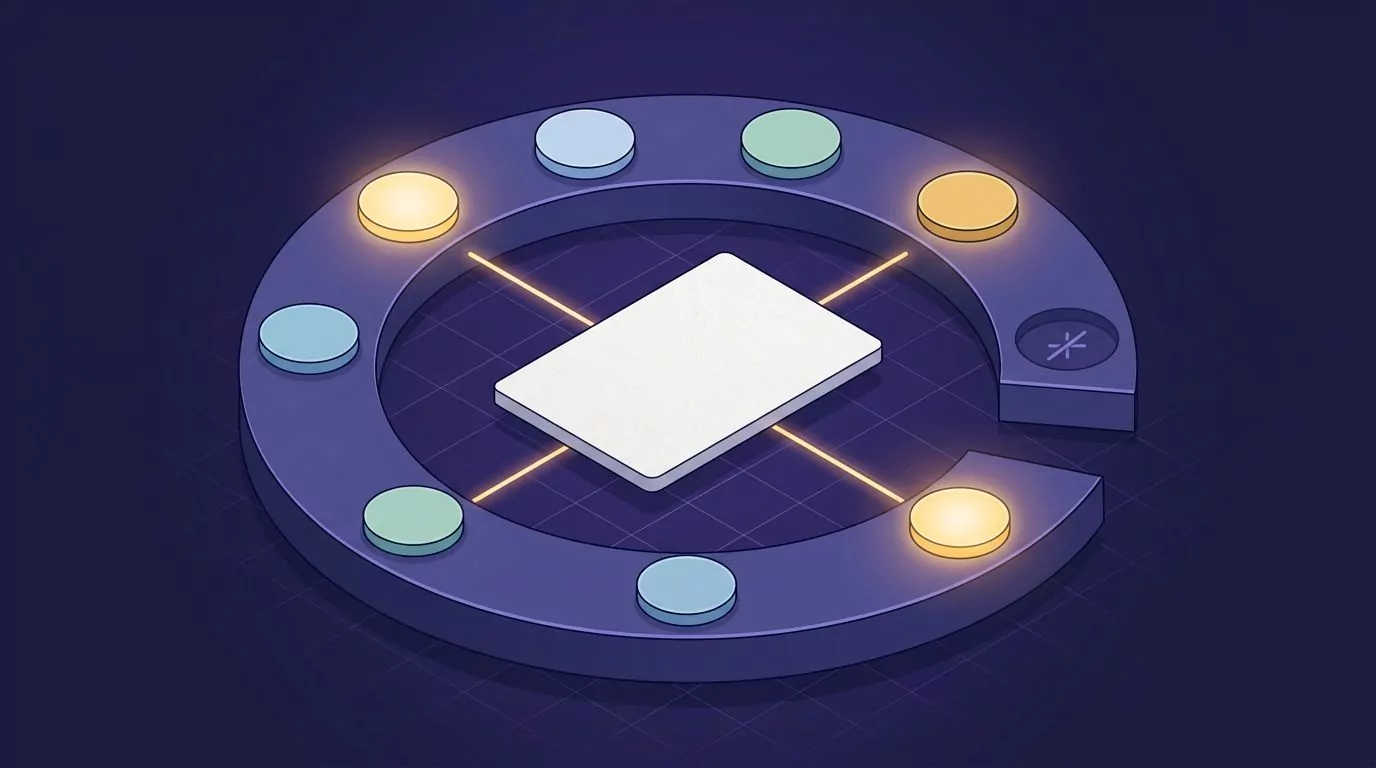
So the real work is choosing the tags. Start with five to eight, named for where a note will be used rather than what it is about. That is Forte's idea of organizing for action: "onboarding" tells you where a note goes next, while "marketing thoughts" does not.
In the example, the starter set has six tags: onboarding, clients, launch, hiring, docs and 1:1s. The Tuesday note gets two of them, onboarding and clients, without you touching it. If the pick is wrong, you change it like any other tag.
A tag set needs a little care over time. Once a quarter, merge tags that drift apart (the notes move to the tag you keep) and delete the ones you never click; a deleted tag leaves its notes in place.
Folders and pins
Notes can sit in folders one level deep, and the handful you reopen every week can be pinned to the top of the list. If you know Forte's PARA method, its four categories are Projects, Areas, Resources and Archive.
Distill: progressive summarization in a 20 minute weekly pass
Distill is the step most people skip, and it is the one that makes a note reusable. A raw note is written for the moment you had it. A distilled note is written for the moment you need it, weeks later, in a hurry.
Forte's layers, mapped to actions
Forte's technique for this is progressive summarization. You do not summarize a note all at once. You add a layer each time you touch it, so the best notes get the most attention and the rest cost you nothing.
In his version, the layers are the captured note, then the best passages in bold, then the best of those highlighted, then a short summary in your own words. Here is how each layer maps to an action in a notes app with AI actions:
| Layer | Forte's version | The equivalent action | Who does it |
|---|---|---|---|
| 1 | The captured note | The voice note as you said it, with its recording | You speak; the app saves |
| 2 | Bold the best passages | Turn into bullet points on a rambling note. It replaces the text, Undo is offered, and version history keeps the old text (up to 50 earlier versions) | AI, when you choose it |
| 3 | Highlight the best of the bold | Summarize on a long note (key points added below), or Summarize into a new note (a separate note, and the original stays whole) | AI, when you choose it |
| 4 | A short summary in your own words | One line at the top of the note, written by you | You, always |
That fourth layer is the step that makes the note reusable. No AI action writes it for you, and it should not. A bullet list tells you what you said; your own line tells you what it means and where it goes next.

Forte has a good rule for this step: add a little value every time you touch a note. You never need to distill everything. You only need to distill the notes you are about to use.
When to bullet and when to summarize
The two AI actions do different jobs, so pick by the shape of the note. Turn into bullet points suits a short note that wanders, like a thought spoken while walking to a meeting. It keeps every point but puts one on each line, in the order you said them.
Summarize suits a long note, like a recap after a call. It adds the key points below the text, so the full version is still there when you need a detail. Summarize into a new note goes one step further and saves the summary as its own short note, which is handy when the summary is the piece you will reuse.
Neither action is the final layer. Both give you a cleaner draft of what you said. The line on top is still yours to write.
The 20 minute pass
Once a week, give your second brain twenty minutes. Friday afternoon works well, because the week is still fresh. Here is the routine:
- Filter to the last 7 days. Use the date filter, so you only see this week's notes.
- Read each new note once. Do not edit yet. Just notice which ones still matter.
- Bullet the rambling ones. Run Turn into bullet points on any note that wanders. Undo is right there if the result loses something.
- Summarize the long ones into a new note. A long call note becomes a short summary note of its own, and the original stays whole.
- Add your own line on top. One sentence: what this means, and where it goes next.
- Rename what deserves a better title. If an AI title is vague, write your own. It will stick.
- Pin what matters next week. Pins are your short list for Monday.
There is also an Extract action items action, which pulls the to-dos out of a rambling note, with who and when if you said them. It is useful, but it is a different job from this pass.
This pass is not a reading habit. It is a small production line: work notes go in, and reusable packets come out.
The example, on Friday
By Friday there are five notes tagged onboarding. There is the Tuesday thought, a client's complaint about setup, a support fix for a failed import, a two minute ramble after a call, and an idea for a help page.
You run Turn into bullet points on the ramble. You run Summarize into a new note on the long call note, so the summary becomes its own packet. Then you add one line on top of the Tuesday note, in your own words: "Rewrite the welcome email around the import step before the next launch."
You rename one vague title, pin the Tuesday note, and stop. The whole pass took less than the twenty minutes. Five scraps have become five packets, each one short, titled, tagged and ready to use.
Express: from intermediate packets to a finished draft
Express is where a second brain pays off. Everything before it is preparation. If your notes never turn into a doc, an email or a decision, the system has cost you time and returned nothing.
Intermediate packets
Forte's name for the building blocks is intermediate packets: small, reusable pieces of work that add up to a deliverable. A distilled note, an outline, a decision record and a client quote all count. His overview of the method suggests ending each work session by finishing one.
The notes from Friday's pass are your packets. Each one is short, titled, tagged and topped with a line in your own words. So Express does not mean starting from a blank page; it means putting together what you already have.
This changes how big work feels. A launch email, a quarterly update or a proposal is no longer one huge task. It is five or six packets, put in order and joined with a few sentences.
Packets also make interruptions cheaper. If a meeting cuts your afternoon short, the deliverable is still a set of finished pieces, not a blank page you have to restart.
Five notes into a doc, talked in at the cursor
Here is how the example turns into an email. The next week, you open a draft of the new onboarding email. Then you open each of the five notes with Open Note in New Window, and arrange the windows beside the draft.
- Click into the email draft where the first paragraph should go.
- Hold the dictation key (Right Option on a Mac or Right Alt on Windows, by default).
- Talk the paragraph in, working from the note in front of you, then let go. The punctuated text appears at the cursor.
- Move to the next note and the next paragraph, and repeat.
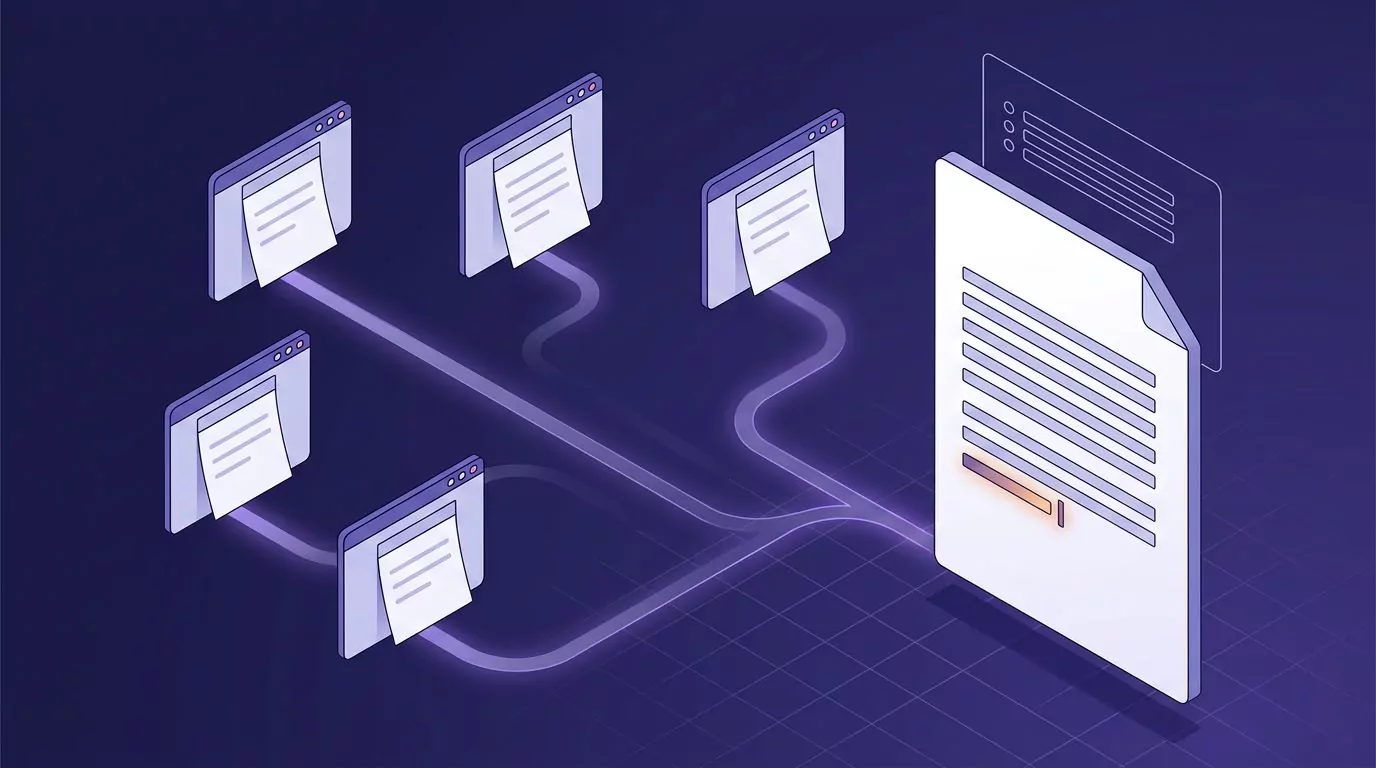
Do not aim for polish on this pass. Say each paragraph the way you would explain it to a colleague across the desk, then move on. Pauses are fine, because nothing is typed until you let go of the key.
The method is the same one covered in the guide to talk to text on your computer, applied to your own notes. The words land in the email, not in your notes. If local dictation history is on, a text copy stays on that computer only, and it does not become a note.
Speaking a first draft from your own notes beats retyping them. The notes give you the facts and the order; your voice gives you the sentences. You are not copying anything, so you are writing, not transcribing.
Edit, ship, and feed the packet back
A spoken draft is a first draft. Read it once with fresh eyes, cut the repeats, and fix any name the speech model heard wrong. By default, Clean up dictation drops filler words and slips you corrected out loud, and it never rewords a sentence behind your back.
When the email ships, paste the final version into a typed note and tag it onboarding. Next quarter, when someone asks for a new welcome email, that note is a packet too. This is how a second brain compounds: finished work becomes raw material for the next piece.
One piece of the example is still missing. The five windows give you the content, but the outline that holds them together came from an AI assistant that read your notes. That is the next section.
AI second brain: letting an assistant read your notes
An AI second brain is a second brain where AI handles some of the clerical work, such as titling, tagging and summarizing, and an assistant can search and read your notes to answer questions. The decisions, and the final words, stay yours.
Forte himself has moved this way. In March 2026 he announced a course called The AI Second Brain. The practical question for you is narrower: what AI does inside your notes, and what an assistant outside them can see.
AI inside the notes app
In VoiceSnap Pro, AI titles, AI tags and the AI actions you choose all send the note's text to OpenAI through VoiceSnap's server. Titles never send recordings, and tags send the text plus the names of your tags. Each one can be switched off in Settings, and nothing you say or write is used to train AI models.
Ask your second brain
The second kind of AI is an assistant that reads your notes. VoiceSnap Pro includes a small read-only server that uses the Model Context Protocol, the standard way assistants like Claude Desktop connect to other apps. Once it is on, the assistant can search your notes by words, an exact phrase or a tag, and read them in full.
Treat it as Express work, not as a chat toy. In the example, three asks do the heavy lifting:
- "Pull everything I said about onboarding into an outline."
- "Which decisions did I record under #clients this quarter?"
- "Which notes mention the onboarding email?"
The first ask gives you the outline for the email draft. The assistant answers in its own chat and cannot change your notes, so the outline still goes into the doc by talking it in or pasting it. Anthropic's guide to local MCP servers on Claude Desktop covers the assistant side of the setup.
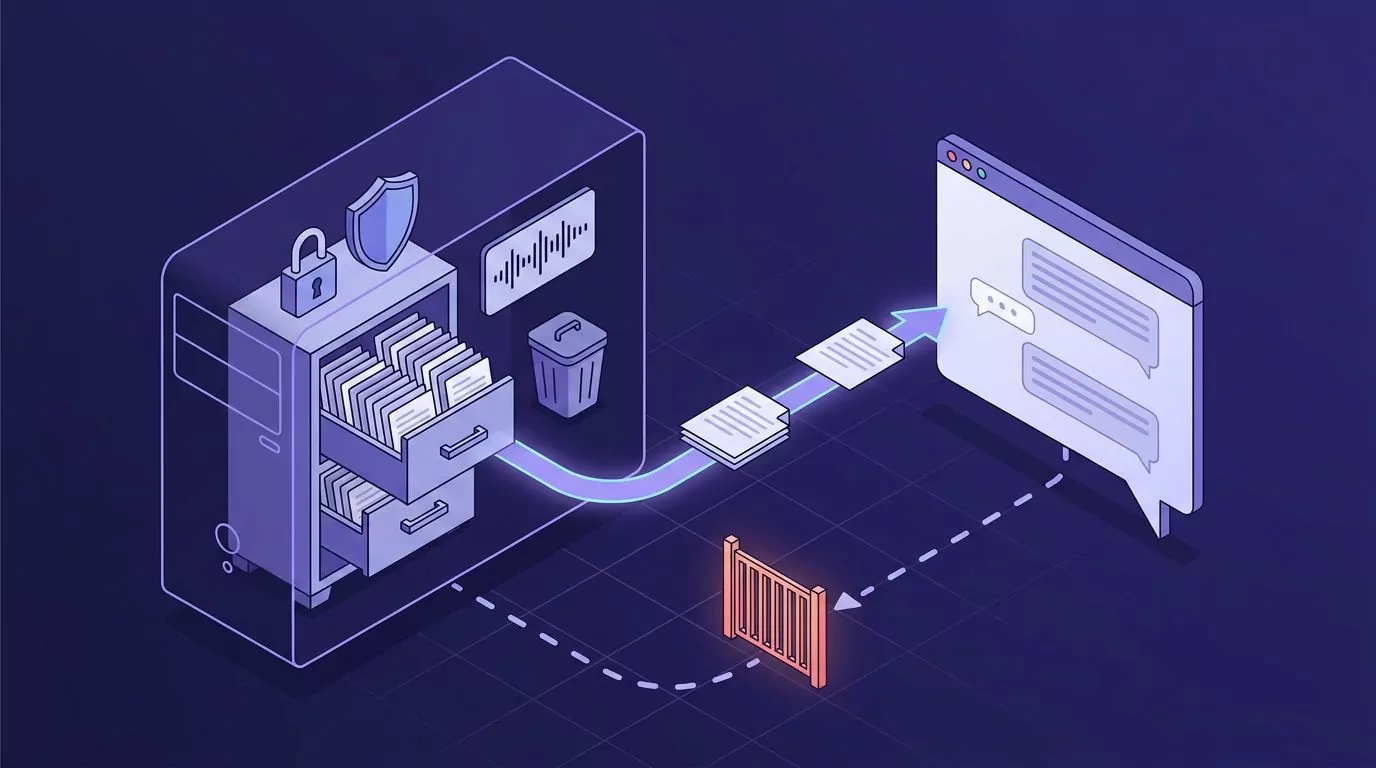
The setting is off by default and turned on per computer, and the assistant gets read-only access to note text only. What it reads goes to the assistant's provider (Anthropic, for Claude Desktop) under that provider's terms, so read up on what zero data retention actually means before you switch it on.
One warning before you lean on it. If you let the assistant do the understanding for you, you end up with tidy summaries of thinking you never did, so read what it gives you and put it in your own words.
Find it later, and keep the exit open
Search takes words in any order, or an exact phrase in double quotes, so three months later the Tuesday note turns up the moment you search "half of trials". Export Notes saves one Markdown file per note, plus an index.json file, on any plan.
The full case for retrieval and portability is in the guide to a searchable commonplace book. The exact search syntax is in the notes library documentation.
Set it up in 30 minutes, keep it alive in 20 a week
You do not need a template or a free weekend. A template built before the habit exists is the classic abandoned second brain. Start small, with real notes, today:
- Choose the shortcuts (5 minutes). Learn the voice note key and the dictation key from the keyboard shortcuts guide, or pick different right-hand keys in Settings.
- Make 5 to 8 tags (10 minutes). Name each one for where a note will be used: a project, a group of clients, a recurring meeting.
- Make 3 or 4 folders (5 minutes). Use them for the few big buckets you already think in.
- Capture 5 real notes today (10 minutes, spread out). Use real work, not test notes, and watch the titles and tags arrive.
After that, the system runs on a small weekly rhythm:
| Day | Task | Minutes |
|---|---|---|
| Any day | Capture thoughts as they come, one shortcut each | Seconds per note |
| Friday | The 20 minute pass: bullet, summarize, add your own line, pin | 20 |
| Monday | Open the pinned notes and turn one into a draft or a decision | 10 to 30 |
| When needed | Search for a phrase you remember, or ask the assistant | 1 to 2 |
| Once a quarter | Export your notes to a folder you back up | 2 |
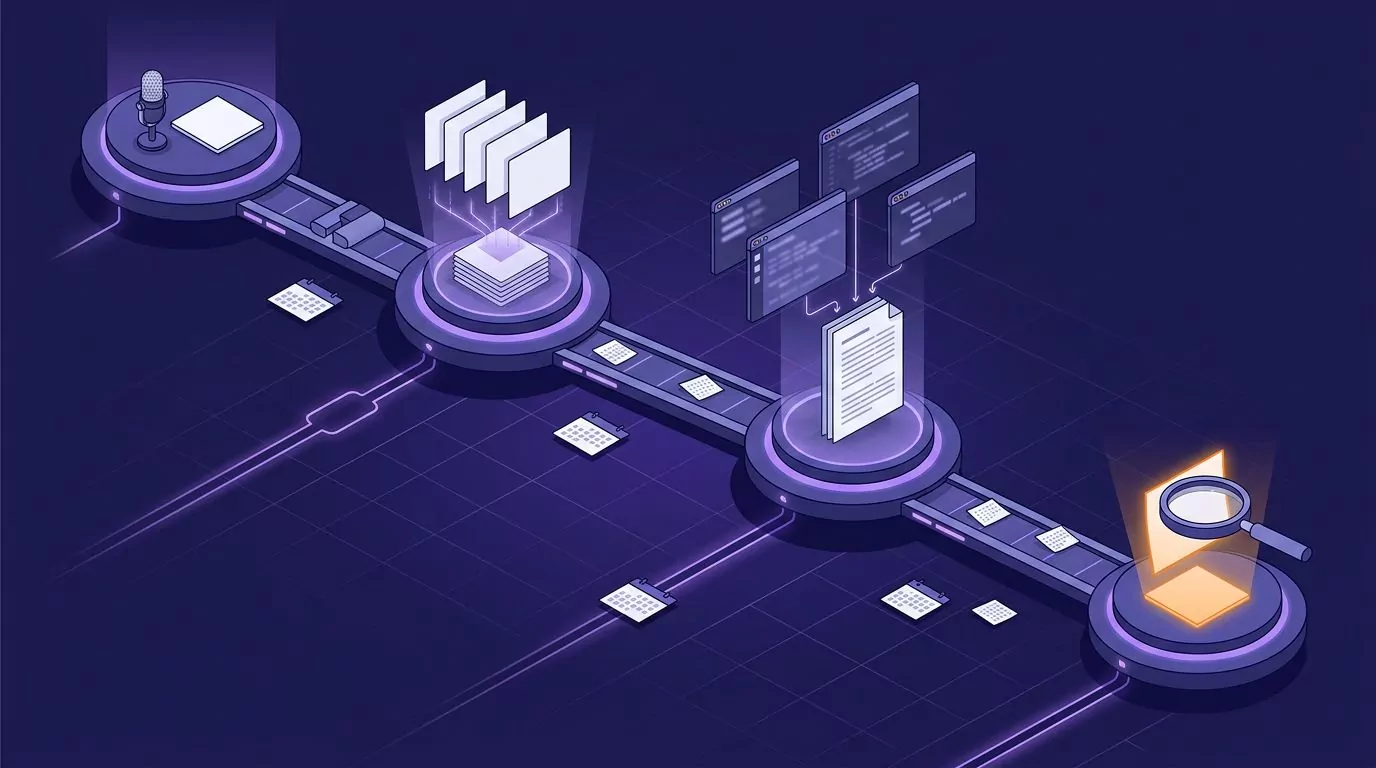
Keep the rhythm small on purpose. If the Friday pass grows to an hour, you will skip it. Twenty minutes is easy to protect, and it is enough to keep the notes moving toward work.
Where VoiceSnap Pro fits, and where it does not
VoiceSnap Pro covers the steps this guide leans on. Capture is one shortcut for a voice note that keeps its recording. Organize is AI titles that never overwrite yours, AI tags picked only from tags you made, one level of folders, and pins.
Distill is Turn into bullet points, Summarize and Summarize into a new note, with Undo and up to 50 earlier versions per note. Express is note windows beside your draft, plus a dictation key that types punctuated text at the cursor in any app. Finding things is phrase search, an optional read-only assistant, and Markdown export on any plan.
Notes are stored encrypted in your account and sync across the computers you sign in on, with Google or an emailed code. Every new account can try every feature free with 5,000 transcribed words and 50 manual AI actions, given once with no expiry and no card required. Creating, editing and organizing notes has no free-plan cap. Pro is $9 a month for unlimited transcription and manual AI actions, subject to fair use, on up to 3 devices. Download free for Mac or Windows. Automatic AI titles, tags and reminders set by voice do not count as manual AI actions.
Creating, editing and organizing notes has no free-plan cap. Pro is $9 a month for unlimited transcription and manual AI actions, subject to fair use, on up to 3 devices. Your notes remain readable, editable and exportable if your free allowance runs out or you stop paying.
The limits are real, and worth knowing before you start:
- Apple silicon Macs and Windows PCs. This guide covers the desktop app, which runs on Apple silicon Macs with macOS 13 or later and on x64 PCs with Windows 10 21H2 or Windows 11. There is no Linux build or browser extension.
- Online for transcription and AI. Both need an internet connection.
- Personal, not shared. There are no team spaces or shared notes.
If that fits how you work, VoiceSnap Pro is free to start, with no card, and the pricing page has the full plan details. The Mac and Windows installers are available on the Download free page.
Frequently Asked Questions
What is a second brain?
A second brain is an outside, searchable system for the ideas, notes and decisions you want to reuse. Tiago Forte's CODE method (Capture, Organize, Distill, Express) is the best known way to build one. The goal is not storage; it is turning notes into finished work.
Is a second brain worth it?
It is worth it if your notes turn into output. If you only capture and file, you get a bigger pile, not better work. A 20 minute weekly pass and a habit of drafting from your notes are what make the time pay back.
What is the CODE method in Building a Second Brain?
CODE stands for Capture, Organize, Distill and Express. You capture what resonates, organize it by where it will be used, distill it to its essence in layers, and express it as finished work. Forte explains it in his book and on the Forte Labs blog, and his talk on capturing, organizing and sharing knowledge with digital notes walks through the original idea.
Is second brain AI free?
Many second brain apps have a free tier with limits, so check what is limited: notes, AI uses or time. VoiceSnap Pro starts with a one-time free allowance that includes 50 AI actions, and automatic AI titles, AI tags and reminders set by voice do not count toward it. Letting an assistant read your notes is not an AI action and does not involve VoiceSnap's server, but the assistant's own plan applies.
What is the best app for a second brain?
The best app is the one that passes a test at each CODE step. Look for capture in one action, organizing by rules you set (not tags the app invents), summarizing in place, and export to plain files you can open anywhere. If an app fails the last test, think twice before you trust it with years of notes.
Can you build a second brain from voice notes alone?
Yes, as long as the voice notes become searchable text with titles and tags. Speaking is an easy way to capture, and a kept recording lets you check the exact words later. You will still type the odd note, and you will distill and express in text.
What is the Building a Second Brain book about, and do I need to read it first?
Forte's 2022 book covers the CODE method and the PARA system for organizing notes. It is useful, but you do not need it to start; the steps in this guide are enough for your first month. Michael Gershon's "The Second Brain" is a different book, about the gut.