AI Speech to Text: What Actually Changed, and Why You No Longer Train Your Voice
AI speech to text turns spoken words into written text using a single neural model trained on huge amounts of varied speech. Unlike older systems, it does not need to learn your voice first. It adds punctuation on its own, works for most accents out of the box, and runs either in the cloud or on your own machine.
If you last tried dictation ten years ago, you probably remember the setup. You read prepared paragraphs into a headset for fifteen minutes. You said "comma" and "new paragraph" out loud. The results were still rough.
None of that is true anymore, and the reason is not that the old systems got better. They were replaced. This article explains what replaced them, where automatic punctuation actually comes from, and how to test any vendor accuracy claim you read. If you want the practical desk setup instead of the theory, the talk to text workflow guide covers that side.
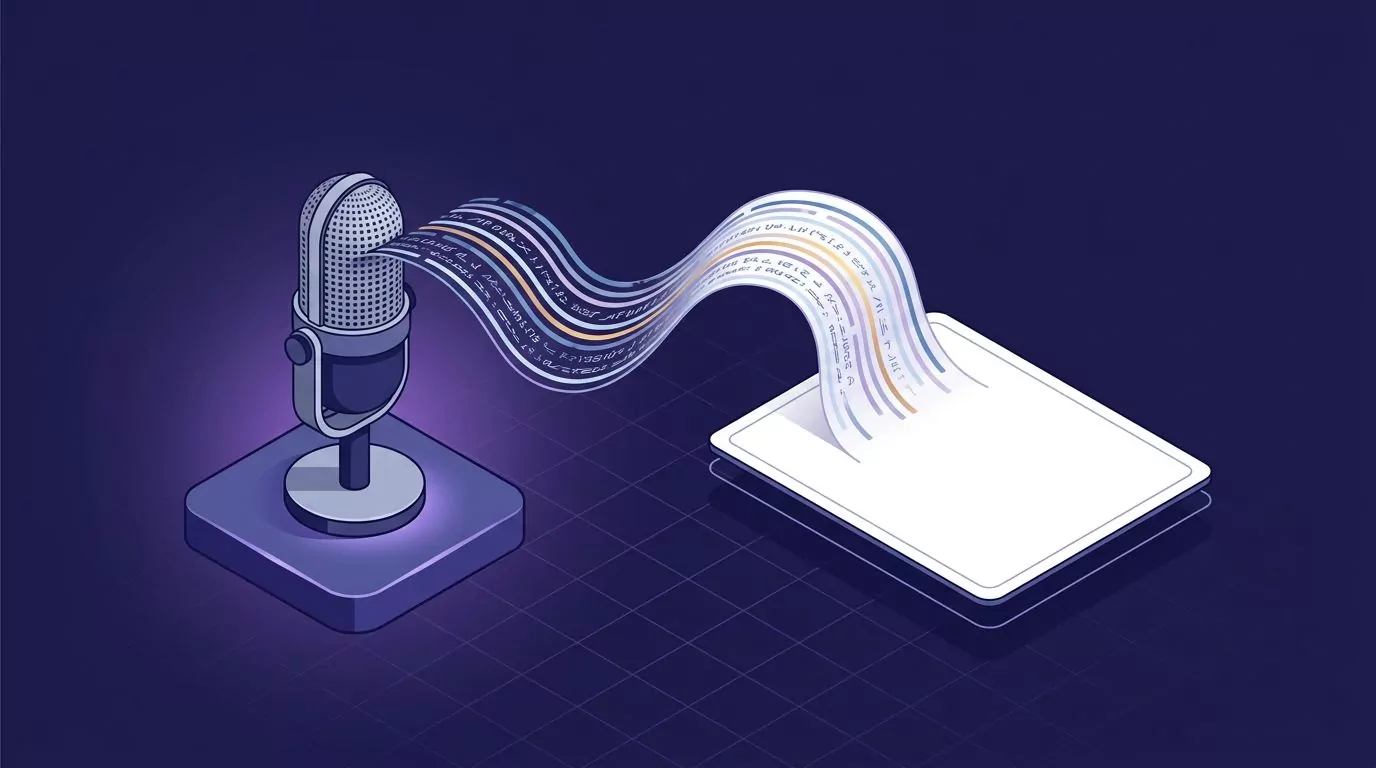
What changed in AI speech to text: one model instead of three
The old way split the job into three parts. Google Research describes the classic setup as "an acoustic model that maps segments of audio (typically 10 millisecond frames) to phonemes, a pronunciation model that connects phonemes together to form words, and a language model that expresses the likelihood of given phrases."
Notice the shape. Sound became phonemes, phonemes became words, and a separate model judged whether the sentence was plausible. Three parts, each able to fail on its own.
The acoustic model was the weak link. It had to map raw sound to phonemes, and raw sound varies enormously between people. Your pitch, your accent, your microphone, and the room you sit in all change the signal. So the fix was to bend that first stage toward one person. That is what voice training was.
Modern systems drop the split. Google's all neural on device recognizer uses "a single neural network to directly map an input audio waveform to an output sentence." No phoneme stage. No separate dictionary. Audio goes in, text comes out.
This is what people mean by end to end speech recognition. The gain is not just tidiness. One model trained on many voices learns the variation that used to break the acoustic model.
Scale is the other half. OpenAI's Whisper paper, Robust Speech Recognition via Large-Scale Weak Supervision, reports training on 680,000 hours of multilingual audio. The authors write that the models "generalize well to standard benchmarks" in "a zero-shot transfer setting without the need for any fine-tuning."
That phrase is the whole story. Zero-shot means no tuning for your data, your accent, or your voice. The model has already heard enough people to handle you.
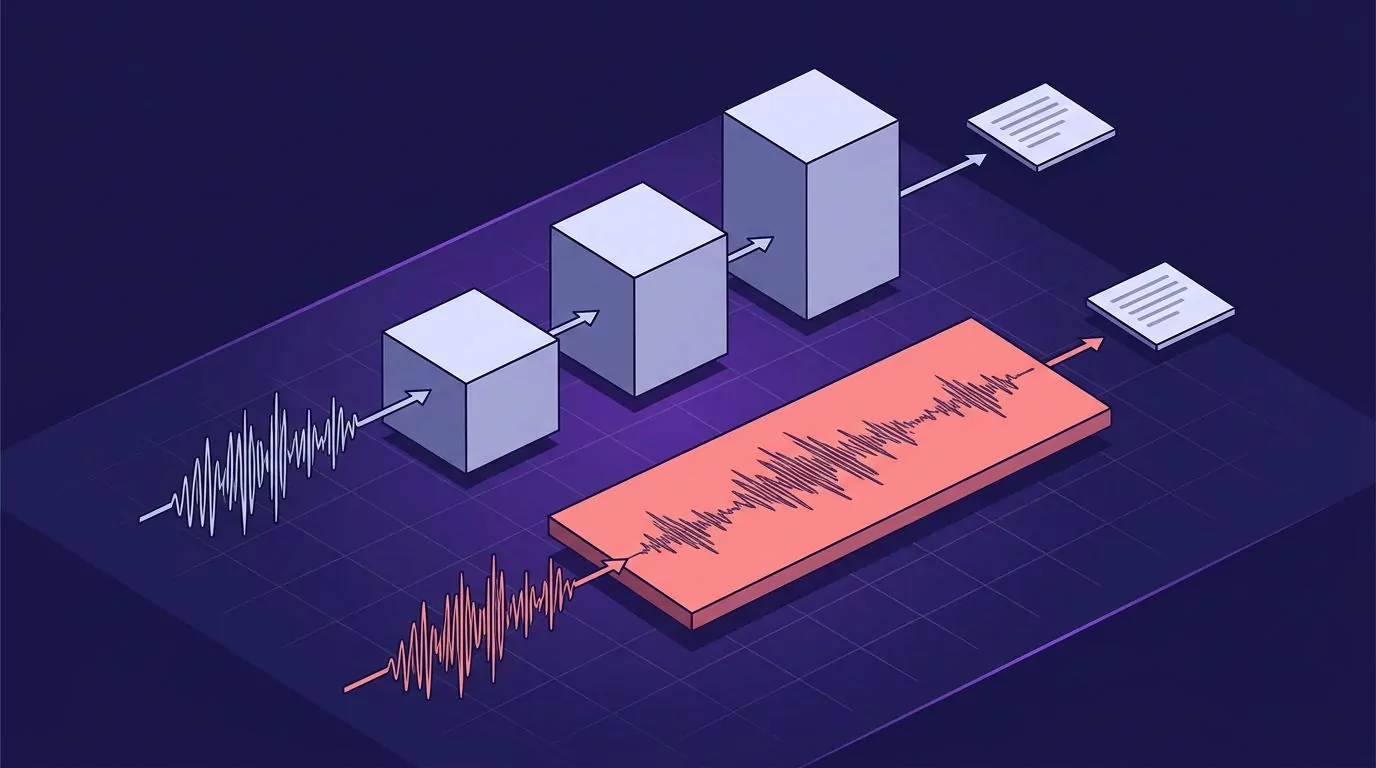
Why you no longer read paragraphs into a microphone
Enrollment was the fifteen minute reading session. You spoke set passages so the software could adapt its acoustic model to your voice.
It died for a simple reason. A model trained on hundreds of thousands of hours of many speakers already covers the range that enrollment used to teach it. Your fifteen minutes adds almost nothing it has not heard.
But per-user tuning did not vanish. It moved. It now targets the words you use, not the voice you use.
Look at how Google Cloud Speech-to-Text handles this today. Its model adaptation feature exists to "help Speech-to-Text recognize specific words or phrases more frequently than other options that might otherwise be suggested."
The mechanics are worth knowing, because most modern tools do some version of this:
- Phrase sets hold words or phrases you want recognised more often. Google notes that with a multi-word phrase, the service "is more likely to recognize those words in sequence."
- Custom classes group related items, such as a list of product names or place names.
- Boost values weight how strongly each phrase is favoured. Higher is not always better. Google warns that "boost can also increase the likelihood of false positives."
So the honest answer to "do I have to train it" is this. You do not train the model on your voice. You may still hand it a short list of names and terms it could not guess.
Where automatic punctuation comes from
This is the least explained part of the whole topic, and the part people find most surprising. Automatic punctuation is not a reading of your pauses. It is a prediction from the words.
Google's docs describe the feature plainly. The service "automatically infers the presence of periods, commas, and question marks in your audio data and adds them to the transcript." It also capitalises the first letter after each period and question mark.
The key word is infers. The model has read the sentence it just produced. It knows that a clause ending in "did you get a chance to look at it" wants a question mark. It does not need to hear your voice rise.
Why did pauses fail as a signal? Because people pause for the wrong reasons. We stop to think. We stop to breathe. We trail off mid clause and carry on. And we often run two sentences together with no gap at all. Timing and grammar do not line up.
That is why you no longer say "comma" out loud in most modern tools. The model puts it there because the sentence needs one.
Now the honest part. Punctuation quality is not uniform. It holds up well on short, ordinary sentences. It gets shakier as sentences get long, tangled, or very conversational. And paragraph structure is the weakest link in the whole chain. Speak for four minutes without stopping and you will often get back one long block that you have to break up yourself.
How to read a vendor accuracy claim
Almost every speech to text page you land on will quote a number. "Over 99% accuracy." "95-99% transcription accuracy." These numbers are close to meaningless on their own. Here is how to test one.
The industry measure is word error rate, or WER. Microsoft's docs give the formula: WER is insertions plus deletions plus substitutions, divided by the number of words in the human-labelled transcript. The three error types are defined like this:
- Insertion: a word the system added that was never said.
- Deletion: a word that was said but never appeared.
- Substitution: the system heard one real word and wrote a different real word.
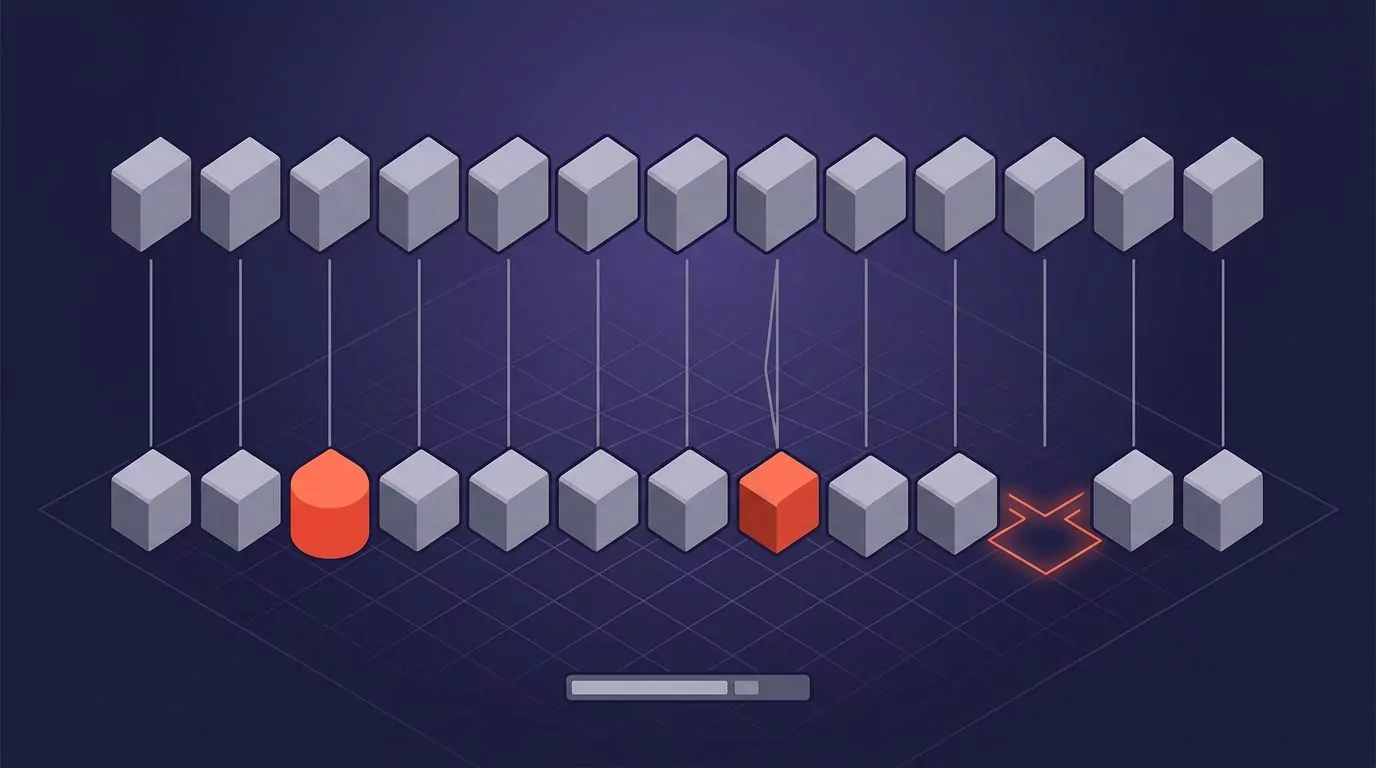
So "99% accurate" usually means "about 1% WER." The question is: 1% on what?
A number means something only when these six conditions come with it:
- Which model version. Vendors ship new models often, so an unversioned figure is undated.
- Which dataset. Read speech from a scripted corpus is far easier than real conversation.
- Which speakers. Native speakers only, or a mix of accents?
- Which microphone. A close headset and a laptop's built-in mic are different problems.
- Which room. A quiet office and an open floor give different results.
- Were punctuation and capitalisation counted? Plain WER ignores both.
That last one matters more than people expect. Microsoft tracks a second measure called token error rate precisely because plain WER skips display formatting. Token error rate counts punctuation and capitalisation too. In Microsoft's own worked example, the same output scores 2.89% WER but 12.12% token error rate. The text is four times worse once you count the commas.
Microsoft also publishes bands for judging a score. A WER of 5 to 10% is "considered good quality and is ready to use." A WER of 20% is "acceptable." A WER of 30% or more "signals poor quality." Their scenario table puts clean desk dictation in the strong band and call centre audio below 30%.
Now apply the checklist to two real pages. Voicy's speech to text page claims "Over 99% accuracy in 50 languages." Alrite claims "95-99% transcription accuracy." Neither page names a model, a dataset, a microphone, a room, or whether punctuation was counted. Both fail all six conditions.
This is not a reason to assume either tool is bad. It is a reason to treat the number as marketing rather than measurement. The useful test is your own voice, your own microphone, and your own vocabulary, for a week.
Real-time dictation versus transcribing a file
People search for "AI speech to text" wanting two different things, and the tools that serve them are built differently.
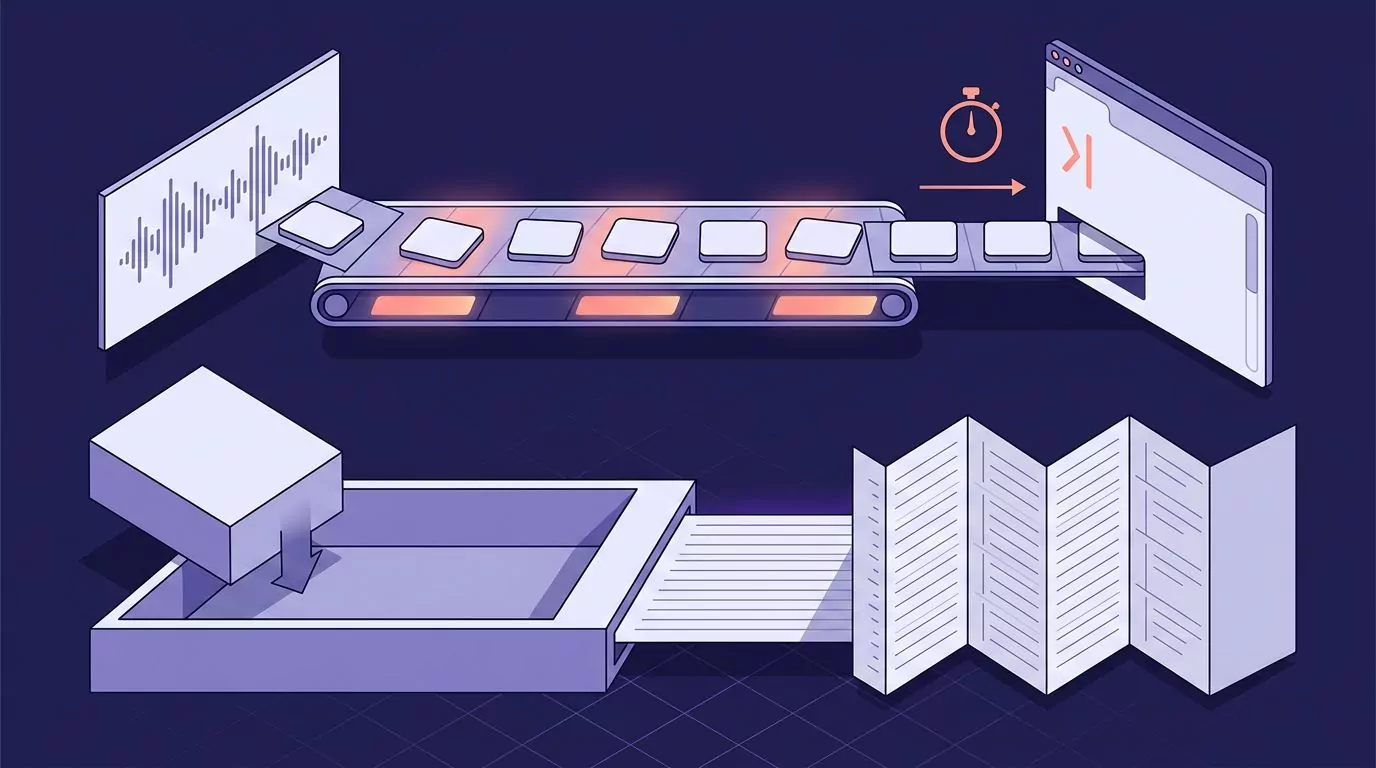
Real-time dictation is streaming. You speak, and words appear as you go. The tool's job is to put clean text into the field you are already typing in: a reply, a ticket, a commit message. The whole budget is latency. Text that lands two seconds late breaks your train of thought.
File transcription is batch. You hand over a recording and wait. Because nothing is waiting on the output, the system can use a bigger model, read the whole file for context, label speakers, and stamp timestamps. Otter.ai works this way, joining calls and producing a labelled transcript afterwards.
Latency explains why one tool is rarely great at both. A streaming model must commit to words before hearing the rest of the sentence. A batch model sees everything before deciding anything.
It also explains a practical split. Batch tools give you a document to read later. Live tools give you text in the box you were already working in. A desktop app like VoiceSnap Pro sits in the second group: you hold a shortcut, speak, release, and the punctuated text appears at your cursor in whatever app has focus, with no paste step.
Cloud versus on-device, and what happens to your audio
The second question worth answering early is where the model runs.
Local models are smaller. That is a hard constraint, not a preference. Google's on-device work shows the scale of the squeeze: a server-side search graph of roughly 2GB became a 450MB end to end model, then 80MB after compression. Smaller models generally handle noise, accents and rare words less well than the large ones running in a data centre.
Local got practical anyway, and OpenAI's Whisper is the main reason. It is an open model that ordinary machines can run. Audacity's OpenVINO Whisper transcription is a concrete example: it "runs OpenAI's Whisper speech-recognition model entirely on your own computer," with "no uploads, no minute limits, no subscription."
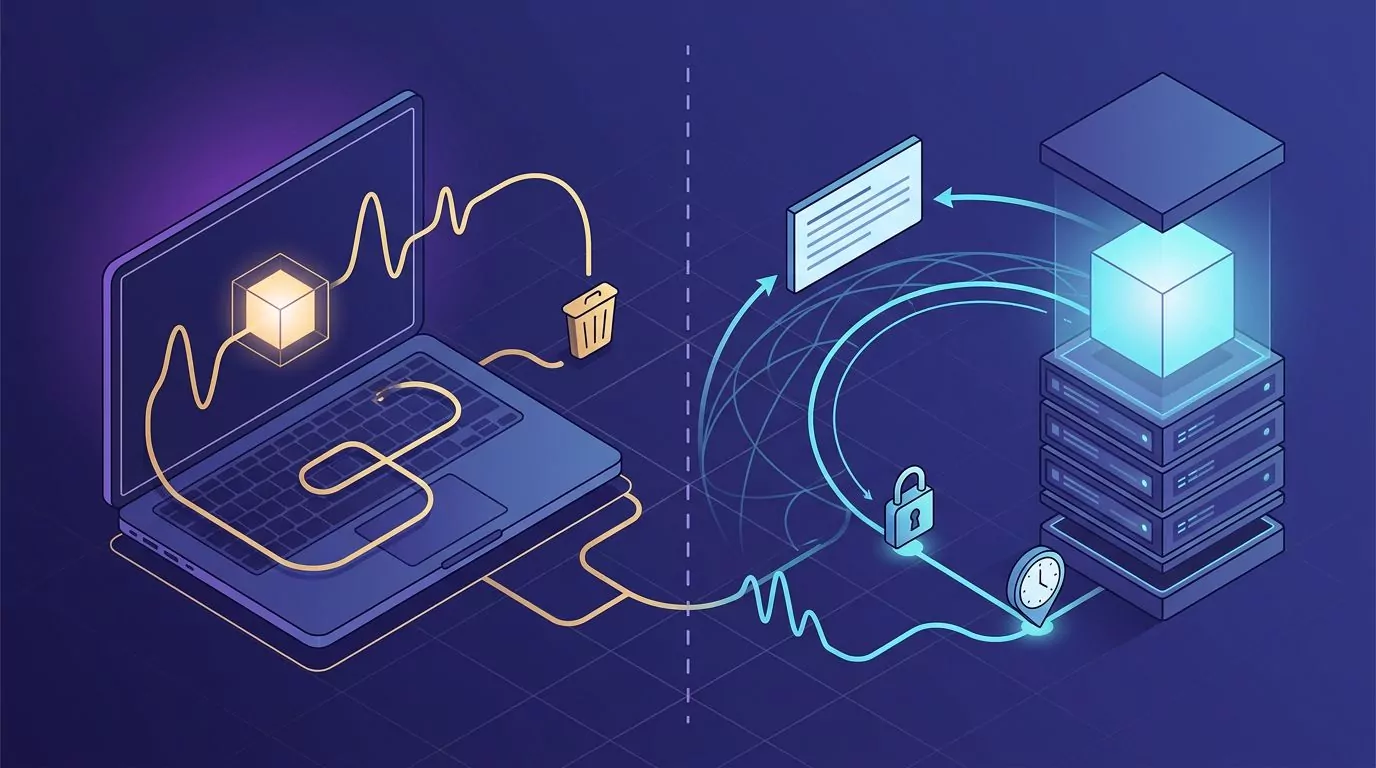
Now the part that gets blurred in marketing. "On-device" and "audio is discarded" are two separate promises. They are often said in the same breath, and they mean different things:
- On-device means the audio never leaves your machine. Nothing to intercept, nothing stored on a server.
- Audio discarded means audio may be sent somewhere, but is deleted after it becomes text. Nothing is kept for playback.
A tool can do one, both, or neither. A cloud tool that deletes audio still sends it. A local tool that writes recordings to disk keeps it. Ask which promise you are being given, and read the retention policy rather than the homepage. Our guide to what zero data retention actually means unpacks the wording vendors use here.
Five approaches, and what each one is actually for
These are categories, not a ranking. Each is genuinely better than the others at something.
| Approach | How it runs | Latency | Good at | Where it fails | What happens to the audio |
|---|---|---|---|---|---|
| Built-in OS dictation (macOS Dictation, Windows Win+H) | Mix of on-device and cloud, set by the OS | Live | Free, already installed, fine for short replies | Thin punctuation, no history, uneven support across apps | Set by the OS privacy settings, not by you |
| Cloud transcription APIs (Google Cloud Speech-to-Text, Oracle OCI Speech) | Vendor data centre | Streaming or batch | Scale, many languages, custom vocabulary, tunable | Needs building. Not an app you install and use | Governed by your account settings and contract |
| Meeting transcription (Otter.ai) | Cloud | Batch, roughly real time for a call | Speaker labels, timestamps, a searchable record of a call | Not built to type into your apps | Recordings generally retained so you can replay them |
| Local Whisper models | Your own CPU, GPU or NPU | Batch, speed depends on hardware | Privacy, no per-minute cost, offline work | Setup effort, slower on old machines, smaller model | Never leaves the machine |
| Desktop insert-at-cursor dictation apps | Usually cloud models behind a desktop app | Live, tuned for low latency | Clean punctuated text straight into any text field | Not built for long recordings or speaker labels | Varies by vendor. Check the retention policy |
If you mostly want the first row done better, the platform guides go deeper: dictating on a Mac and what Win+H actually does.
Honest limitations you should still plan for
Modern speech recognition accuracy is high on clear speech. It is not solved. These failures are real and predictable.
- Proper nouns and unusual names. Colleagues, clients, products and place names are the most common miss. This is exactly what phrase hints exist for.
- Domain jargon. Internal acronyms and specialist terms appear rarely in training data, so the model guesses a common word instead.
- Code and identifiers. Variable names, flags and file paths do not follow normal word patterns. Voice coding has narrower limits than prose dictation for this reason.
- Noise and overlapping speech. Microsoft's guidance links error types to causes: many deletions usually mean a weak audio signal, and insertions point to a noisy room or crosstalk.
- Accents in the long tail. Coverage is far better than it was, but it still tracks how much similar speech was in the training data.
- Long monologues. Sentences hold up. Paragraph breaks do not. Expect to structure a long dictation yourself.
- Homophones. "Their" for "there", or a real name swapped for a real word. No spellchecker will flag these, because both words are correctly spelled.
That last point is the practical one. Substitution errors produce clean, confident, wrong text. This is why dictated writing still needs a read-through before it goes to a customer.
When output is bad in a way this list does not explain, the cause is usually the input device or a permission, not the model. The voice typing triage guide walks through those checks.
Frequently Asked Questions
Can AI convert voice to text?
Yes. Modern models map recorded or live audio straight to written text, and add punctuation and capitalisation as they go. Quality depends mostly on your microphone, background noise, and how unusual your vocabulary is. For everyday speech in a quiet room, the output is usually clean enough to send after a quick read.
Which AI has the best speech-to-text?
There is no single winner, and any page that names one is guessing. The right answer splits on the job. For live typing into your apps, a low latency streaming tool wins. For a recorded call you need speaker labels on, a batch service wins. Conditions matter as much as the model: accents, microphone and room noise move results more than the choice between two good vendors.
Can I use voice AI for free?
Yes. macOS Dictation and Windows voice typing are built into the operating system at no cost. Whisper is free to download and run locally if you are willing to set it up. Free options are usually weaker on punctuation, on keeping a history, and on working consistently across apps.
Do I still need to train speech recognition to my voice?
No. Enrollment reading sessions are gone from mainstream tools, because models trained on very large multi-speaker datasets already generalise across voices and accents. What remains is word-level customisation: giving the tool a list of names, acronyms or product terms so it stops guessing them wrong.
Why does dictation add the wrong punctuation?
Because punctuation is predicted from the words, not from your pauses. If a sentence is long, rambling, or could plausibly be split in two places, the model picks one and can pick wrong. Short, complete sentences get the most reliable results. Very long unbroken speech is where it struggles most, especially with paragraph breaks.
What this means for how you work
The technology stopped asking you to adapt to it. You do not train it, you do not speak punctuation, and you do not need a headset. What is left to decide is the job. Streaming or batch. Cloud or local. Audio kept or discarded.
Dictation is only faster than typing if the text lands where you need it. Typing speed data is a general research figure, not a product benchmark, but the gap it describes disappears the moment you have to clean up and paste.
If holding one key and getting punctuated text straight into your current text field sounds like the version you want, VoiceSnap Pro is a Mac and Windows app built for exactly that, with every dictation saved as a searchable note and audio discarded after transcription. It is in pre-launch: early access is $39 one-time via the waitlist.