How to Write a Professional Email: Structure, Tone, Subject Lines, and a Faster First Draft
To write a professional email, use a subject line that names the topic and what you need, greet the reader by name, and state your request or main point in the first two sentences. Add only the context they need, keep to one topic, end with a clear next step and date, then sign off with your name and role.
This guide shows how to write a professional email for a manager, a team or a client, with a template to copy and three before-and-after rewrites.
How to write a professional email: the format at a glance
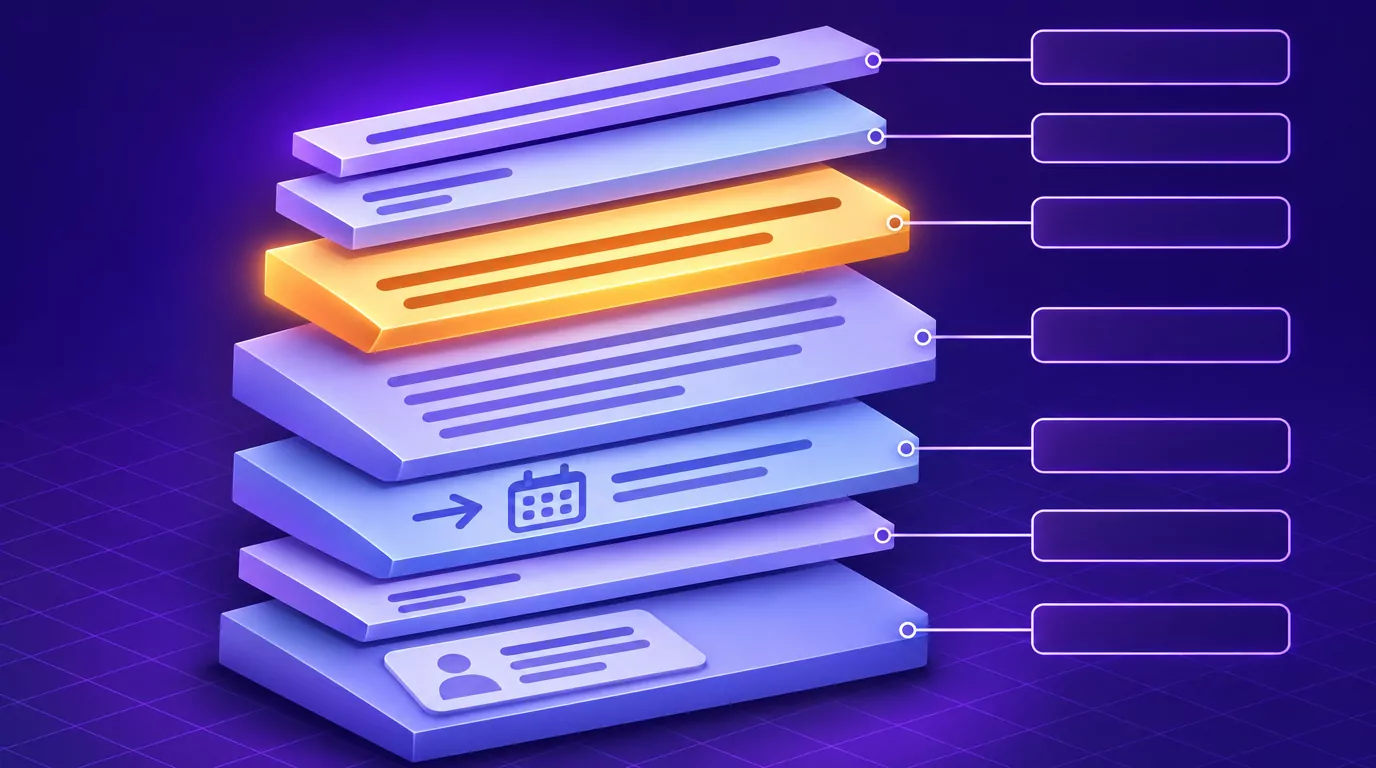
A professional email format has seven parts, shown here for a short budget request.
| Part | What it does | Example |
|---|---|---|
| Subject line | Names the topic and what you need | "Approve Q1 travel budget by Friday?" |
| Greeting | Addresses the reader by name | "Hi Priya," |
| Opening line | States the ask or main point | "Can you approve the travel budget by Friday?" |
| Context | Gives only what the reader needs to act | "It covers four trips, $6,200 in total." |
| Next step | Says who does what by when | "Once approved, I will book flights Monday." |
| Sign-off | Fits the relationship | "Thanks," |
| Signature | Says who you are | "Jordan Reyes, Operations Lead" |
Busy readers often decide from the subject and first two lines whether to act now, later or never. An email that hides the point also costs a busy reader one more context switch.
A professional email template you can copy
Paste this into a new message, fill in each bracket, and delete any line you do not need.
Subject: [Action needed]: [topic] by [date]
Hi [first name],
[Your ask or main point, in one sentence.]
[One to three sentences of context the reader needs to act.]
[Next step: who does what by when, and what you will do if you hear nothing.]
Thanks,
[Your name]
[Role, company]
For a first message to someone outside the company, open with "Dear [full name]," and add one line before the ask that says who you are and why you are writing to them.
Write a subject line that says what you need
A subject line is a to-do for today and a search label for later. Good professional email subject lines name the topic and the action, put key words first, and add a date when there is one.
| Weak subject line | Strong subject line |
|---|---|
| Quick question | Approve Q1 travel budget by Friday? |
| Update | Website launch moved to March 4 |
| Meeting | Agenda for Tuesday's pricing review |
| Following up | Signed contract needed to start onboarding |
| Re: Re: Fwd: notes | Decision needed: vendor for event AV |
In a Harvard Business Review piece, Kabir Sehgal describes military subject lines that open with a keyword in capitals, such as ACTION, INFO or DECISION. It works best when the whole team agrees on the words.
Keep each subject to about 60 characters or fewer, with the key words first, because a phone's inbox shows even less. Change the subject when the topic changes.
Open with the ask, then give the context
Say what you need, or what you are telling them, in the first one or two sentences. Background comes after, and only what the reader needs to act. The HBR piece calls this BLUF, bottom line up front, and MIT's Communication Lab gives the same advice.
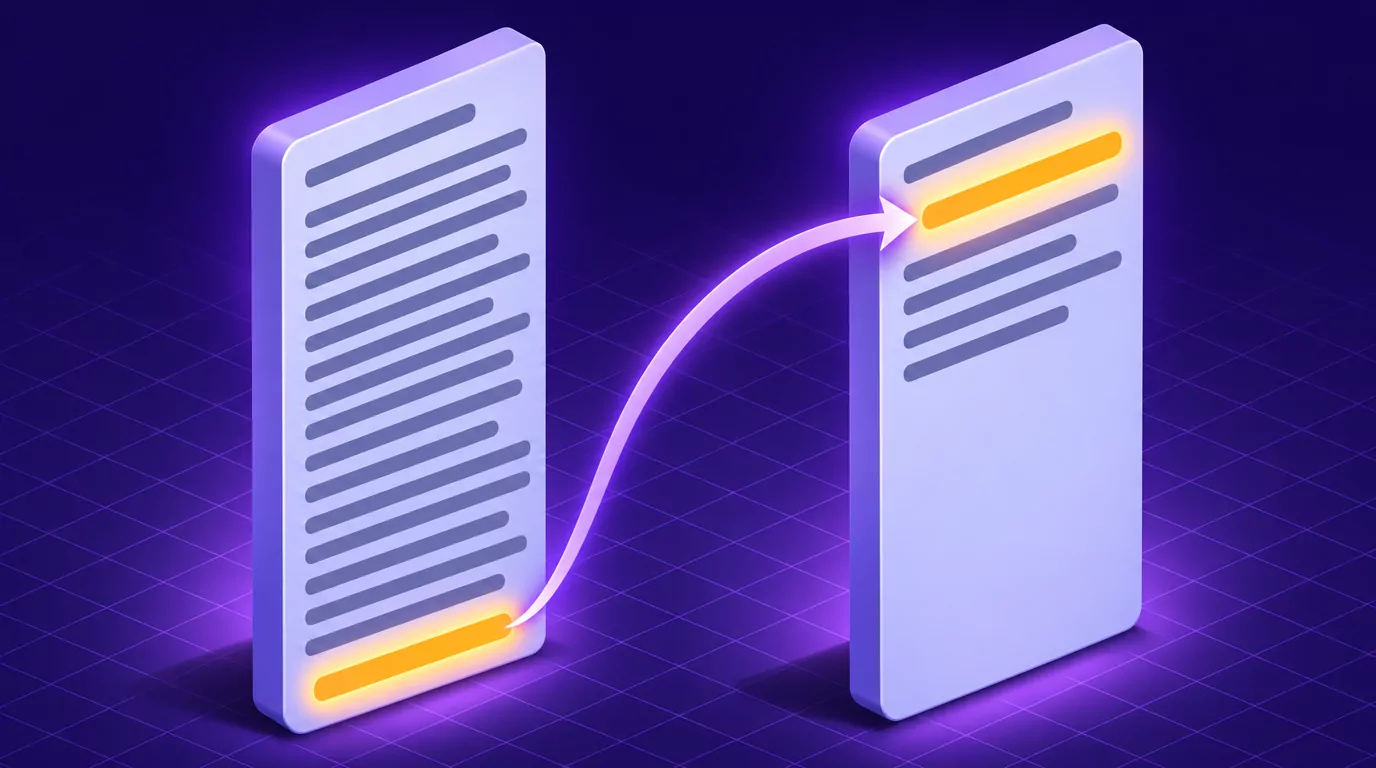
- Buried: "I have been comparing the two hotels, and there are some trade-offs, so I wondered if the budget might stretch?"
- Ask first: "Can the budget stretch by $400 for the hotel next to the venue? Details below."
"I hope this email finds you well" is fine as a one-line courtesy with an outside contact. Never let it, or any other warm-up, push the ask below the first two lines.
Greetings that fit the relationship
Use "Hi Sam," for most internal email, and "Hello Sam," or "Dear Ms. Lee," for a first contact or formal external email. If you are not sure of someone's title, use the full name, as in "Dear Sam Lee," to avoid guessing. Find a name rather than "To whom it may concern", and use "Hi all," for a group.
Once someone replies, mirror their style. If they sign with a first name, use it.
One email, one topic
Each topic deserves its own reply, owner and searchable subject. A second request buried in paragraph four is the one that gets missed.
If you have two unrelated things, send two emails. The exception is a scheduled status update, written as numbered items.
Make it easy to scan: length, layout and font
Aim for an email that fits on one screen without scrolling; for a routine request, five sentences or fewer is usually enough. Use short paragraphs, bullets for options and numbered questions, so the reply can say "1: yes, 2: Thursday".
Bold one phrase at most, such as the deadline. Leave the font, size and color at your mail app's defaults, usually a plain sans serif, and skip colored text, all caps and script fonts.
In Nielsen Norman Group research, 79% of test users always scanned any new page, and only 16% read word by word. That study was about web pages, but an inbox is a screen too.
Match the tone to who is reading
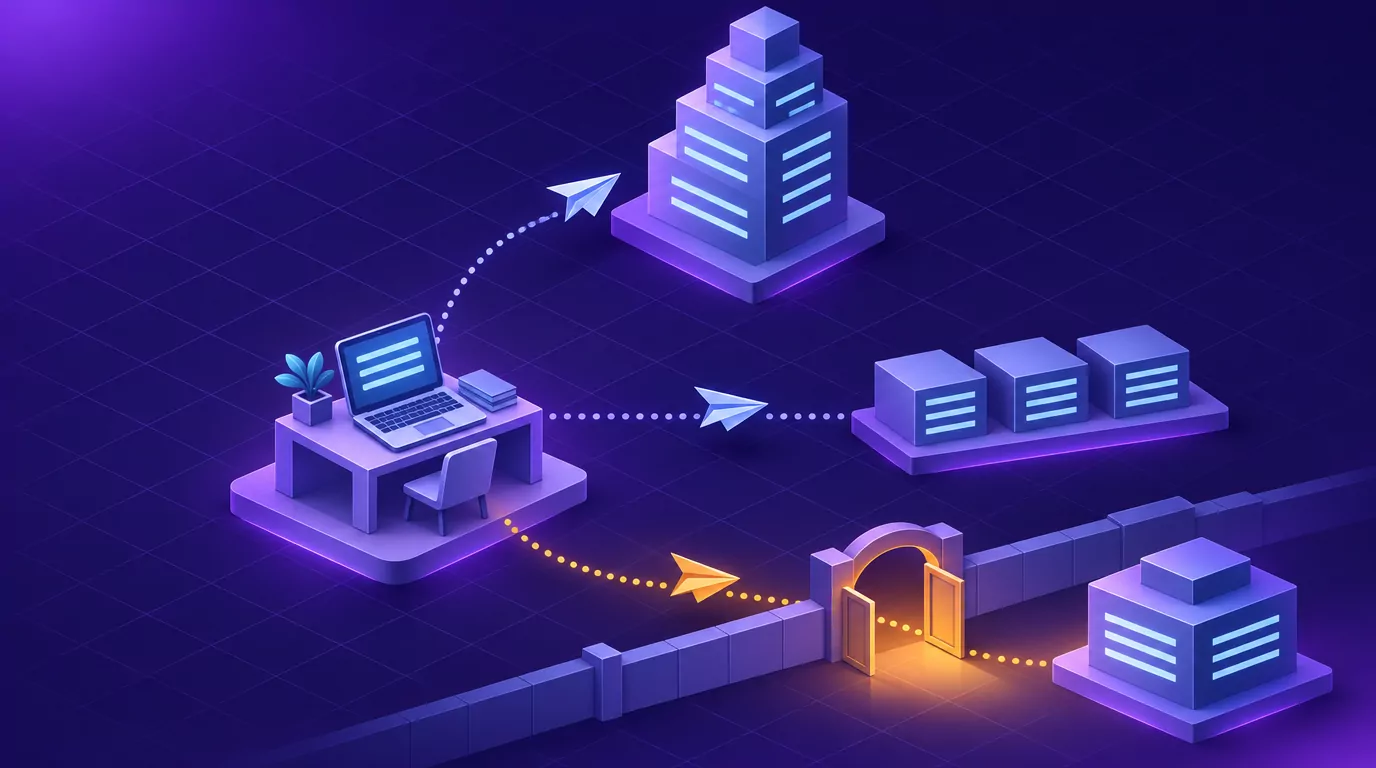
The same request reads differently to a manager, a teammate and a client. In all three cases, write as if the email may be forwarded, because it can be.
Writing up: to your manager or leadership
Make it ready for a decision: the decision or update first, two or three options with your recommendation, the cost of waiting, and the date you need an answer. Share bad news early and plainly, with what you are doing about it.
Writing across and down: to peers and your team
Be direct and warm. A request names one owner, a verb, a date and what done looks like, the same pattern that makes action items get done.
Cut hedges such as "no worries if not" when the request is not optional, and thank people for specific work.
Writing outside the company: clients, vendors and new contacts
The first time, say who you are and why you are writing. Skip internal acronyms and code names, confirm prices and dates in writing, and think before adding colleagues to CC.
How to write a formal email comes down to three choices: "Dear Ms. Lee," to open, full sentences without slang or emoji, and "Kind regards" or "Sincerely" to close.
How to end a professional email: a next step and a sign-off that fits
The last line before the sign-off is the next step: who does what by when. If you need an answer, say what happens without one: "If I do not hear by Thursday noon, I will book the earlier slot."
Then pick one of these professional email sign-offs.
| Sign-off | When it fits |
|---|---|
| Best | A safe default, inside or outside the company |
| Thanks / Thank you | When you have asked for something |
| Kind regards / Regards | First contact or formal external email |
| Sincerely | Formal letters and applications |
| Talk soon / Cheers | People you know; "Cheers" varies by region |
A signature that answers "who is this?"
Include your name, role, company and one phone number or link. Skip long quotes and large images. Within a thread, your name alone is enough.
Professional email examples: three before-and-after rewrites
Example 1: asking your manager for a decision
Before:
Subject: Vendor quotes
Hi Dana, hope your week is going well! Both quotes are back for the support contract. Acme is higher than last year and Fabrikam is cheaper, but switching takes work and I'm unsure about their response times. Let me know what you think!
After:
Subject: Decision by Thursday: renew Acme or switch to Fabrikam?
Hi Dana,
Can you decide by Thursday whether we renew Acme or switch to Fabrikam? I recommend Acme.
1. Cost: Acme $14,800 a year, Fabrikam $11,900.
2. Switching: about three weeks of setup.
3. Risk: Fabrikam promises no response time.If I do not hear by Thursday, I will renew Acme.
Thanks,
Sam
What changed:
- The subject names the decision and deadline.
- The first line asks and recommends.
- The close sets a fallback.
Example 2: handing a task to a teammate
Before:
Subject: Onboarding doc
Hey team, whenever someone gets a chance, the onboarding doc is a bit out of date. Some links are old and the schedule is from last year. No worries if it can't happen right away, just thought I'd flag it!
After:
Subject: Please update the onboarding doc by Friday
Hi Marco,
Could you update the onboarding doc by Friday? Two new hires start Monday, and it is the first thing they read.
It is done when every link works and the schedule shows this month's dates. Priya can help with the schedule.
Thanks,
Lena
What changed:
- One named owner and a date with a reason.
- A clear finish line and someone to ask.
- No hedge.
Example 3: telling a client a delivery date has moved
Before:
Subject: Update
Hi Mr. Okafor, sorry for the delay!! Things have been crazy here with people out sick. The report should be ready soon, hopefully next week or so. Thanks for your patience, and let me know if you have questions!
After:
Subject: Market report now due March 14; first chapters attached
Dear Mr. Okafor,
The market report will reach you on March 14, not March 7. We added a second round of data checks so the regional figures hold up.
The first two chapters are attached so your team can start. I am free for a short call Wednesday afternoon.
Kind regards,
Ana Silva
Account Manager, Contoso Research
+1 555 0187
What changed:
- The new date leads the subject and first line.
- The reason skips internal detail.
- The client gets two chapters now.
A faster first draft: say it, then trim it
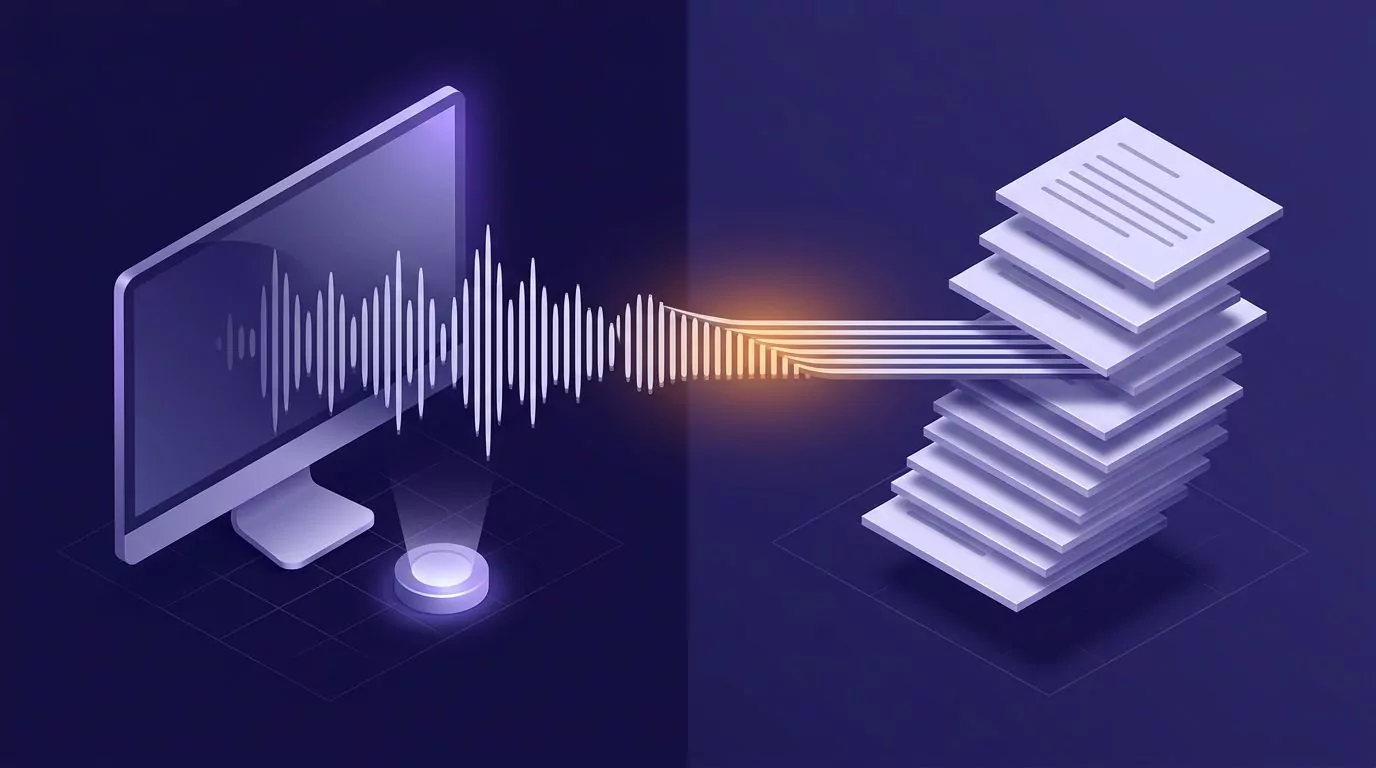
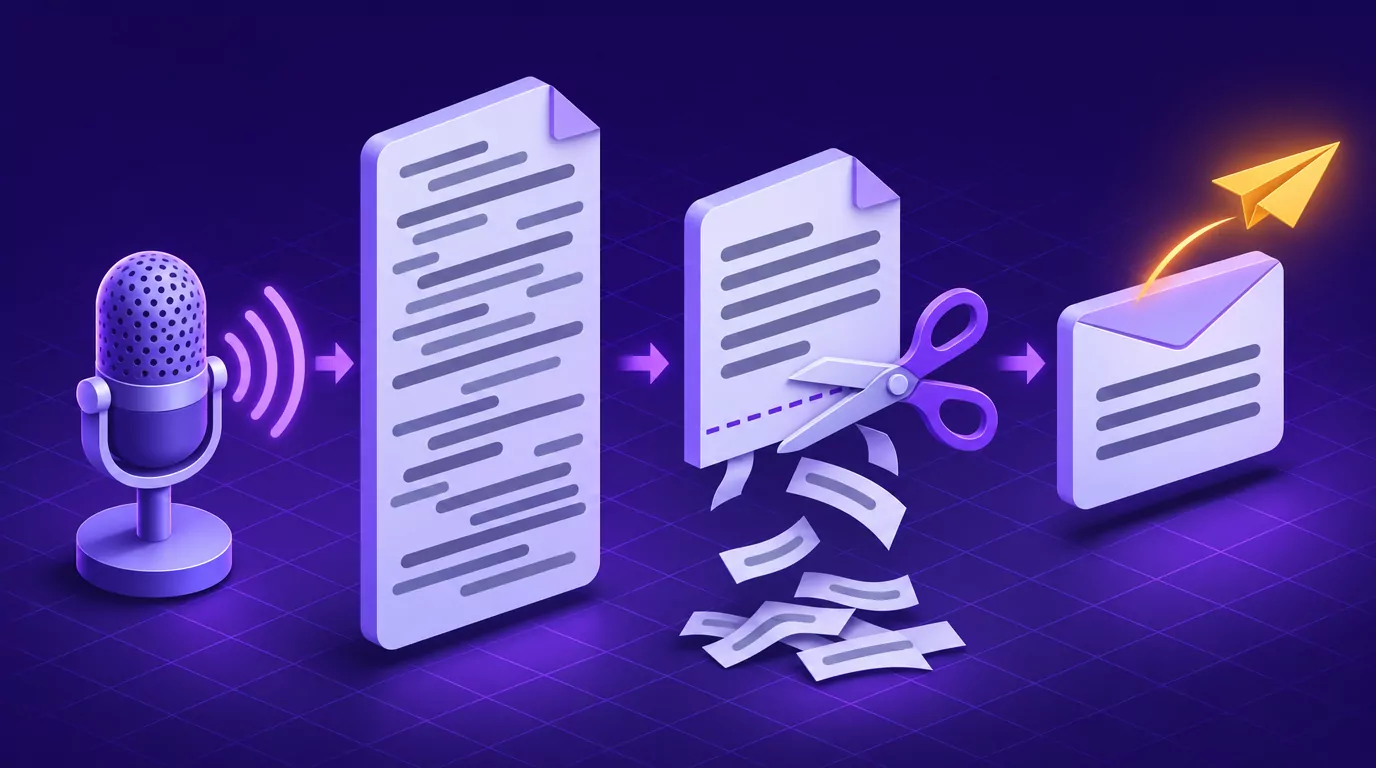
The hard part of most emails is the first draft. Saying it out loud, as if to a colleague, gets it down fast with any dictation tool. Then you edit for structure.
- Click into the body of the message.
- Say the email in 30 to 60 seconds: what you need, why, and by when.
- Read it once and trim it.
- Write the subject line last, from your first sentence.
- Run the send check below.
Built-in tools work too: the Windows dictation shortcut, Win+H, starts voice typing, and how to dictate on a Mac covers Mac Dictation.
VoiceSnap Pro is a desktop dictation app for Mac and Windows. Click into the compose window of any mail app, hold Right Option (Mac) or Right Alt (Windows), speak, and release. Punctuated text is typed at the cursor, with nothing to paste.
A personal vocabulary helps with client names and acronyms. There are no spoken commands, so press Return (Enter on Windows) between holds for a new paragraph. App notes for Gmail and Outlook are on the main site, and Gmail dictation without an extension compares the built-in options.
Speaking is usually faster than typing: general research, not a measurement of any app, puts everyday speech near 150 words per minute and the average typing speed near 52. For the wider desk routine, see talk to text on your computer.
What to trim from a spoken draft
Spoken drafts run long in the same few places:
- Delete the warm-up, such as "so I wanted to reach out about".
- Cut padding words such as "just", "actually", "basically" and "kind of".
- Move the ask to the first line.
- Cut repeated context, and split a second topic into its own email.
- Replace hedges like "at some point" with a date.
- Check every name, number and date against the source.
Before you hit send: a 30-second check
- The subject names the topic and the action.
- The ask is in the first two lines, and there is one topic.
- Names, numbers, dates and spelling are checked.
- Anything you call "attached" is attached.
- To holds the people who must act, CC those who only need to know, and BCC a large group who should not see each other's addresses. Reply all only if everyone needs it.
- You are sending from your work account, or from a plain address built from your name if you work for yourself.
- When you read it as the recipient, the first line makes sense and nothing sounds sharper than you meant.
Sometimes the right move is not to send. If the topic is sensitive or will take many replies, call or meet, then send a short recap. The University of Waterloo's Writing and Communication Centre makes the same point.
Two safety nets help when you click too soon: Gmail's Undo Send and Outlook's option to delay or schedule sending. Scheduled sending also helps across time zones: write it tonight, and it arrives in their morning.
Frequently Asked Questions
What is a good example of a professional email?
All three examples above lead with the ask and cut what the reader does not need. Example 1 fits a decision from your manager, Example 2 a task handoff, and Example 3 bad news for a client.
How do you start a professional email?
Greet the reader by name, such as "Hi Sam," or "Dear Ms. Lee," for a formal first contact. Then state the ask or main point in the first sentence.
How do you follow up on an email with no reply?
Reply in the same thread so the context travels with it, and open with the ask and a new date, not "just checking in." Wait until the deadline you set, or, as a rule of thumb, two or three working days for a routine request. After a second follow-up, call, or ask whether someone else owns it.
How do I ask for help in an email?
Say what you need, why you are asking this person, how long it takes and by when. Make it easy to say no or to name someone else, then thank them.
Can ChatGPT write my emails?
It can draft or polish one, but you still own the ask, the facts and the tone. Check every name, number and promise, and make sure it sounds like you. Your own spoken notes make a better prompt; see dictating prompts into ChatGPT.
Your next email: subject, ask, one topic, next step
If you want to say your next first draft instead of typing it, VoiceSnap Pro is free to start, no card: Download free. Pro is $9 a month when you need unlimited transcription and manual AI actions, subject to fair use.