Memo Format: A Business Memo Template, 3 Examples, and How to Draft One by Talking It Through
Memo format is a short block at the top with To, From, Date and Subject lines, followed by a body with no greeting. The body opens with the purpose in one or two sentences, gives only the background readers need, states what you want them to do and by when, and lists any attachments at the end.
Memo format at a glance
Here are the parts of a business memo, in order.
| Part | Required? | What to write |
|---|---|---|
| Title line | Optional | "MEMORANDUM" or "MEMO," often on letterhead |
| To | Yes | Names and titles, or a group: "All staff" |
| From | Yes | Your name and title: "Hannah Lindqvist, Operations Manager" |
| CC | Optional | People who need to know but not act |
| Date | Yes | The send date, written in full |
| Subject | Yes | Topic plus action: "Expense reports due by the 5th, starting January" |
| Purpose | Yes | What is changing or what you need, and by when |
| Background | Yes | Only the facts readers need to act |
| Action and next steps | Yes | Who does what by when: "Send trainee names to Tomas by November 24." |
| Attachments | Optional | "Attachment: Help desk training schedule (PDF)" |
A memo is single spaced and left aligned, with blank lines between paragraphs instead of indents. Purdue OWL's memo format page recommends headings and lists for scanning. There is no greeting or signature.

The memo heading: To, From, CC, Date and Subject
Type each label in capitals with a colon after it, and keep the To line to only people who need it. "RE:" is a common alternative to "SUBJECT:", and Carnegie Mellon's memo handout lists both.
Leave a blank line between the header block and the body, or draw a line there as a divider. The Hartford suggests an easy-to-read font such as Times New Roman or Arial.
The Subject line matters most. Name the topic plus the action or decision:
- Weak: "Help desk." Strong: "Help desk migration: week 6 status, on track for December 7"
- Weak: "Expenses." Strong: "Expense reports due by the 5th, starting January"
- Weak: "On-call." Strong: "Second on-call rotation from January: approval by November 20"
How to write a memo body: purpose, background, action
The body has three jobs, in this order.
Purpose: the first two sentences
Say what is changing or what you need, and by when, before any background. The US government's plain language guide gives the same advice: state your purpose and bottom line first.
Do not restate the subject line with "This memo is about..." BYU Design Review's memo guide calls that redundant. If you cannot state the purpose in two sentences, a short round of free writing can help.
Background: only what the reader needs to act
Give the facts, dates and numbers behind your purpose, and cut history readers already know. Use a short list or two headings for more than one point.
Action and next steps: how to end a memo
End with who does what by when, plus one contact for questions. The guide to writing action items covers the pattern: an owner, a verb, a date and a clear finish line. List attachments at the end and mention them in the body.
A business memo template you can copy
Copy this memo template into a blank document and replace each bracket.
MEMORANDUM

TO: [Names and job titles, or a group.]
FROM: [Your name and job title.]
CC: [Optional. Who needs to know but not act.]
DATE: [Month day, year.]
SUBJECT: [Topic plus what you need.]

[Purpose: what is changing or what you need, and by when.]

[Background: only the facts the reader needs.]

[Action: who does what by when, and one contact.]

Attachment: [File name, if any.]
Paste it without formatting so it takes your document's font.
3 memo examples you can adapt
Copy the business memo example closest to your situation and swap in your details.
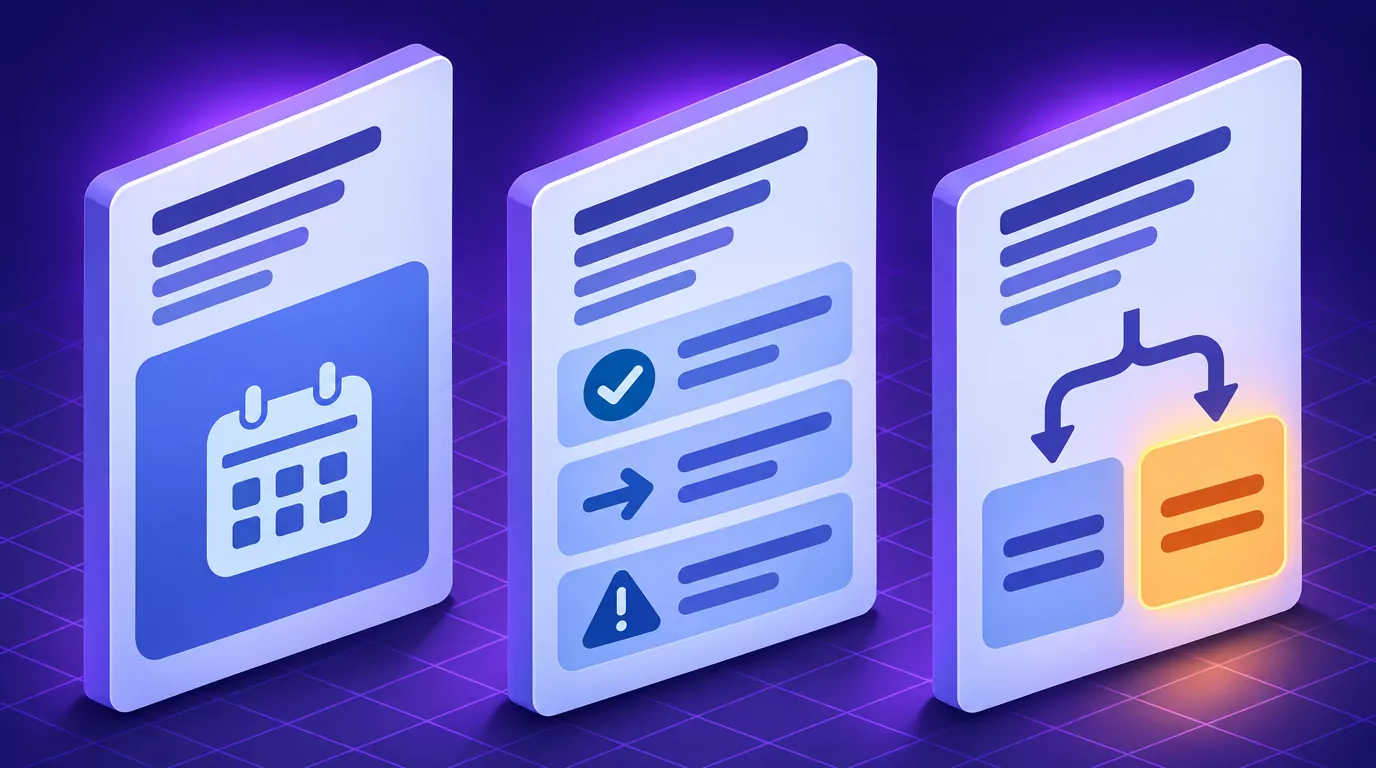
Example 1: a policy change
TO: All staff
FROM: Hannah Lindqvist, Operations Manager
DATE: November 16, 2026
SUBJECT: Expense reports due by the 5th, starting JanuaryFrom January 2027, expense reports for each month are due by the 5th of the next month. Later reports will move to the next payment run.
Finance closes each month on the 8th, so late reports delay everyone's reimbursement.
Please submit reports through the usual form with receipts attached. Send questions to me.
Why it works: the change and its start date come first.
Example 2: a status report
TO: Support team leads
FROM: Tomas Ferreira, Project Lead, Help Desk Migration
DATE: November 18, 2026
SUBJECT: Help desk migration: week 6 status, on track for December 7The migration is on track for the December 7 cutover, with one risk to watch.
Done: Ticket history imported. Saved replies rebuilt.
Next: Agent training December 1 to 3, then cutover on December 7.
At risk: Phone routing retest on November 26. I will report back by November 27.
Please send trainee names to me by November 24.
Why it works: the same three headings every week let readers jump to At risk.
Example 3: a decision memo
TO: Leadership team
FROM: Grace Mbeki, Head of IT Operations
CC: Finance
DATE: November 12, 2026
SUBJECT: Second on-call rotation from January: approval by November 20Please approve a second on-call rotation from January 2027. A decision by November 20 lets the January schedule go out on December 1.
Options considered: Option A keeps one rotation of four engineers, each on call one week in four. Option B adds a second rotation of four more trained engineers, so each person is on call one week in eight. Training ends by mid-December, and the cost fits the budget.
Recommendation: Option B, because on-call weeks drop to one in eight for everyone.
Why it works: options and advice sit in one place, so the memo can be filed with the decision.
Memo vs email: which one to send
| Question | Memo | |
|---|---|---|
| Who reads it | A group, often more people than the To line | One person or a small thread |
| What it is for | Announcements, policies, status reports, decisions | Questions, coordination, back and forth |
| Opening | Header block, no greeting | Greeting and sign-off |
| Lifespan | Kept and referred back to | Answered and archived |
The SJSU Writing Center's memo handout says a memo sends one message to a large group, and BYU's guide notes it may be printed and handed round in meetings.

Most memos now travel by email. Paste the memo into the body with the header block on top, or attach a PDF when it must be filed or printed. Reuse the memo's subject as the email subject.
Tone and length
Keep the tone plain, neutral and specific, with no emotional wording, all caps or exclamation marks. Spell out acronyms on first use. BYU's guide says to avoid contractions, but guides disagree, so follow your office's house style.
Aim for one page, though Purdue OWL notes a memo usually runs a page or two. Check length with the free word counter and reading time with the reading time calculator.
Draft the memo by talking it through, then cut
A memo has a fixed structure, so you can draft it one section at a time by voice.
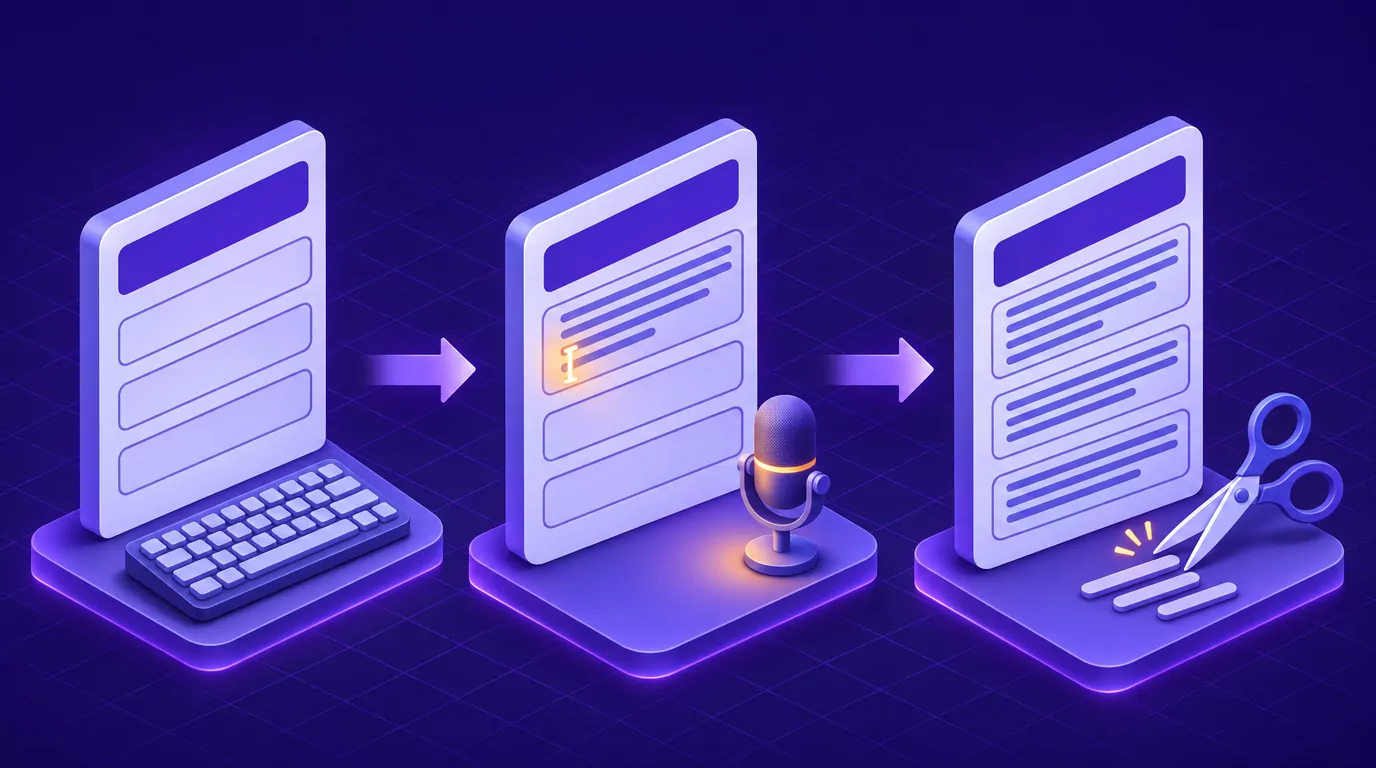
- Type the skeleton. Add the header block and the headings the memo needs: Purpose, Background and Action; Done, Next and At risk; or Options considered and Recommendation. If you are unsure what to say, talk it all through first and sort it under the headings.
- Fill one section per hold. Click under a heading in Word or Google Docs and hold the dictation shortcut. Say that section the way you would explain it to a colleague, then release. Repeat for the next heading.
- Cut against the template. Purpose should match the Subject line, Background keeps only what readers need, and Action becomes owners and dates. Then check every name, date and number.
VoiceSnap Pro, a desktop app for Apple silicon Macs and Windows PCs, types punctuated text at the cursor in any text field. Hold Right Option (Mac) or Right Alt (Windows), or change the key. With no voice commands, the keyboard handles headings and line breaks, which is why the skeleton comes first.
Clean up dictation, on by default, removes fillers, stutters, repeated words and slips you correct out loud ("Tuesday, no, Wednesday" keeps Wednesday) in dictations of up to about five minutes. It only deletes words and tidies punctuation and capitals, never rewording or adding, so the cutting stays yours. You can turn it off in Settings.
Add client names and acronyms to your personal vocabulary so transcription prefers your spelling (a strong hint, not a guarantee).
See the setup guides for dictating into Microsoft Word and Google Docs. For the built-in options, read about Word's Dictate button, Google Docs voice typing and talk to text on a computer.
Frequently Asked Questions
What are the four main parts of a memo?
The heading (To, From, Date, Subject), the opening with the purpose, the body with background, and the closing with next steps, plus optional attachments. Some guides, such as Purdue OWL's parts of a memo, split the same content into more parts.
Is there a memo format in Word?
Yes. Choose File, New (File, New from Template on a Mac) and search "memo" for Microsoft's memo templates, or paste the template above into a blank document.
What are the different types of memos?
There is no official list. Common types are announcements, requests, policy memos, status reports, responses, decision memos and confirmations of an agreement or meeting.
What is the difference between a memo and a proposal?
A memo is a format for internal messages. A proposal is a longer, persuasive document asking for approval, budget or a contract. Short internal proposals often go out in memo format, like Example 3.
What is a memo?
A memo, short for memorandum, is a short internal document that tells a group about a change, update or decision, or asks them to act. It opens with a To, From, Date and Subject header, not a greeting.
Draft your next memo section by section
Type the skeleton, speak each section, then cut.
VoiceSnap Pro is free to start, with no card. Pro is $9 a month when you need unlimited transcription and manual AI actions, subject to fair use. Download free for Mac or Windows.