How to Write Meeting Minutes: What to Include, a Template, 3 Examples and a Faster Write-Up
Meeting minutes are the official written record of a meeting: who attended, what was decided, who owns each next step and by when, and what is still open. They summarize outcomes, not every comment. Write them from your notes the same day, send them to attendees and absentees, and mark them Draft until the group approves them.
If you have been handed the minutes, the hard part is not the format but turning cryptic jots into sentences other people can act on.
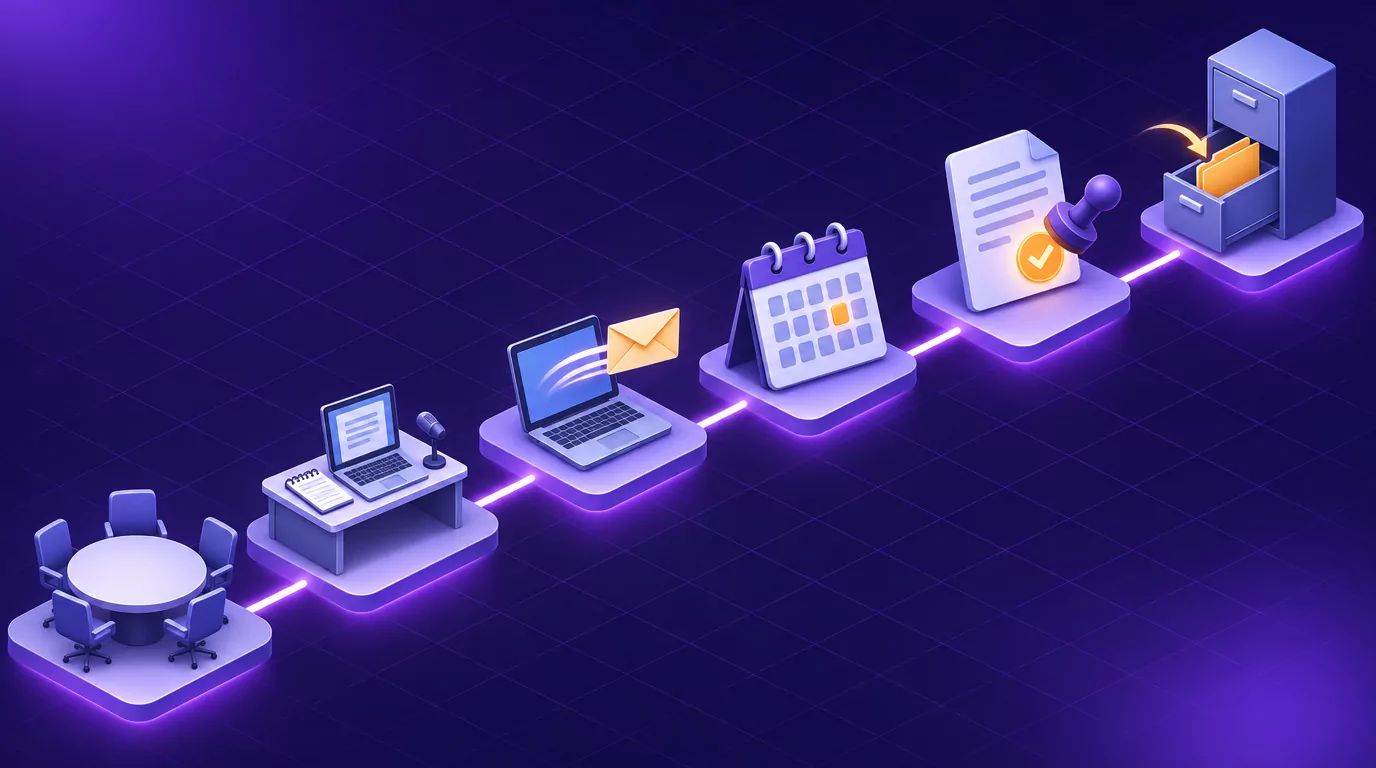
How to write meeting minutes in six steps:
- Before the meeting, paste the template below and fill in the header, attendees and agenda items.
- During it, jot decisions (D), actions (A) and open questions (Q) under each item.
- In the last two minutes, read decisions and actions back.
- Within the hour, turn each jot into a full sentence.
- Check every name, date and owner.
- Send it the same day marked Draft, with a corrections deadline, then file it once approved.
What meeting minutes are, and what they are not
Minutes vs meeting notes vs a transcript
| Question | Meeting minutes | Personal meeting notes | Transcript or AI summary |
|---|---|---|---|
| Who it is for | The group, anyone who missed it, later readers | You | Whoever needs every word |
| What is in it | Decisions, owners, dates, open questions, short summaries | Whatever helps you remember | Everything said, or a machine summary of it |
| Who checks it | The chair or the group, often approved at the next meeting | Nobody | Nobody, until a person turns it into minutes |
| How long it lives | Filed and referred back to | Until you are done with it | As long as the meeting tool's settings keep it |
Minutes are not a transcript. Wikipedia's article on minutes notes that a verbatim report is typically not useful, and that most groups want a short summary of decisions. An AI meeting summary is raw material, not minutes, until someone checks every decision, name and date.
Three styles: action, discussion and verbatim minutes
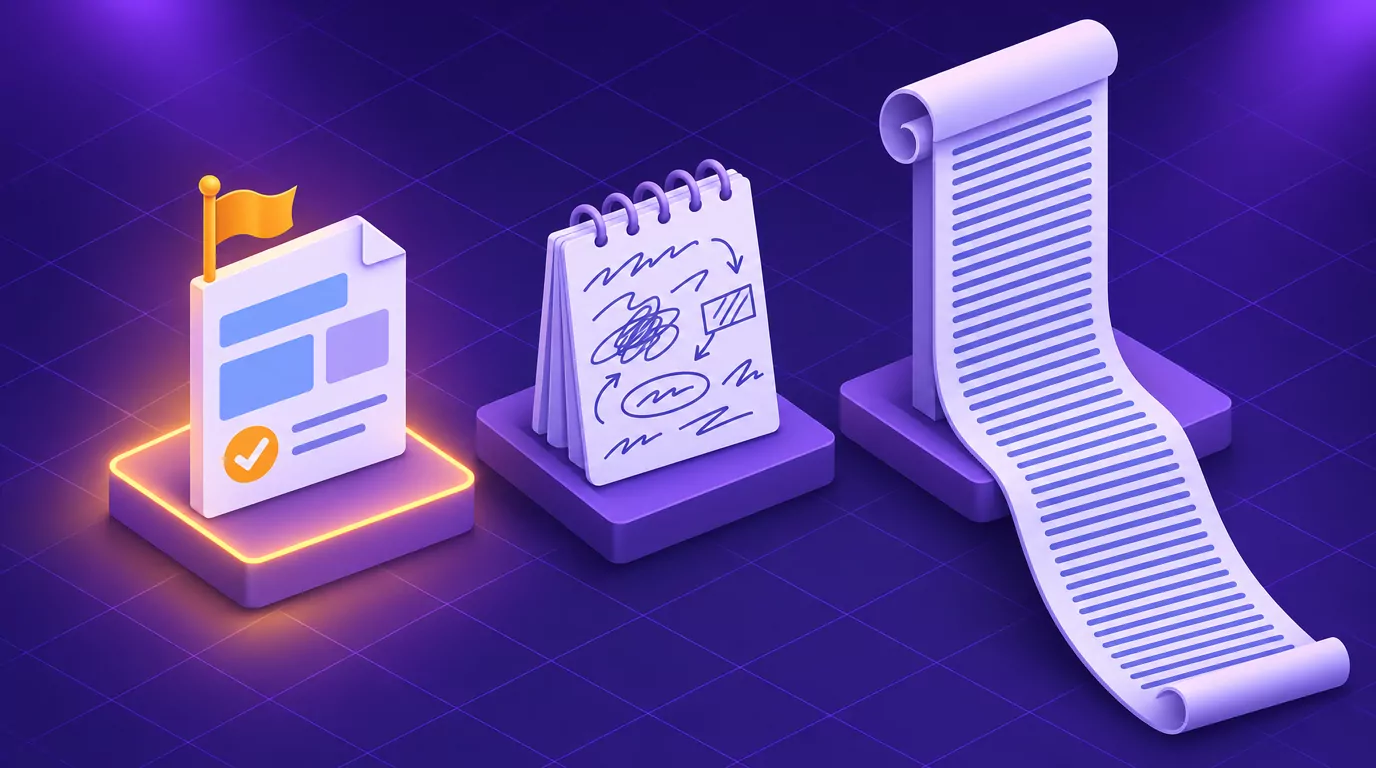
- Action minutes record decisions and actions only.
- Discussion minutes record decisions and actions, plus one to three sentences on the reasoning behind each item.
- Verbatim minutes record every word. They are rare, and used only when an organization's rules require them.
For team and project meetings, discussion minutes work best, because why the group decided is what people look up later. For boards and committees, use action minutes (see What formal minutes add below).
What to include in meeting minutes
Use this checklist, in the same order as the template below.
- Meeting name
- Date, start and end time, and the time zone if anyone joined remotely
- Location, or "video call"
- Chair or facilitator
- Who took the minutes
- Who was present, who was absent, and any guests
- For each agenda item: a short summary, the decision, action items and open questions
- Topics parked for a later meeting
- Next meeting date
- Draft status and a deadline for corrections
Decisions that stand on their own
A decision line has to make sense to someone who was not in the room. Say what was agreed, any condition, and when it starts. Compare a weak line, "Agreed on weekend cover", with a strong one: "The team agreed to a two-week weekend rota trial starting Saturday, November 21." Write every line in past tense and third person, in neutral words: "The team agreed", not "We decided".
If the group reached no decision, write "No decision" and say what happens next. Example 1 does this for chat hours.
Action items: owner, task, date
Every action needs one named owner, a concrete verb and a real date: "[Owner] will [task] by [date]". "The team will look at it" is not an action, because nobody owns it. For the full method, including how to say when a task is done, see this guide to writing clear action items.
Open questions and parked topics
This is the field most templates skip. For anything the group could not settle, record what is unresolved, who will bring the answer, and to which meeting. Naming that person and that meeting can stop an open item nagging at people: research on unfinished tasks finds a specific plan quiets them before they are done, as this guide to the Zeigarnik effect explains.
Parked topics are items raised but not discussed. List them so they reach the next agenda instead of vanishing.
What formal minutes add
Board meeting minutes, and minutes for committees and associations, need a few extra lines:
- The time the chair called the meeting to order
- Whether a quorum was present
- The time anyone arrived late or left early, so readers can check the quorum for each vote
- Approval of the previous minutes, with any corrections, usually recorded as "approved as circulated" or "approved as corrected"
- Each motion in its exact wording, who moved it and the result, with the vote count if your rules ask for it
- The time the meeting adjourned
Some groups also note the seconder. Groups that follow Robert's Rules of Order record the mover but not the seconder unless the group asks for it. Do not list how each person voted unless the group took a roll-call vote.
The bigger rule is that formal minutes record what was done, not what was said. If you are unsure what your group must record, check your bylaws or your organization's rules.
What to leave out
Leave out:
- Opinions and adjectives, such as "heated" or "great idea"
- Who said what in a back-and-forth. Record the outcome instead.
- Word-for-word quotes
- Side conversations and off-the-record remarks
- Personal details about anyone, such as health, family or pay
- Your own commentary as the minute-taker
Sensitive personnel or HR matters follow your organization's policy. They usually go in a separate confidential record, not in the general minutes.
Here are three before and after rewrites, all from Example 1 below.
| Before | After |
|---|---|
| Long argument about chat hours, Luis went on for ages and nobody really agreed. | Chat hours: no decision. Luis will bring chat volume by hour to the November 24 meeting. |
| Keiko will look into the macros. | Keiko will draft five new reply macros and share them in the team channel by Friday, November 20. |
| Ada is off because of a family emergency. | Absent: Ada Nwosu. |
The first rewrite drops the opinion and keeps the next step. The second adds a number, a place and a date. The third keeps the fact and drops the private reason.
A meeting minutes template you can copy
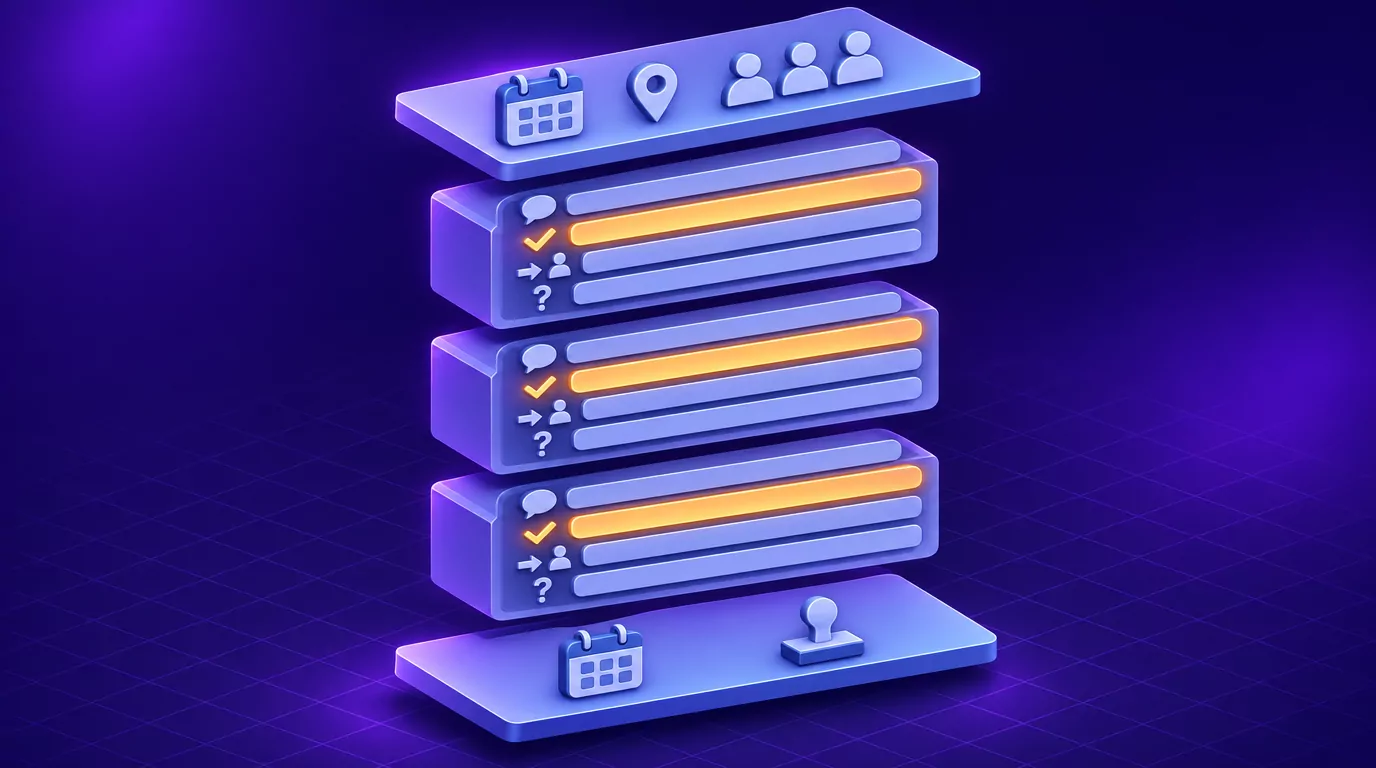
This meeting minutes format works for most team, project and committee meetings. Copy it into a blank Word or Google Docs document and fill in the brackets.
MEETING MINUTES
Meeting: [Name of the meeting]
Date and time: [Weekday, Month day, year], [start] to [end] [time zone]
Location: [Room, or video call]
Chair: [Name]
Minutes taken by: [Name]
Present: [Names]
Absent: [Names]
Guests: [Names, or none]

1. [Agenda item]
Summary: [One to three sentences: what was discussed and why it matters]
Decision: [What was agreed, any condition, when it starts. Or: No decision]
Action: [Owner] will [task] by [date]
Open question: [What is unresolved, who brings the answer, to which meeting]

[Repeat for each agenda item]

Parked for a later meeting: [Topics raised but not discussed]
Next meeting: [Date, time, location]
Status: Draft, sent [date]. Corrections to [name] by [date].
For formal meetings, drop the Summary lines and add the lines listed under What formal minutes add, as in Example 3.
Microsoft's own Word minutes templates are another place to start.
3 meeting minutes examples
Each meeting minutes example below fills in the same template for a different kind of meeting. All names are made up.
Example 1: weekly team meeting
MEETING MINUTES
Meeting: Support team weekly
Date and time: Tuesday, November 17, 2026, 10:00 to 10:30 a.m. ET
Location: Video call
Chair: Nadia Hassan
Minutes taken by: Ben Ortega
Present: Nadia Hassan, Ben Ortega, Keiko Tanaka, Luis Moreno
Absent: Ada Nwosu
Guests: None

1. Ticket backlog
Summary: Luis reported 140 open tickets since the product update.
Decision: The team agreed to a two-week weekend rota trial starting Saturday, November 21.
Action: Nadia will publish the rota by Thursday, November 19.
Open question: Whether the trial continues. Luis brings two staffing options to the November 24 meeting.

2. Reply macros
Action: Keiko will draft five new reply macros and share them in the team channel by Friday, November 20.

3. Chat hours
Summary: Luis proposed longer chat hours. The team wants data before deciding.
Decision: No decision.
Open question: Whether to extend chat hours. Luis will bring chat volume by hour to the November 24 meeting.

Next meeting: Tuesday, November 24, 2026, 10:00 a.m. ET, video call
Status: Draft, sent November 17. Corrections to Ben by November 18.
Why it works: every line answers what was decided or who is doing what by when, and the open questions already name the next meeting.
Example 2: project status meeting
MEETING MINUTES
Meeting: Website relaunch, status
Date and time: Thursday, November 19, 2026, 2:00 to 2:45 p.m. ET
Location: Room 4B and video call
Chair: Farah Qureshi (project manager)
Minutes taken by: Ravi Menon
Present: Farah Qureshi, Ravi Menon, Elif Kaya (design), Mateo Alvarez (engineering)
Absent: None
Guests: None

1. Launch date
Decision: Launch stays on Tuesday, December 8. The blog migration moves to January.

2. Checkout testing
Summary: Payment page tests are not finished.
Action: Mateo will finish checkout tests by Wednesday, December 2.

3. Homepage copy
Summary: The copy is written and waiting for sign-off.
Open question: Who gives final approval. Farah will confirm with marketing by Monday, November 23.

Parked for a later meeting: New navigation labels
Next meeting: Wednesday, November 25, 2026, 2:00 p.m. ET
Status: Draft, sent November 19. Corrections to Ravi by November 20.
Why it works: the decision says what changed and what did not, so nobody has to ask whether the launch moved.
Example 3: formal or board meeting
MEETING MINUTES
Meeting: Maple Street Community Garden Association, board meeting
Date and time: Monday, November 9, 2026, 7:00 p.m.
Location: Community Center, Room 2
Chair: Ruth Okonkwo
Secretary: Iris Novak
Present: Ruth Okonkwo, Iris Novak, Henry Cole, Amara Diallo, Felix Brandt
Absent: Joan Whitaker
Quorum: Present (5 of 6 directors)

Call to order: 7:02 p.m.
Approval of minutes: The October 12 minutes were approved as circulated.
Motion: Felix Brandt moved to approve the 2027 plot fee schedule as circulated. Carried, 4 to 1.
Action: Iris will post the fee schedule on the garden notice board by Monday, November 16.
Adjournment: 8:14 p.m.
Next meeting: Monday, December 14, 2026, 7:00 p.m.
Status: Draft, to be approved at the December 14 meeting.

Respectfully submitted,
Iris Novak, Secretary
Why it works: anyone can see that the vote was valid (quorum, the exact motion, who moved it, the result) without reading the debate. The "Respectfully submitted" closing is traditional, and many groups now drop it.
How to take meeting minutes without falling behind
Taking minutes at a meeting is easier when most of the document exists before anyone speaks.
- Before the meeting: paste the template into the doc. Fill in the header, the attendee list and the agenda items, so during the meeting you only add outcomes.
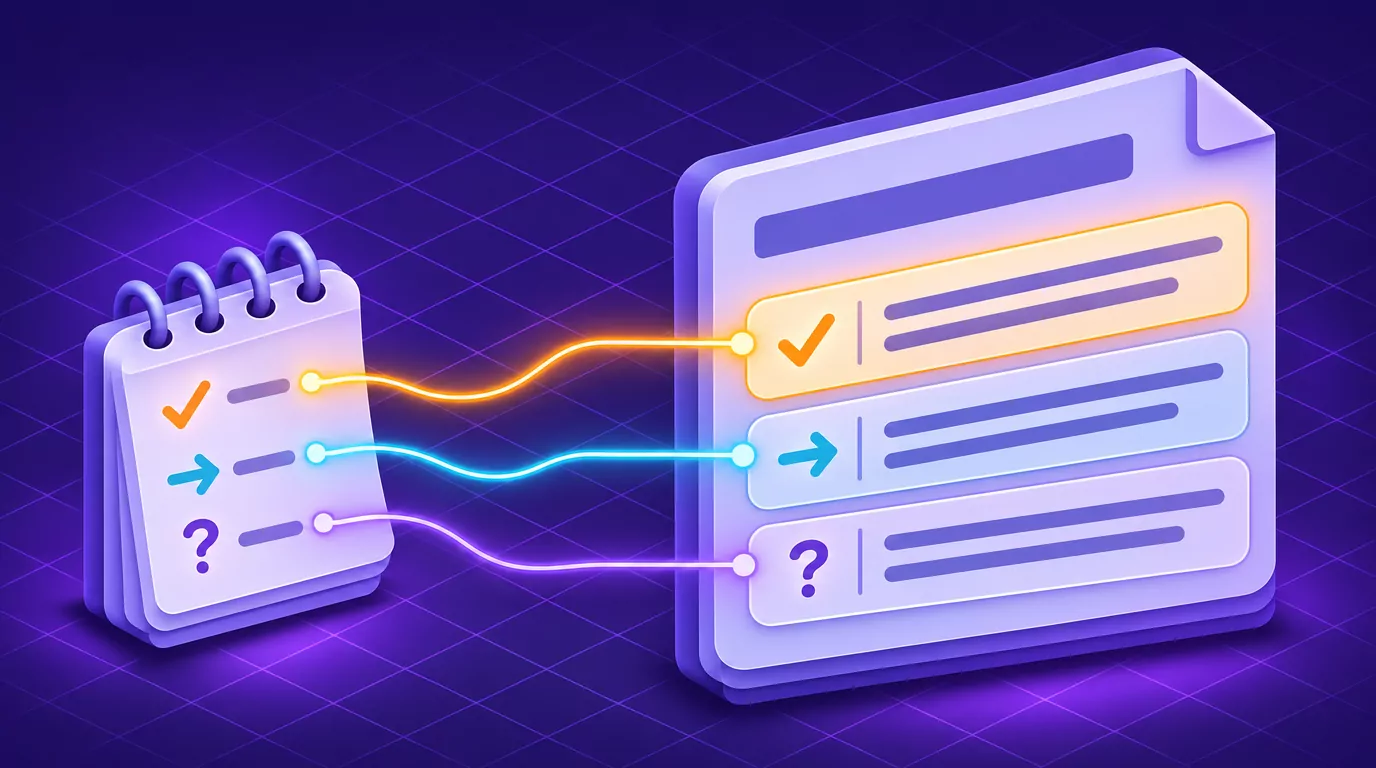
- During the meeting: write jots, not sentences. Under each agenda item, use a three-letter shorthand: D: for a decision, A: for an action (owner, task, date) and Q: for an open question. When the chair states a decision, write it down word for word.
- When a topic is not on the agenda: give it its own numbered item if the group discusses it, or add it to the Parked line if not.
- When something is unclear: ask. "Just to confirm for the minutes, we agreed to...?" is a normal request, not an interruption. If the moment passes, flag the jot and ask during the read-back.
- At the end: read the decisions and actions back in the last two minutes, so the owners hear their names.
- If you are chairing or speaking a lot: ask someone else to take the minutes, or rotate the job.
The jots for Example 1 might look like this:
1. Backlog
D: wknd rota trial, 2 wks, from Sat 21
A: NH rota Thu
Q: keep trial? LM 2 options, 24th
2. Macros
A: KT macros Fri
3. Chat hours
Q: extend? LM volume by hour, 24th
Write them up within the hour by saying them out loud
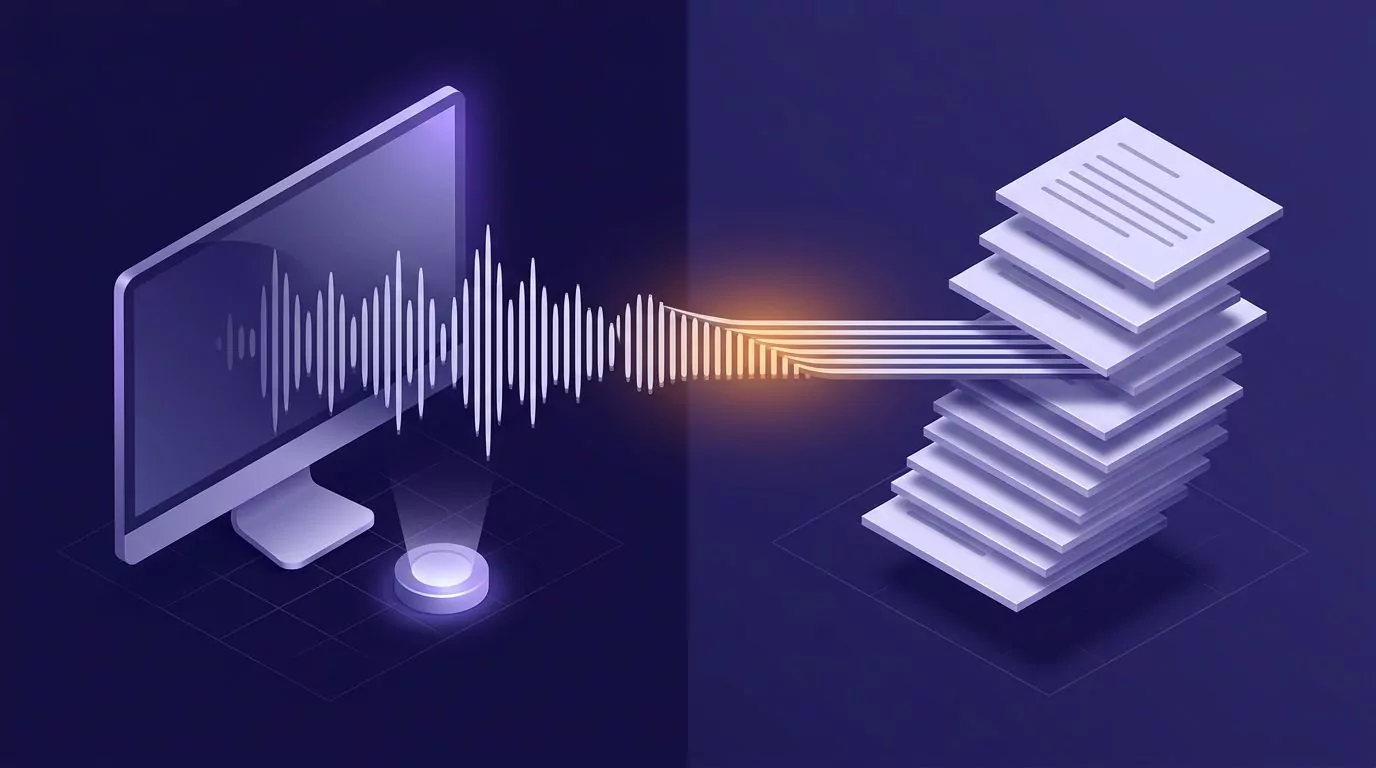
A jot like "A: KT macros Fri" means something today and nothing next week. Turning each jot into a full sentence is the slow part, and saying a sentence is often quicker than typing it. That is where a dictation app such as VoiceSnap Pro fits, after the meeting.
- Open the minutes with your jots beside them. Use Google Docs, Word, a Notion page or the email you will send. Click into the first Summary line.
- Say each jot as a full sentence. Hold the dictation shortcut (Right Option on Mac, Right Alt on Windows, customizable). Say it in past tense and third person, such as "Luis reported 140 open tickets since the product update", and release. VoiceSnap Pro types punctuated text at the cursor in any text field, with no integration needed. There are no voice commands, so click into the next field yourself and repeat.
- Correct dates and owners out loud. Clean up dictation is on by default. It removes fillers, stutters, repeated words and slips you correct out loud, so "Keiko, no, Luis will bring chat volume by hour" keeps Luis. It only deletes words and tidies punctuation and capitals. It never rewords, so turning "I think we sort of agreed" into a neutral decision line is still your job.
- Dictate one field or agenda item at a time. Clean up works on dictations of up to about five minutes, so this stays inside the limit; a single very long dictation is left as transcribed. You can turn Clean up off in Settings.
- Go hands-free if you prefer. Control+Option+D on Mac or Ctrl+Alt+D on Windows lets you dictate without holding a key.
- Teach it the names once. Copy the names on the Present line into personal vocabulary so the next minutes spell them your way. It makes your spelling likely, not certain, and it syncs to your other computers.
- Read it once against your jots. Check every name, number and date. Every action needs an owner and a date, and every decision must make sense alone.
New to dictating at a desk? Start with this guide to talk to text on a computer for Mac and Windows.
If you cannot write them up yet
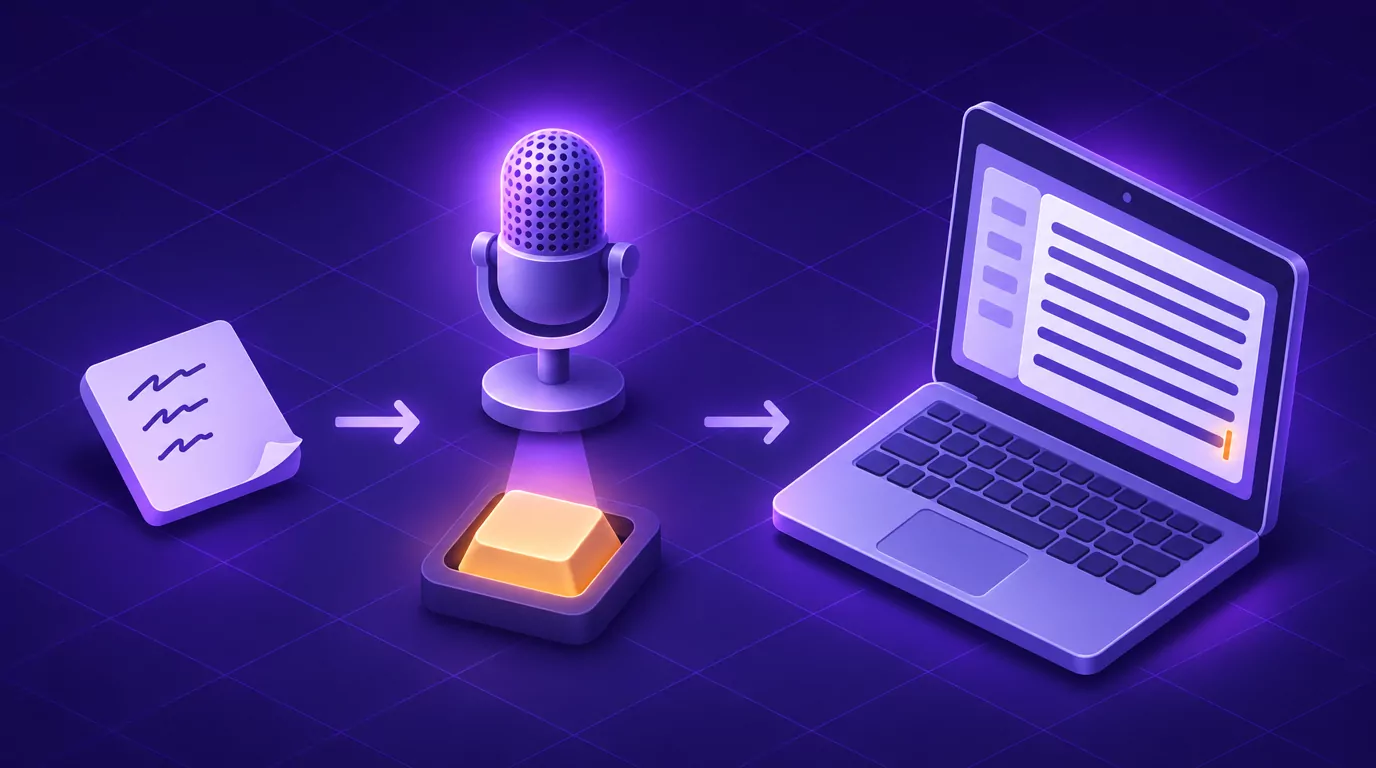
Hold the voice-note shortcut (Right Command on Mac, Right Ctrl on Windows) and say what you remember in a minute. It is saved as a voice note in your account, by default with its recording, so you can write the minutes later. It is your own spoken recap, not a recording of the meeting. The action items guide covers this kind of debrief, and the voice notes page explains how notes are kept.
What VoiceSnap Pro does not do here
It does not join, record or transcribe meetings, and the app does not transcribe uploaded audio or video files. Dictation audio is discarded after transcription.
A voice-note recap keeps its recording in your account unless you set Keep recordings to 30 days or Don't keep. With AI titles on (the default), its text also goes to OpenAI to write a title, as it does for AI tags once you have made tags.
Audio goes over an encrypted connection to VoiceSnap's server in Ireland and on to OpenAI for transcription. With Clean up on, the transcript goes to OpenAI once more to be tidied.
Nothing is used to train AI models, and the app needs an internet connection. For board, HR or other confidential minutes, check the VoiceSnap Pro FAQ and your organization's policy.
How to send, approve and store the minutes
- When: send them the same day if you can, or the next day at the latest. That is common practice, because people still remember the meeting.
- Who: attendees, absentees, and anyone who owns an action item but was not there.
- How: use a subject line like "Minutes: Support team weekly, November 17, 2026". Put the decisions and action items at the top of the email body (bottom line up front), then the full minutes below or a link to the document. Ask for corrections by a named date. To talk the cover email instead of typing it, see Gmail dictation without an extension.
- Approval: formal groups approve the previous minutes at the next meeting, usually by unanimous consent rather than a formal motion and vote. Drafts usually go out in advance, so the meeting is not spent reading them. Informal team meetings rarely need approval beyond the corrections deadline. Either way, mark the minutes Draft until then.
- Storage: keep one shared folder and use date-first file names, such as "2026-11-17 Support team weekly minutes". They sort in order, and a phrase search finds an old decision later. If your organization has a records policy, it sets how long to keep them.
Frequently Asked Questions
What is the difference between a meeting agenda and meeting minutes?
The agenda is the plan sent before the meeting: topics, order, time and an owner per item. The minutes are the record written after it: what was decided, who does what by when, and what is still open. Minutes follow the agenda's order, so a clear agenda makes them easier.
Can ChatGPT make meeting minutes?
Give it your notes or a transcript and it can reshape them into a minutes format. But it only knows what you give it, and it can turn a passing comment into a decision. Pasting a confidential discussion into a chatbot may also break your organization's rules. Check every name, date and decision.
Can I record the meeting and write the minutes from the recording?
If everyone agrees and your organization allows it, a recording or transcript can help you check a detail. A person still writes the minutes. Recording rules vary by place, so ask first. VoiceSnap Pro does not record meetings. See how a meeting minutes recorder differs from dictation.
How long should minutes of a meeting be?
As a rule of thumb, long enough that someone who missed the meeting knows what was decided and who is doing what by when, and no longer. For an hour-long team meeting, that is often a page or less. Formal minutes follow the same rule.
Who should take the minutes?
In formal groups, the secretary or a named clerk. In teams, anyone who is not chairing. Rotating the job spreads the load and keeps one person from always missing the discussion. The chair usually reviews the draft before it goes out.
Your next minutes: jot, then talk them out
During the meeting, jot D, A and Q under each agenda item. Within the hour, say the full minutes into the document. If you want one shortcut that types what you say into any app on Mac or Windows, VoiceSnap Pro is free to start, with no card. Download free.