Cognitive Offloading: What Handing Memory to Notes (and AI) Does to Your Thinking
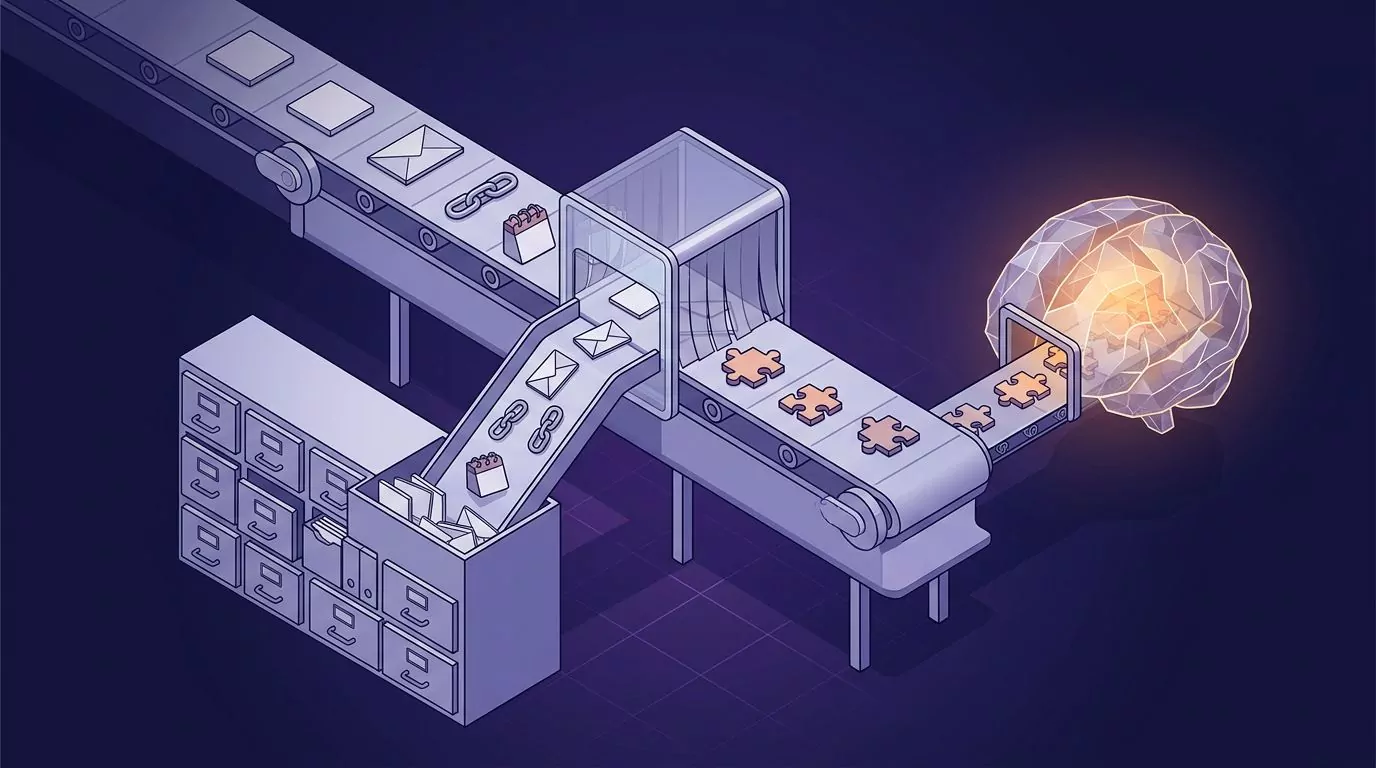
Cognitive offloading is using something outside your head, like a note, a calendar, a phone or an AI tool, to cut the mental work a task needs. It reliably helps with the task in front of you. The cost is memory: you tend to forget what you offloaded, unless you engage with it again later.
That trade matters more now that AI can do the thinking as well as the storing.
What cognitive offloading is, and what it is not
The standard definition comes from a 2016 review by Evan Risko and Sam Gilbert. In plain words, the cognitive offloading definition is this: you use your body or the world so a task asks less of your brain. Tilting your head to read sideways text counts, and so does counting on your fingers or writing a number down.
You can offload three kinds of things:
- Memory. Facts stored outside your head, also called external memory. A commonplace book is an old form of it.
- Intentions. Things you plan to do later, held by a reminder.
- Processing. The work itself, like a calculator doing a sum or an AI tool doing part of the reasoning.
At work, the client's number lives in your contacts, the follow-up from a call goes into a note, and your calendar holds tomorrow's meetings.
Offloading is not the same as cognitive load, John Sweller's 1988 term for the demand a task puts on your mind. Offloading is one way to lower it.
What offloading does to working memory
Working memory is the small mental space that holds what you are using right now. Nelson Cowan (2001) put its limit at about four chunks at once. Offloading a few chunks frees room for the task in hand, so you tend to do it better.
Saving-enhanced memory
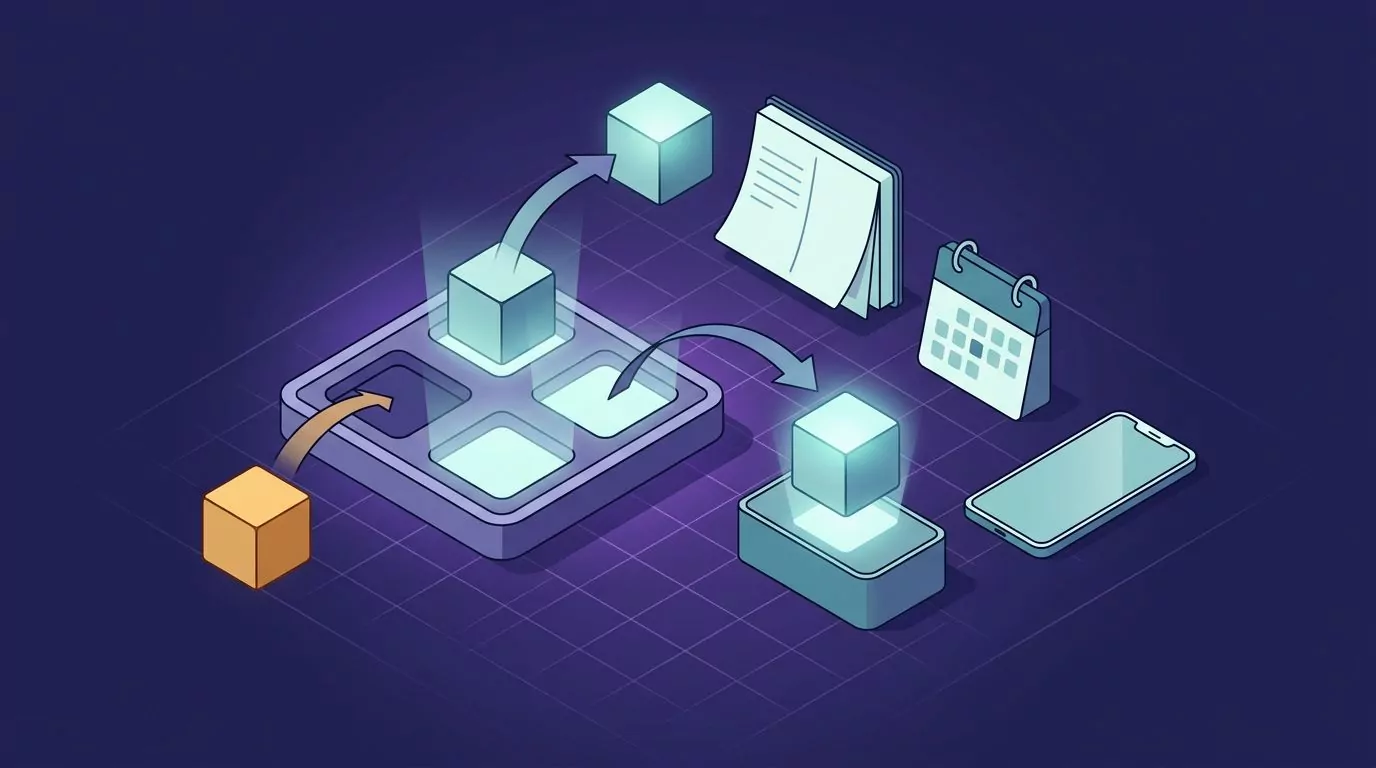
Saving can even help you learn the next thing. In Storm and Stone (2015), people who saved one file before studying a second file remembered more of the second one. Put simply, parking a thought somewhere you trust frees you to take in what comes next.
Intention offloading
People offload future plans too, mostly with reminders. In Gilbert and colleagues (2020), people leaned on reminders more than was strictly best, even when it cost them money. This lean was linked to underconfidence: people who rated their own memory too low set more reminders.
Risk one: you forget what you offloaded, unless you come back to it
A 2025 review by Lauren Richmond and Ryan Taylor sums up the evidence: offloading helps the task, but it is not free. People who suddenly lose access to their notes do worse than people who relied on memory alone.
Experiments by Grinschgl, Papenmeier and Meyerhoff (2021) show the trade in one place. When offloading was easy, people offloaded more and did the task better. They also remembered less of what they offloaded when tested later.
The best-known version is the Google effect. Sparrow, Liu and Wegner (2011) reported that people recalled facts less well when they expected them to stay available, and recalled where facts were stored better than what they said. They framed the internet as a transactive memory partner: Wegner's term for knowing who or what holds a piece of information.
One caveat: a large 2018 replication project retested one result from that paper (that hard questions make people think of computers) and did not reproduce it. The memory findings were not retested there, so treat the Google effect as suggestive, not settled.
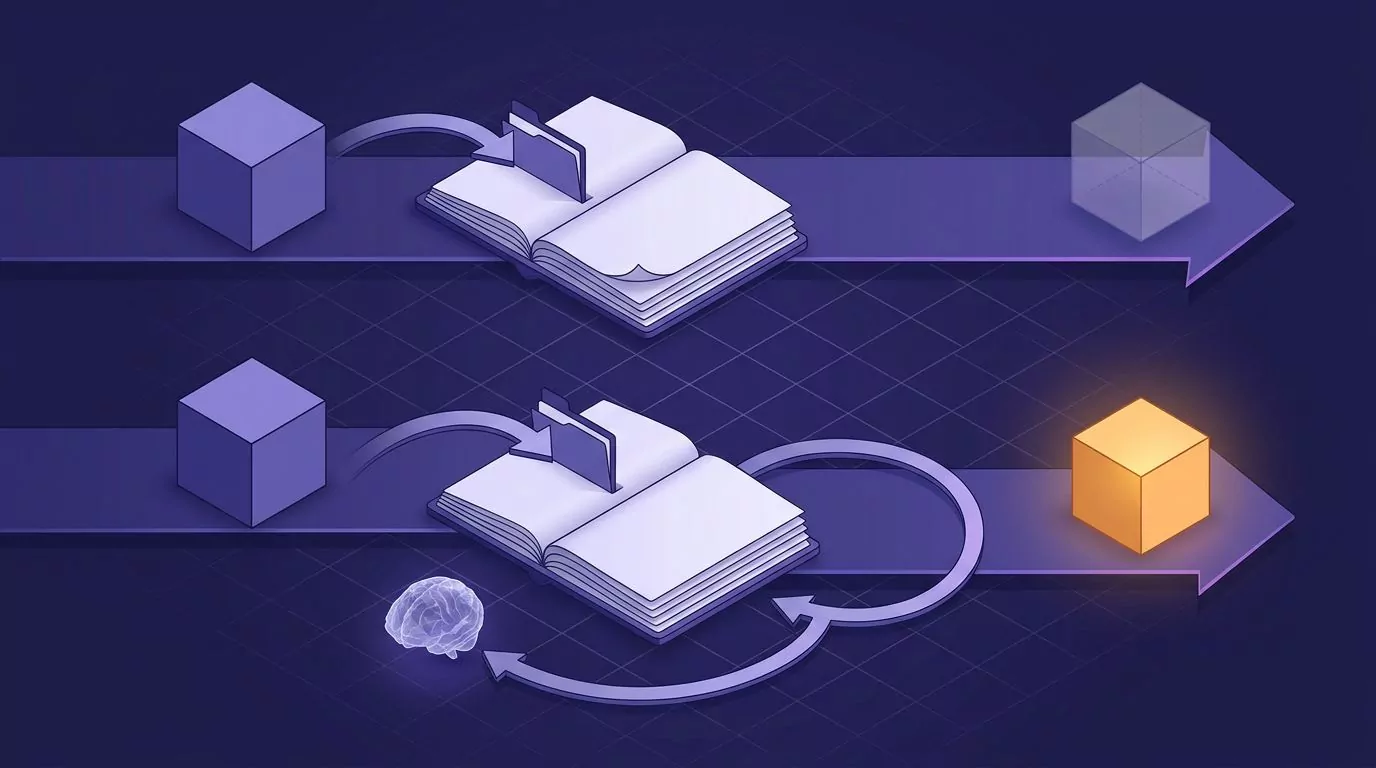
So offloading is not the problem. Never engaging with what you saved again is. A note you cannot find helps nobody either, which is the case for a commonplace book you can search.
By the same logic, a meeting recording you never open is offloading with no engagement. Dictating your own notes instead of recording the meeting keeps you involved.
Risk two: handing the thinking itself to AI
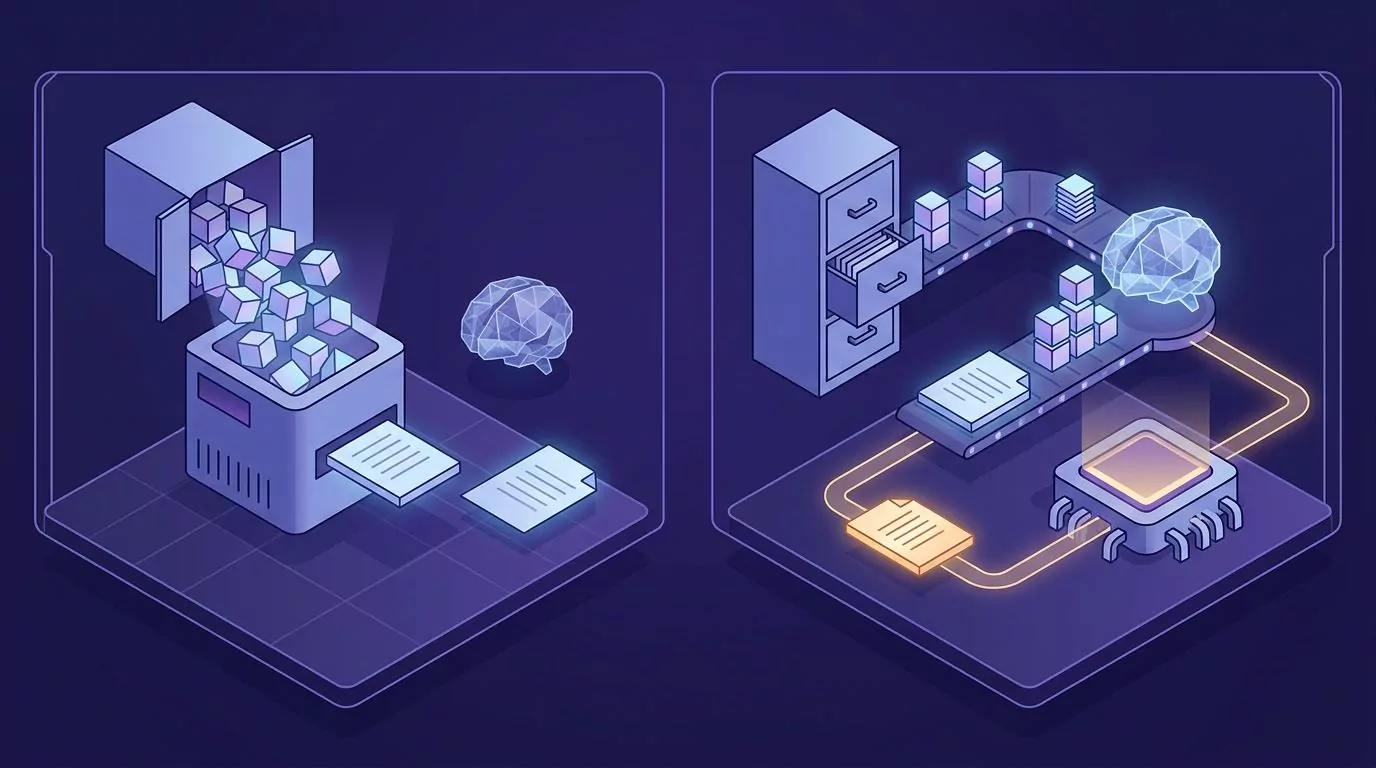
Saving a figure or a quote to a note is storage. Asking an AI tool to form the argument hands over the reasoning, and that is where the newer research on AI cognitive offloading points.
Lee and colleagues (2025), from Microsoft Research and Carnegie Mellon, surveyed 319 knowledge workers. More confidence in generative AI went with less critical thinking, and more self-confidence went with more. The limit: it is all self-reported.
Kosmyna and colleagues (2025) at the MIT Media Lab used EEG while 54 people wrote essays with ChatGPT, a search engine or no tools. The ChatGPT group showed the weakest brain connectivity and struggled to quote their own essays. The limits: a small sample, and a preprint whose arXiv record listed no journal publication as of October 2026.
A survey of 666 people by Gerlich (2025) found that heavier AI tool use went with lower critical thinking scores, partly through offloading. It is correlational, so it cannot show cause.
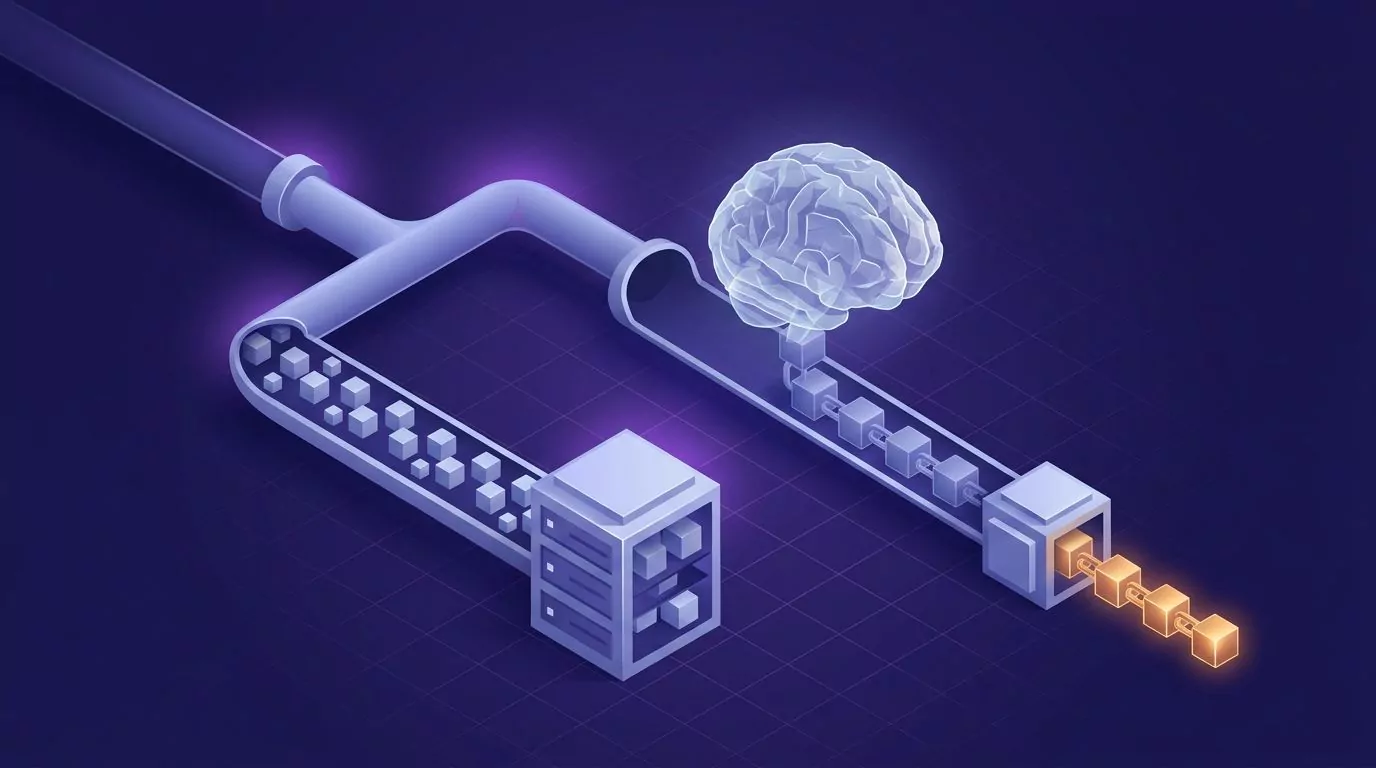
None of this proves a negative impact of AI on critical thinking, but the studies point the same way. Store with tools freely, do the first pass of thinking yourself, then bring AI in to tighten, check or reformat.
When you open ChatGPT, dictate your own reasoning into the prompt instead of asking it to think for you. The first pass can be rough; you can even talk to text on your computer, as long as the argument is yours.
What to offload vs what to keep in your head
Use this table as a default.
| Item | Offload it? | Why | Work example |
|---|---|---|---|
| Exact figures and dates | Offload. | Memory blurs numbers. | Revenue by region. |
| Phone numbers and addresses | Offload. | Pure lookup. | A vendor's support line. |
| Verbatim quotes | Offload. | Wording drifts as you recall it. | A customer's exact complaint. |
| Commitments and follow-ups | Offload. | A missed promise costs more than a note. | Send the deck by Friday. |
| Meeting details | Offload. | Times and links change. | Tomorrow's call link. |
| Steps of a rare procedure | Offload. | Too rare to remember. | The yearly license renewal. |
| Sources and links | Offload. | You need the trail, not the text. | The thread behind a decision. |
| Core concepts of your field | Keep, plus a note. | You reason with them. | What drives churn. |
| Names and context of colleagues | Keep, plus a note. | You need them mid conversation. | Who owns billing, and why. |
| Shortcuts and tools you use daily | Keep. | Looking them up breaks your flow. | Your editor's search shortcut. |
| Your position on an open decision | Keep, plus a note. | If only the note knows it, you cannot defend it. | Whether to raise a price. |
| The first draft of an argument | Keep, plus a note. | Drafting it is the thinking. | The case for a new hire. |
Rule of thumb: offload what you need to retrieve exactly, and keep what you need to think with.
Worked example: a PM's pricing recommendation
Say a product manager must recommend a starter plan price. Here is the task done two ways, with an illustrative figure.
| Step | Before: AI first | After: first pass yourself |
|---|---|---|
| Inputs | Paste churn figures and quotes into a chat. | Save churn figures (say, 6% a month), two verbatim quotes and source links in notes. |
| Reasoning | Ask the AI what the price should be. | Write the recommendation in your own words first. |
| The AI's job | Produce the answer. | Tighten the draft and check it against the saved figures. |
| In the meeting | The reasoning is the model's, so the PM cannot defend it. | The PM's own argument, sharpened and checked. |
How to offload without paying the memory cost
In Storm and Stone's study, the saving benefit vanished when the save was unreliable. So offload to one store you trust, rather than splitting notes across several apps.
Grinschgl's team found a real memory cost, so anything you will need in your head later deserves one more pass after saving. Try to recall what a note said before you reopen it. In their third experiment, people made to offload fully who knew a memory test was coming almost cancelled out the cost.
For the mechanics, a five minute weekly review is enough, and a brain dump by talking gets things out of your head by voice.
Doing this with VoiceSnap Pro
In VoiceSnap Pro, AI actions such as Summarize, Rewrite and Turn into bullet points send text to OpenAI only when you choose one. AI titles, AI tags and Clean up dictation are on by default: AI titles sends a new voice note's text to OpenAI for a short title (a typed note keeps its first sentence as its title unless you ask for one). AI tags sends a new note's text and your tag names so AI can pick up to three of your tags; it never creates tags. Clean up dictation sends the transcript (never the audio) of a desktop dictation or voice note of up to about five minutes to OpenAI a second time to remove filler words, repeats and slips you corrected out loud; it never adds or rewords a word.
Switch any of them off in Settings under AI. Neither your audio nor its text trains AI models (see what is sent to OpenAI). A good habit: read your note back before you press Summarize.
Voice notes keep their recordings (Forever by default, or 30 days, or Don't keep) and version history keeps up to 50 earlier versions, so you can replay and re-read what you actually said; notes come from their own shortcut (hold Right Command on Mac or Right Ctrl on Windows, or press Control+Option+N or Ctrl+Alt+N to go hands-free), are stored encrypted in your account, sync across your Mac and Windows computers, and can be searched by words or by an exact phrase in quotes.
Every new account can try every feature free with 5,000 transcribed words and 50 manual AI actions, given once with no expiry and no card required. Creating, editing and organizing notes has no free-plan cap. Pro is $9 a month for unlimited transcription and manual AI actions, subject to fair use, on up to 3 devices. Download free for Mac or Windows. Automatic AI titles, tags and reminders set by voice do not count as manual AI actions.
Frequently Asked Questions
What is an example of cognitive offloading?
Saving a colleague's number to your contacts instead of memorizing it is a classic example. Asking AI to summarize a report is offloading too, of the processing kind.
Is cognitive offloading good or bad?
It is mostly good for the task in front of you, because it frees working memory. The drawbacks: you remember less of what you offloaded, and handing over reasoning may mean less critical thinking.
What is cognitive offloading in psychology?
It is using physical action to change what a task demands of your mind, so that it demands less. The working definition comes from Risko and Gilbert's 2016 review in Trends in Cognitive Sciences.
Does using AI hurt critical thinking?
The evidence is suggestive, not conclusive. A self-reported survey, a correlational study and a small EEG preprint all point to less critical thinking or engagement when people lean on AI. None proves cause, so do the first pass of thinking yourself.
What is the Google effect, and is digital amnesia real?
Sparrow, Liu and Wegner (2011) found people remembered less when they expected information to stay available, and recalled where it was stored better than what it said. A 2018 replication did not reproduce the result it tested. Digital amnesia is a label from a 2015 Kaspersky Lab consumer survey, not a clinical condition or a controlled finding; if you are worried about your memory, talk to a clinician.
Is cognitive offloading the same as cognitive load?
No. Cognitive load is the mental demand a task makes, and offloading is one way to reduce it. Writing a list is the offload, and less demand on working memory is the result.
The rule stays simple: offload the storage, keep the thinking, and come back to what you stored.