Speech to text for Mac
Speak your next draft. Keep writing on your Mac.
Dictate into an email, document or AI prompt with one held shortcut. Capture a separate voice note when the thought belongs in your library, with playback, search and reminders to help you return to it.
Apple silicon (M1 or later) · macOS 13 or later · Internet required
Try every feature free with 5,000 transcribed words and 50 manual AI actions, given once with no expiry and no card.
Illustrative dictation example
A reply in your email app
What you say
thanks for the draft the introduction explains the problem clearly please add the two customer examples before we share it with the team
An authored example of punctuated text, not an accuracy benchmark. Check the recipient and meaning, add paragraph breaks yourself, then send.
Hold Right Option, speak, then release.
One shortcut for writing. A separate place for your ideas.
Dictate into the focused field
Place the cursor in Gmail, Slack, Word, your browser or another editable field. Hold the shortcut while speaking. VoiceSnap Pro inserts the transcript after you release and transcription finishes; it does not submit the message.
Save a thought as a voice note
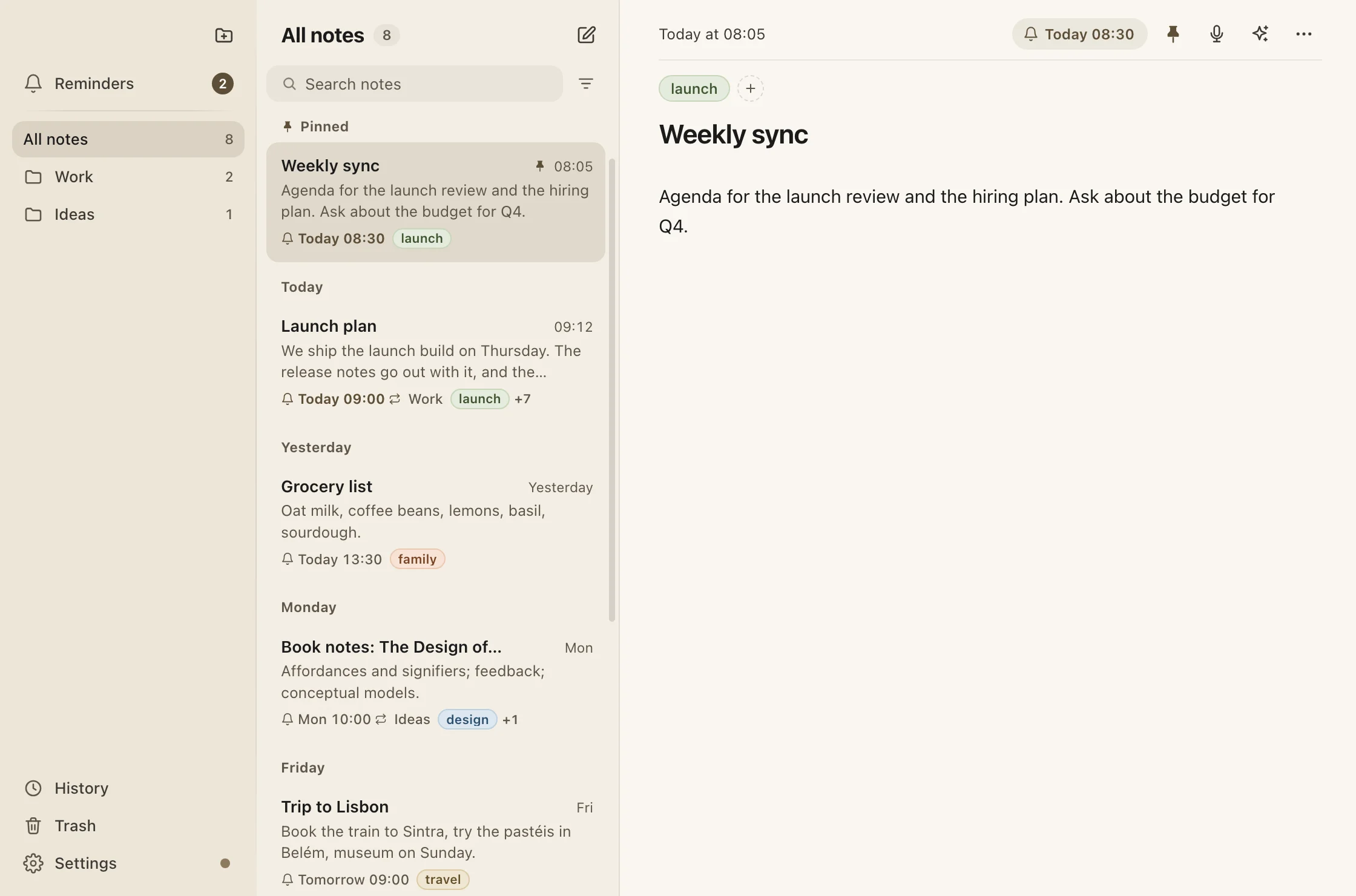
Use the separate Voice notes shortcut to save an idea to your account. Find it through search, folders, tags or pins. Replay a retained recording, add more by voice, or export the note as Markdown.
Keep the writing under your control
Add names and specialist terms to personal vocabulary. Optional dictation history keeps a text copy on this Mac. AI actions let you explicitly rewrite or summarize a note; dictation is never reworded automatically — Clean up dictation only takes out filler words and corrected slips, and can be turned off.
Get from download to your first sentence
Install the Apple silicon build and sign in
Open the download page, choose the Mac installer, and install VoiceSnap Pro. Sign in with Google or a code emailed to you. An account is required for the free allowance.
Grant permissions and choose the shortcut
Follow onboarding to allow Microphone and Accessibility access. Confirm the Right Option default, or choose another shortcut if it conflicts with your keyboard layout or another app.
Test a short sentence in TextEdit
Focus a blank document, hold the shortcut, speak, then release. Wait for the completed transcript. After checking the result, try the same sentence in the email or document field you use for work.
Will it run on your Mac?
- An Apple silicon Mac: M1 or later.
- macOS 13 Ventura or later; Intel Macs are not supported.
- A working microphone, an internet connection and a signed-in account.
- Microphone permission for recording and Accessibility permission for insertion.
VoiceSnap Pro uses cloud transcription through its server and OpenAI. The microphone opens during recording. Dictation history is optional and local; voice notes sync to your account. While Clean up dictation is on, the transcript also goes to OpenAI to remove filler words.
The built-in option
Start with Apple Dictation if it meets your needs
macOS includes Dictation under System Settings → Keyboard. Apple documents punctuation and formatting commands and tells you where to check whether your configuration processes general text on device. Try it first if occasional text entry is all you need. VoiceSnap Pro adds a held shortcut across your desktop and a separate searchable voice-note library.
Apple’s Dictation setup and processing guidanceVoiceSnap Pro vs Apple DictationCompare shortcuts, editing commands, history and voice-note workflows before choosing.Check the fit before you subscribe
- Transcription needs an internet connection. Optional local history does not mean local speech processing.
- VoiceSnap Pro adds punctuation and, by default, removes fillers and corrected slips, but does not infer paragraph breaks or obey spoken formatting commands.
- Dictation is text entry. It does not click buttons, control your Mac, transcribe uploaded audio files or identify meeting speakers.
- A PIN-locked note is a privacy screen, not extra encryption. Reminders fire while the desktop app is running.
Use it where you already write
Setup guides and fixes
Questions before downloading
Try it in the apps you use every day
Download free and try every feature with a one-time allowance of 5,000 transcribed words and 50 manual AI actions. Pro is $9 a month for unlimited transcription and manual AI actions, subject to fair use, on up to 3 devices. Your saved notes stay readable, editable and exportable.